TivroPassKeys — Passwordless Login for WHMCS

TivroPassKeys — Passwordless Login for WHMCS

Developed By TIVRO

Compatible with WHMCS v9.0

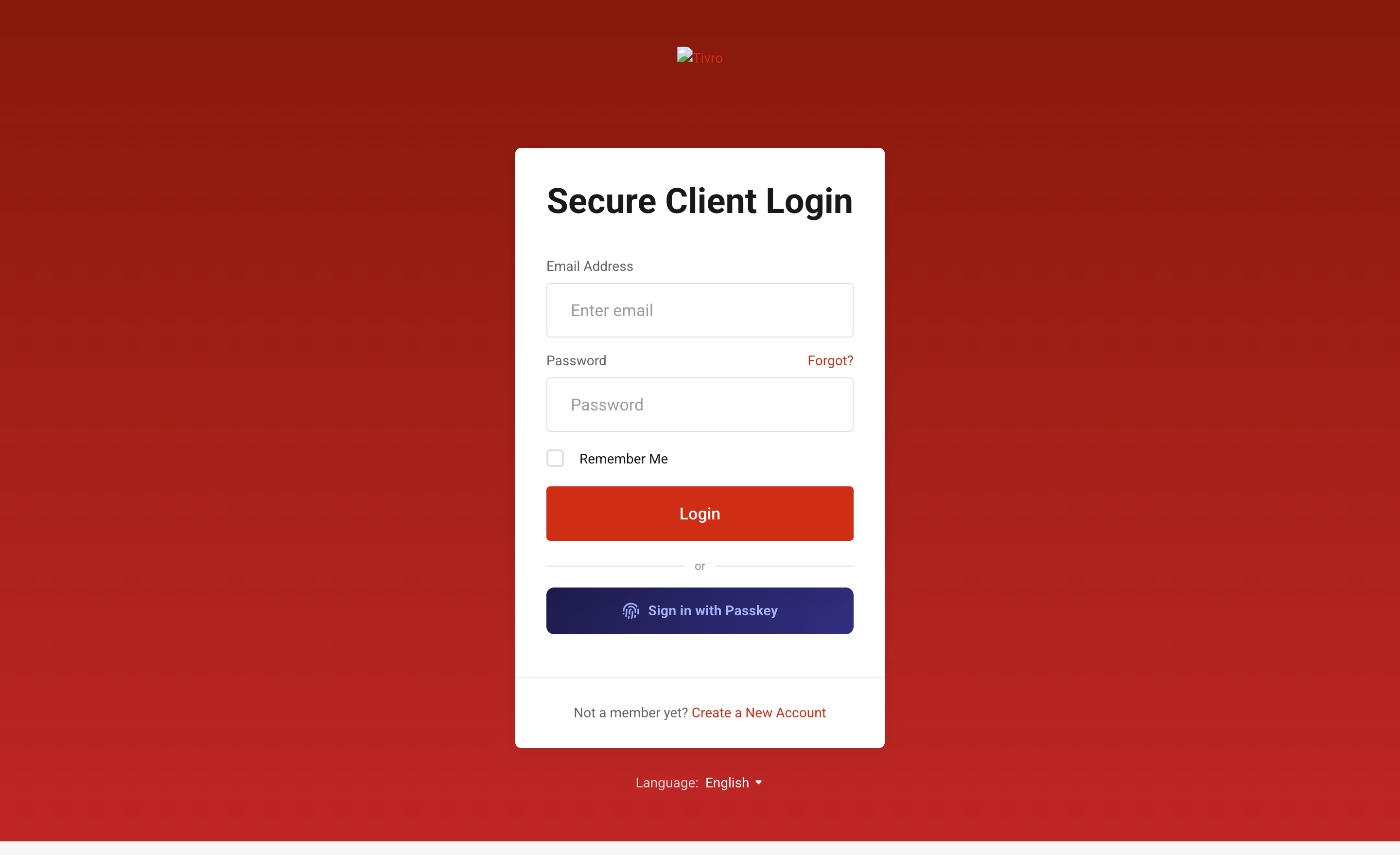
The Tivro Passkeys addon brings passwordless login to WHMCS using the WebAuthn / FIDO2 standard — letting your clients sign in with Face ID, fingerprint, or Windows Hello instead of a password.

Configure passkey enforcement, step-up authentication, email notifications, and audit logging all from a dedicated admin panel — no external tools or third-party services required.

Core Authentication

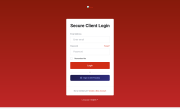
  • Passwordless Login via WebAuthn / FIDO2 — clients authenticate using Face ID, fingerprint, or Windows Hello — fully compliant with the FIDO2 / WebAuthn standard
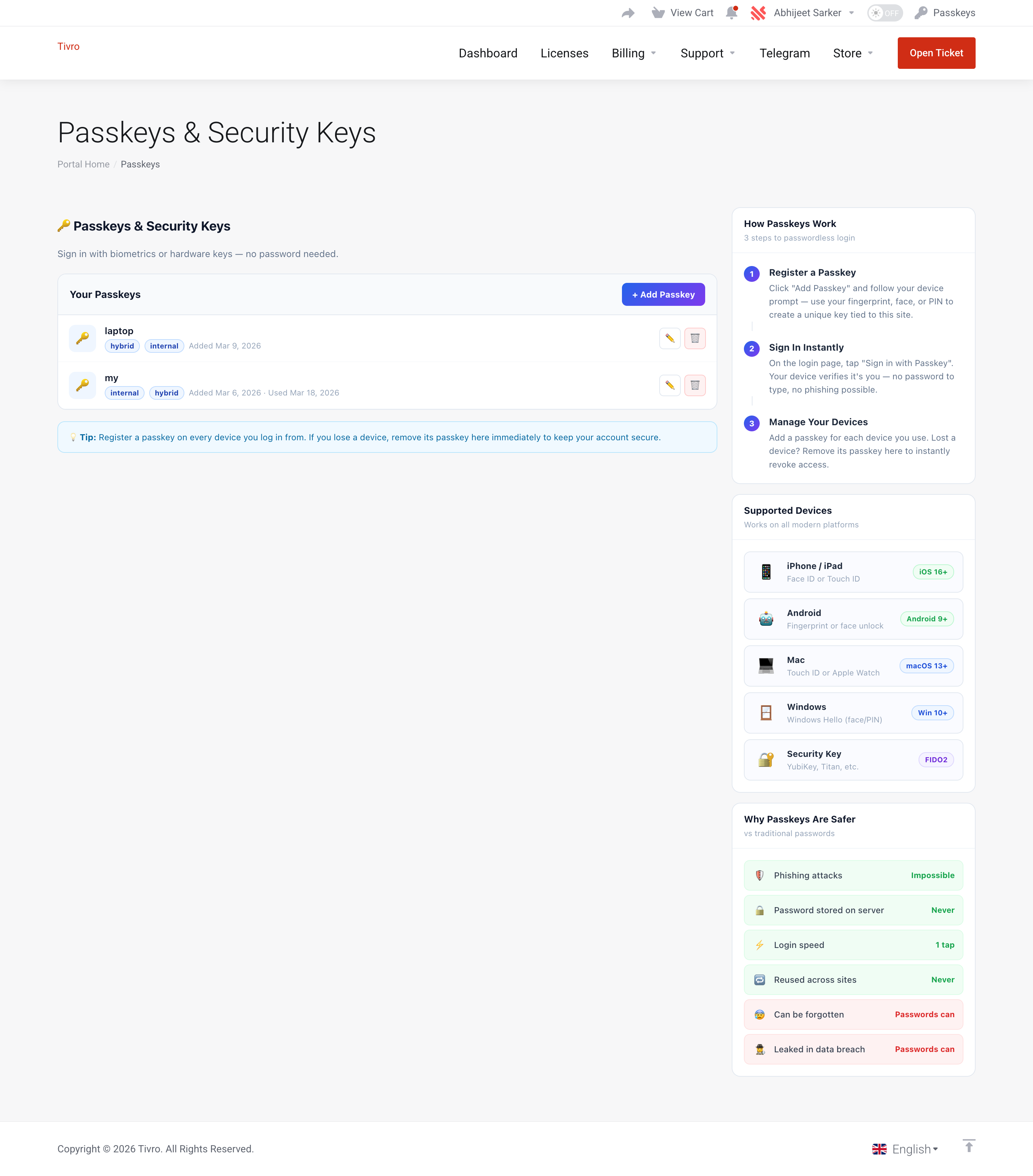
  • Multiple Passkeys per Client — clients can register a passkey for each device or browser from their client area, with the ability to rename or revoke any of them
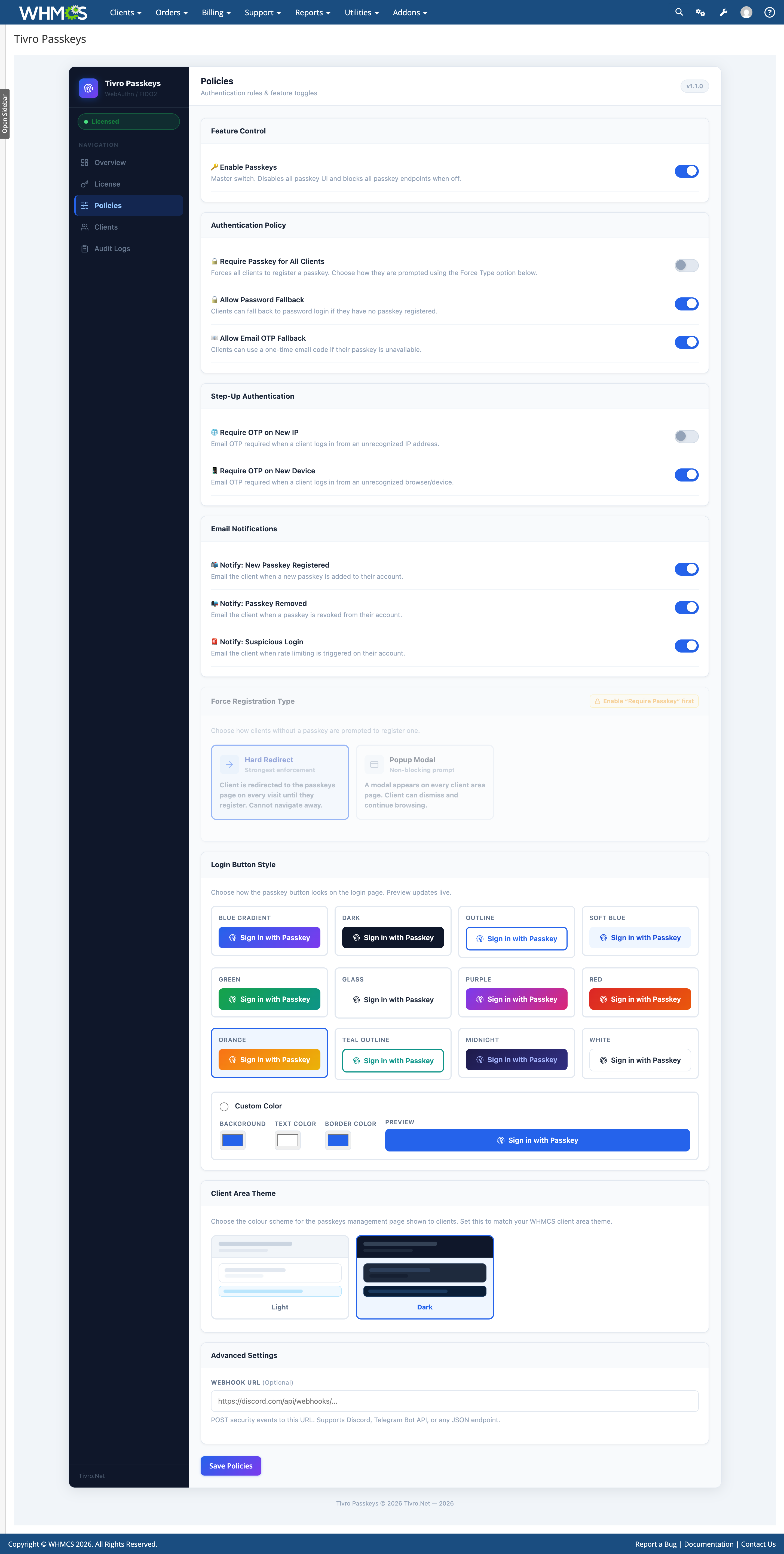
  • Passkey-Required Mode — force all clients to register a passkey; choose between a hard redirect that blocks navigation entirely or a non-blocking popup modal that prompts on every page
  • Password Fallback Control — choose whether clients without a passkey can still use their password, or must register a passkey to proceed

Step-Up Security

  • New IP Detection + OTP Challenge — clients logging in from an unrecognized IP are prompted to verify via a one-time email code before access is granted
  • New Device Detection + OTP Challenge — logins from unrecognized browsers or devices require a one-time email code — even when the passkey itself is valid
  • Email OTP Fallback — if a passkey is unavailable (new phone, lost device), clients can verify with a 6-digit code sent to their registered email

Admin Policy Control

  • Master On/Off Switch — instantly disable all passkey UI and endpoints with a single toggle; no uninstall needed for maintenance or rollback
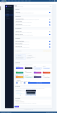
  • Per-Feature Policy Toggles — individually configure passkey requirement, password fallback, OTP fallback, new IP step-up, and new device step-up
  • Force Registration Type — choose between Hard Redirect (blocks all navigation) or Popup Modal (dismissible overlay); settings lock until Require Passkey is enabled
  • Popup Frequency Control — when using popup enforcement, set how often the modal appears — every page load, once per day, or once per browser session
  • Client Area Theme — choose Light or Dark theme for the client-facing passkeys page to match your WHMCS client area design
  • Login Button Theme Customizer — pick from 12 built-in themes or define a fully custom background, text, and border color — with a live preview before saving

Email & Webhook Notifications

  • New Passkey Registration Alert — clients are emailed automatically when a new passkey is added, with the device name, IP address, and timestamp included
  • Passkey Revoked Alert — clients are notified by email when a passkey is removed from their account — by themselves or by an admin
  • Suspicious Login Alert — clients are notified when repeated failed authentication attempts trigger rate limiting on their account
  • Webhook Integration — push security events to any webhook endpoint; natively supports Discord and Telegram Bot API, or any custom JSON endpoint

Admin Client Management

  • Passkey Overview Per Client — view all registered passkeys across all clients with device name, transport type, registration date, and last used timestamp
  • Admin Force-Revoke — instantly revoke any client's passkey from the admin panel with a single click and confirmation prompt
  • Client Search — search and filter clients by name or email to quickly locate and manage their passkeys
  • Paginated Client List — efficiently browse passkeys across large client bases with built-in pagination

Audit Logging

  • Full Audit Log — every security event is logged — registrations, authentications, OTP activity, step-up events, admin revocations, and policy changes
  • Event Filtering — filter the audit log by specific event type to quickly investigate incidents or review account activity
  • CSV Export — export the full audit log or a filtered subset to CSV for compliance records, support tickets, or external review

Security & Reliability

  • HTTPS Enforcement — the module automatically detects your WHMCS system URL and blocks all passkey operations if HTTPS is not active
  • CSRF Protection — all state-changing requests — policy saves, revocations, key submissions — are protected with per-session CSRF tokens
  • Rate Limiting — built-in brute-force protection tracks and throttles failed authentication attempts automatically per client
  • IP & User-Agent Logging — all audit entries capture the client's IP address and device fingerprint for full forensic traceability
  • Known Device Tracking — a per-client registry of trusted devices powers step-up authentication without re-challenging clients on familiar devices

Client Area

  • Passkey Management Page — clients can view, rename, and revoke all their registered passkeys from a dedicated page, complete with device type tags and usage timestamps
  • Setup Banner — a dashboard banner prompts clients who have not yet registered a passkey to set one up, with a direct link to the passkeys page
  • Light & Dark Theme Support — the client-facing passkeys page adapts to your chosen theme — fully styled for both light and dark WHMCS client area designs

Admin Panel

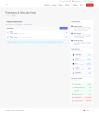
  • Dedicated Admin Interface — a clean, modern sidebar panel covering Overview, Policies, Clients, Audit Logs, and License — no external tools needed
  • Fully Mobile Responsive — the admin panel works across all screen sizes with a collapsible slide-out sidebar on mobile and tablet
  • System Status Widget — at-a-glance overview of license status, passkeys enabled state, HTTPS detection, and last check time on the Overview page
  • Quick Actions — one-click shortcuts to the most common tasks: manage license, edit policies, browse clients, view logs, and export CSV

Compatibility

  • WHMCS 8.0+
  • PHP 8.0+
  • HTTPS required on your WHMCS installation
  • Valid license required — tivro.net


There are no reviews yet!

Be the first to review TivroPassKeys — Passwordless Login for WHMCS.

Version Compatibility


Compatible with WHMCS v9.0

Full Version Compatibility


  • All versions of WHMCS v9.0
  • Selected versions of WHMCS v8.13
        8.13.0 - 8.13.2
  • All versions of WHMCS v8.12
  • All versions of WHMCS v8.11
  • Selected versions of WHMCS v8.10
        8.10.0
  • Selected versions of WHMCS v8.9
        8.9.0
  • Selected versions of WHMCS v8.8
        8.8.0
  • All versions of WHMCS v8.7
  • All versions of WHMCS v8.6
  • All versions of WHMCS v8.5

Support for this product

The best place to start if you need help with a specific product is to contact the developer. All WHMCS Marketplace developers have both a website and support URL listed.

Developed By TIVRO

Changelog

v1.1.0 Released May 22nd, 2026

Latest Version


V1.1.0 - 22/05/2026 ▸ BUG FIXED — Authentication required error during passkey registration ▸ BUG FIXED — Passkey force registration not prompting clients after login ▸ BUG FIXED — Client area theme setting always reverting to light mode ▸ BUG FIXED — Passkey rename not working from client area ▸ ADDED — Client area theme selector (Light / Dark) in admin Policies tab ▸ ADDED — SVG icons throughout client passkeys page ▸ ADDED — Dashboard banner prompting clients without a passkey to set one up ▸ ADDED — Force Registration Type — choose between Hard Redirect or Popup Modal ▸ ADDED — Popup frequency control — Every page load, Once per day, or Once per session ▸ ADDED — Force Registration settings automatically lock until Require Passkey is enabled

 

Previous Versions


vv1.0.0 Released March 16th, 2026

View/hide detailed changelog

  • release


See also

The SSL Store™ WHMCS SSL Reseller Module

Sell 110+ SSL and website security products in WHMCS

Free
Client Password Changer

Easily generate and change passwords for your clients without the need to send an email

Free
Abuse Manager Pro

Creating & managing abuse reports just got easier!

Commercial
CSF Unblocker v4

Give your customers the power to unblock themselves from the CSF Firewall! Lessen your staff support ticket load


Commercial
Phone Verification

Automated Phone Verification. Protect your business and your users

Commercial