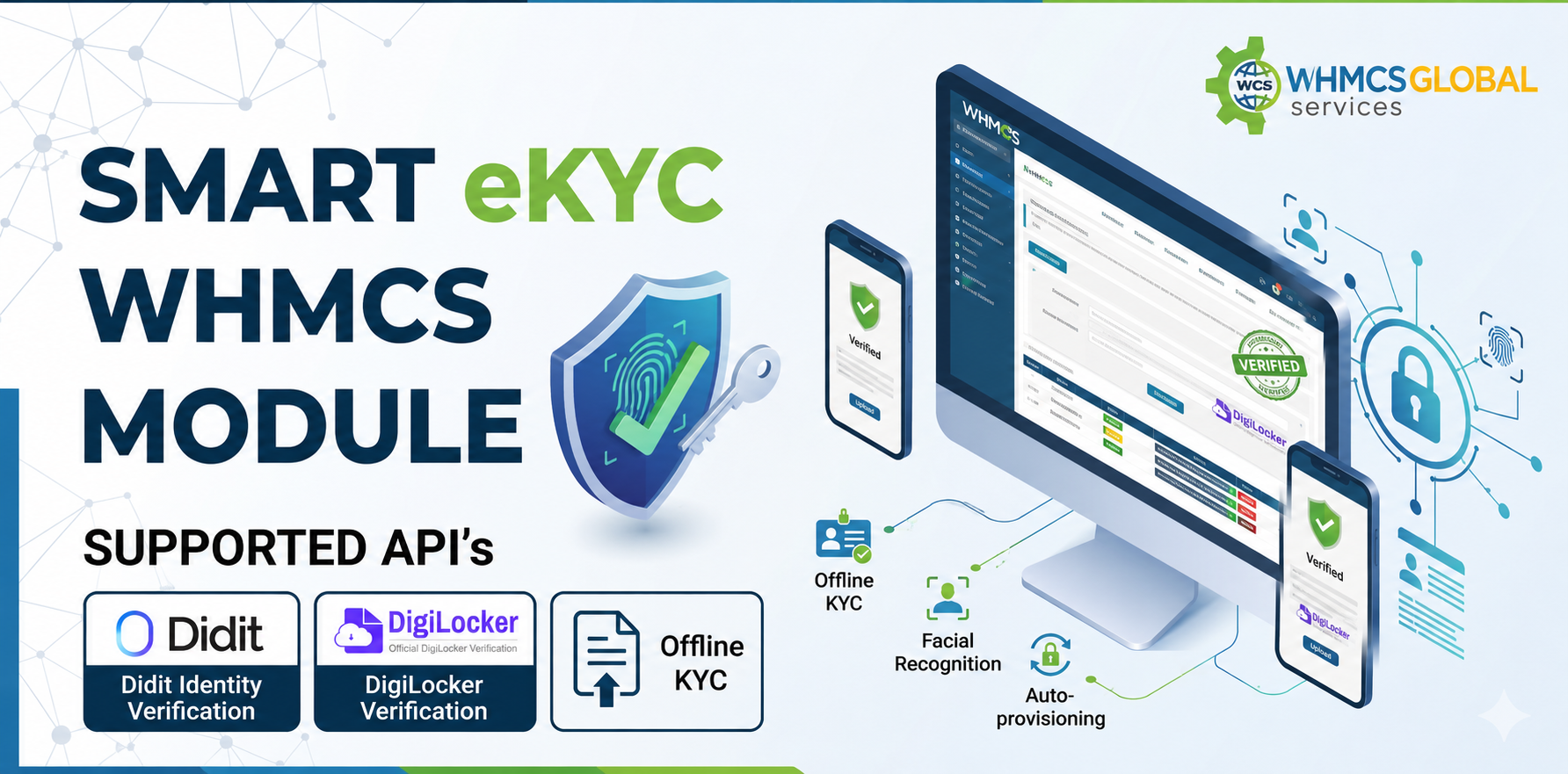
The Smart eKYC Module for WHMCS is an advanced identity verification solution designed for hosting providers, domain resellers, and SaaS businesses. It helps ensure that only verified customers can access your services through automated KYC verification before activation.
The module supports DigiLocker verification for Indian users and Didit.me integration for global customer verification across 220+ countries using ID verification, facial recognition, email verification, business verification, and more.
With a flexible and automated verification workflow, the module helps reduce fraud, prevent abuse, minimize chargebacks, and meet compliance requirements. It also includes manual verification options for additional review, making customer onboarding secure and efficient directly within your WHMCS platform.
Automatically block hosting, VPS, cloud services, and domain provisioning until the customer successfully completes KYC verification
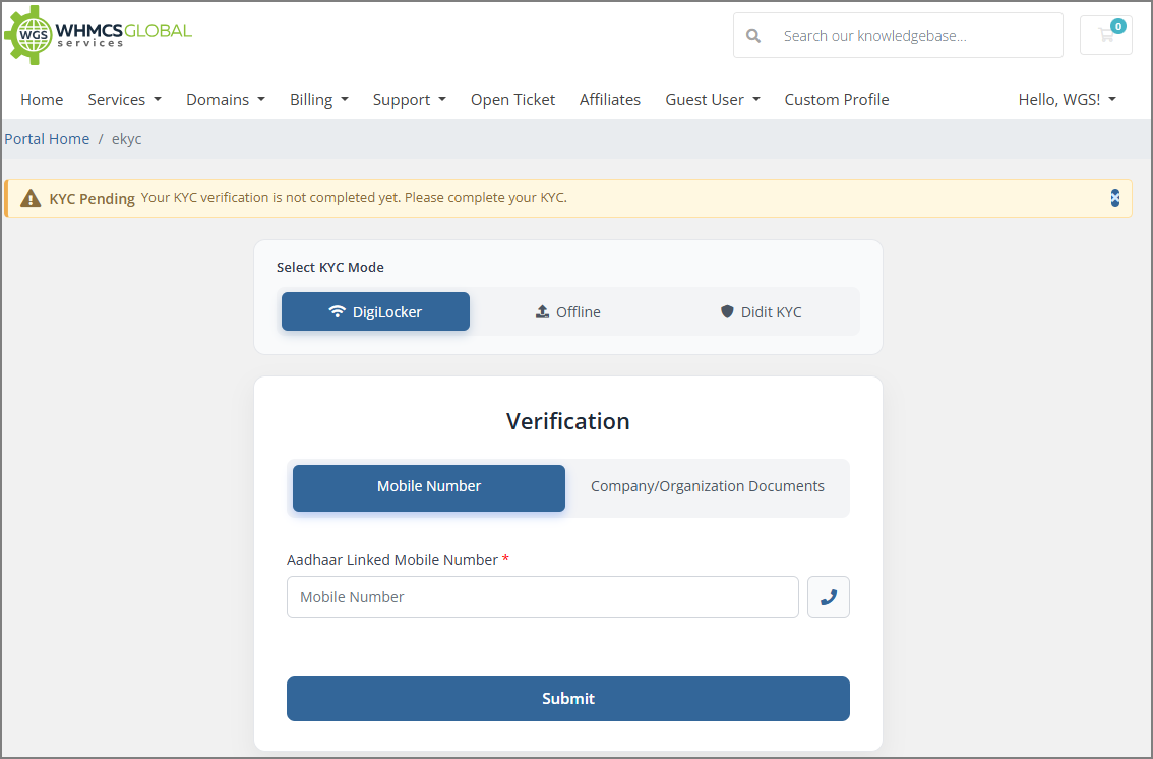
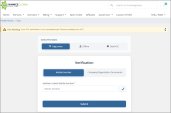
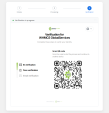
Enable fast, paperless, government-verified identity checks for Indian customers using DigiLocker
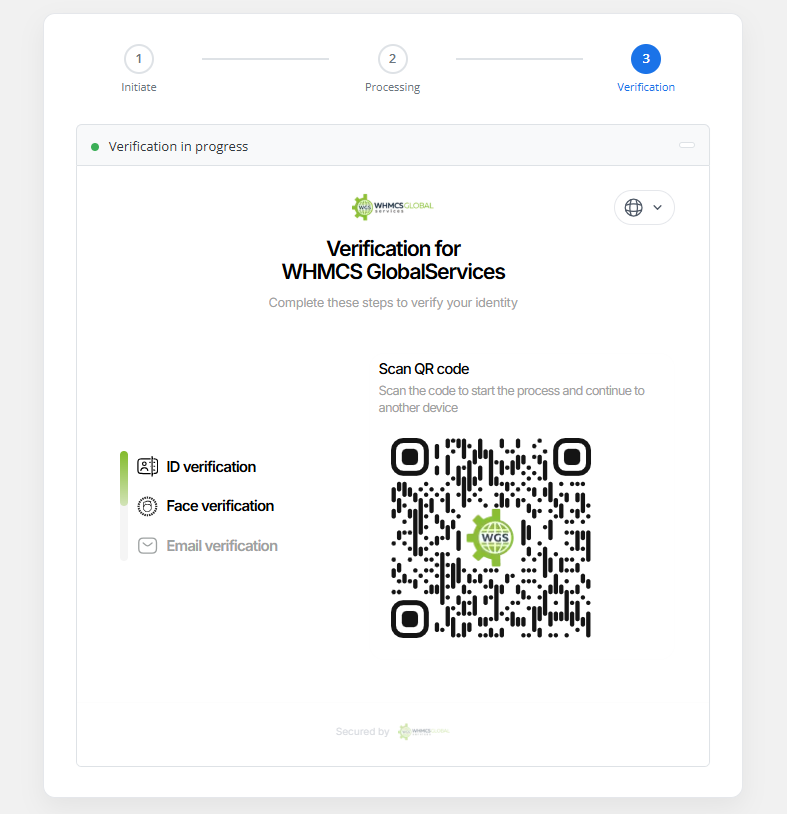
Enable automated KYC verification for customers across 220+ countries using ID verification, face match, email verification, and business verification, helping prevent fraud while ensuring fast, secure, and compliant customer onboarding.
Allow international customers to upload identity documents securely while administrators review and approve submissions
Automatically send KYC verification links, reminders, and status updates via email, ensuring customers complete verification on time without manual follow-ups, improving completion rates and operational efficiency.
Administrators can control whether unverified customers can access specific client area pages
Configure rules to block or allow automatic provisioning for selected domain TLDs
Set automated reminder schedules to notify customers for pending KYC submissions, including first and second reminders after defined intervals
Administrators can upload KYC documents on behalf of customers and approve verification manually
Maintain detailed logs of all KYC activities, including submissions, approvals, rejections, and updates, providing complete transparency, audit readiness, and better monitoring of verification processes.
Allow customers to resubmit documents if their KYC is rejected
Automatically suspend or terminate services if customers fail to complete KYC within a defined timeframe
Automatically change customer account status to inactive or disabled if KYC is not completed within specified days
With our WGS Smart KYC WHMCS Module, you get:
WHMCS Installation WHMCS Configuration WHMCS Products and Services setup Module Customization Module installation
To install the Smart KYC module, you need:
The best place to start if you need help with a specific product is to contact the developer. All WHMCS Marketplace developers have both a website and support URL listed.
Sell SSL on autopilot: automated issuance, validation, installation and renewal, right inside WHMCS.
Easily generate and change passwords for your clients without the need to send an email


Give your customers the power to unblock themselves from the CSF Firewall! Lessen your staff support ticket load



Xes @xes4183
WARNING: Check your billing — duplicate charges confirmed
We used this module for years. The product itself works, but WHMCS Global Services has been systematically double-charging us through their billing system.
Our PayPal subscription pays $49.90 on the due date. Their system adds a $4.99 "late fee" ONE DAY LATER. We then paid again. Result: $104.79 for a $49.90 service, every quarter, for years.
We reported this in 2021. They acknowledged it. Never fixed it. After a formal claim with forensic evidence (41 invoices audited, PayPal Transaction IDs verified), they promised a refund SIX TIMES in writing over 25 days. Never paid.
PayPal resolved three disputes in our favor. WGS still owes $384.85.
Complete forensic evidence package with all Transaction IDs and screenshots: https://get.tomahost.net/s/gA6RzsD37zEJLkP
If you have a PayPal subscription with WGS, check your invoices against your PayPal history.