Overview
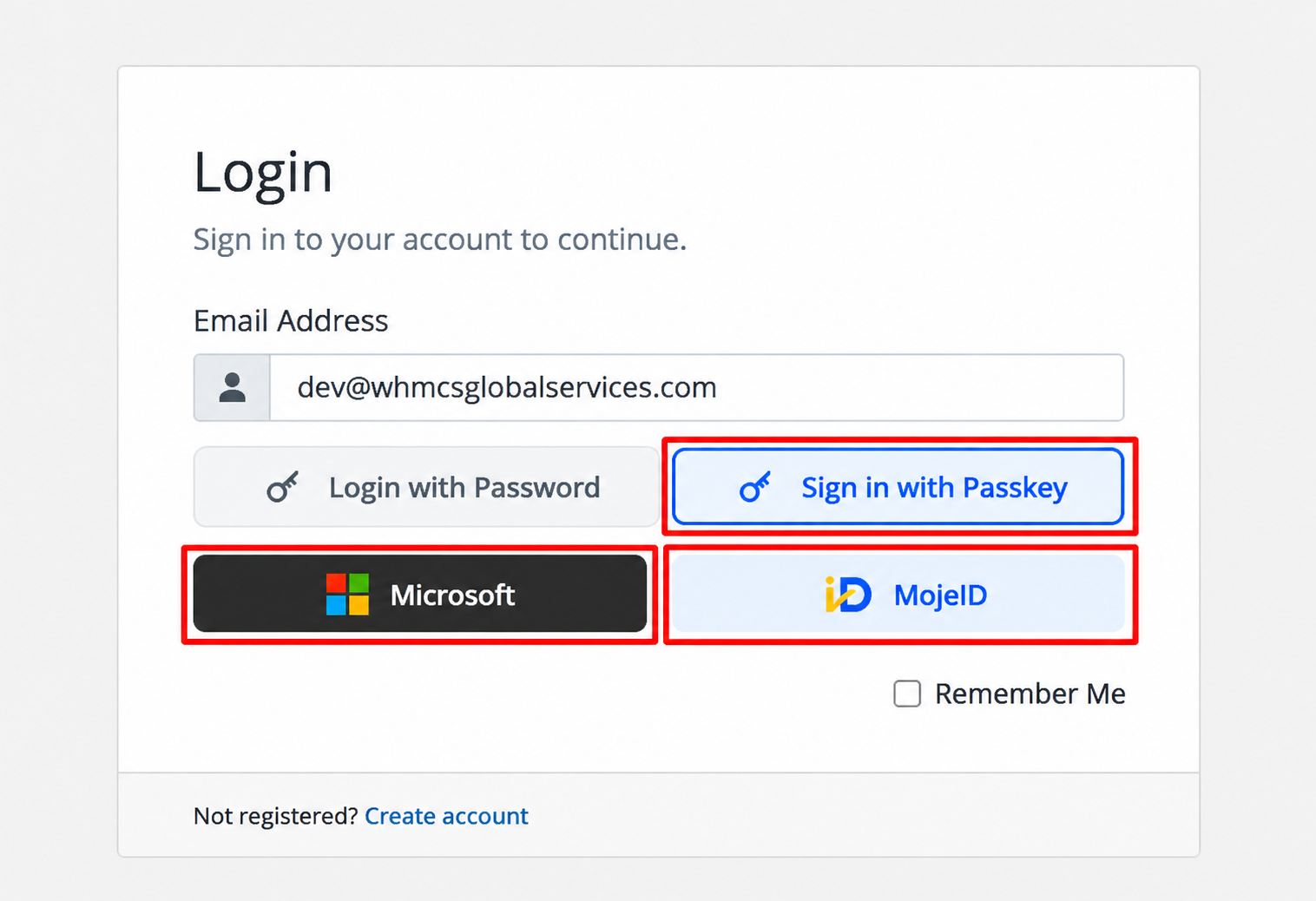
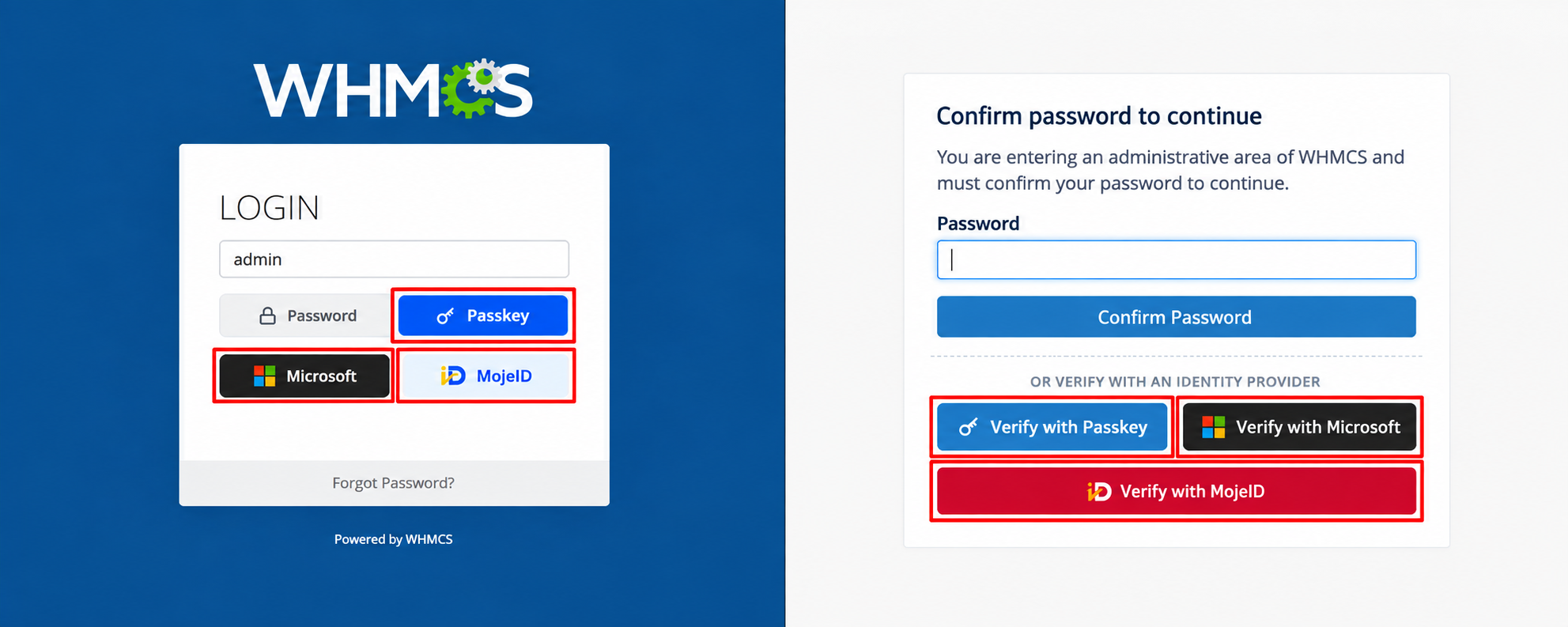
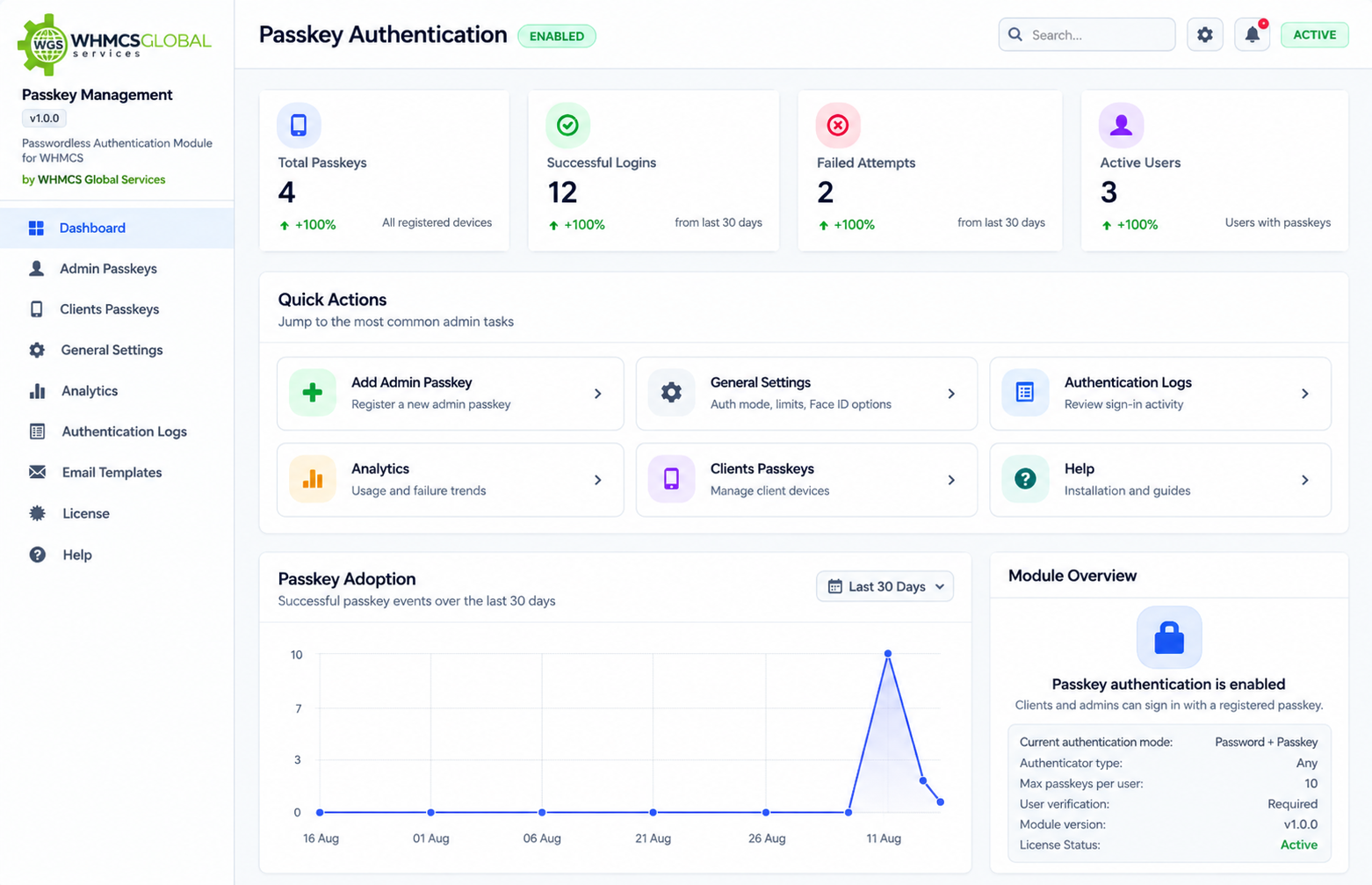
Passkey is a modern authentication module for WHMCS designed to strengthen the security of both administrator and client accounts. It adds an additional layer of protection to the login process, helping prevent unauthorized access and safeguarding sensitive account and billing information. Bring modern, passwordless authentication to your WHMCS environment with Passkeys , Microsoft Entra ID And mojeID. Passkey provides clients and administrators with a faster, simpler, and more secure way to access their accounts using trusted authentication methods.
With Passkey, you can:
Strengthen Account Security – Reduce the risks associated with compromised or reused passwords.
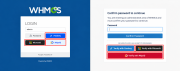
Enable Passwordless Login – Let users authenticate securely using Passkeys and supported biometric or device-based authentication.
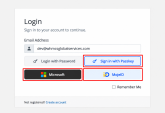
Support Microsoft Entra ID – Provide secure authentication through Microsoft Entra ID for streamlined access management.
Support mojeID – Provide secure authentication through mojeID for streamlined access management.
Protect Sensitive Data – Add stronger authentication controls to help secure critical client, billing, and administrative information.
Improve User Experience – Make account access faster and easier without relying solely on traditional passwords.
Reduce Support Requests – Minimize password-related login issues and account recovery requests.
Simplify Authentication Management– Give users greater control over their registered authentication methods.
Passkey combines strong security, passwordless authentication, and flexible identity management to help you create a safer and more seamless WHMCS login experience for both clients and administrators.
Annual: $17.99 USD (Discount will be applied automatically)
Annual: $129.00 USD (Discount will be applied automatically)
One Time: $799.00 (Open Source + 1 year free support and updates) (Discount will be applied automatically)
What is PassKey for WHMCS?
PassKey is a WHMCS module that adds passwordless authentication for clients and administrators using Passkeys and supported device authentication methods.
Can both clients and administrators use PassKey?
Yes. PassKey supports passwordless authentication for both the WHMCS client area and admin area.
What authentication methods are supported?
PassKey supports Passkeys, fingerprint authentication, Face ID, Touch ID, Windows Hello, Microsoft Entra ID, mojeID and compatible security keys.
What information is available in Passkey logs?
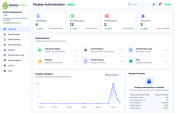
PassKey logs can show authentication activity including when the PassKey was used, IP address, location, device, and related authentication details.
Can staff administrators manage PassKeys?
Staff administrators can manage their own PassKeys, while super administrators can access and manage all PassKey features and actions.
Can users use PassKey across different devices?
Yes. Passkeys can work across supported devices and platforms, depending on the user’s Passkey provider, browser, operating system, and device configuration.
Which browsers support PassKeys?
PassKeys are supported by modern versions of major browsers, including Google Chrome, Microsoft Edge, Apple Safari, and Mozilla Firefox, subject to browser and operating system support.
The best place to start if you need help with a specific product is to contact the developer. All WHMCS Marketplace developers have both a website and support URL listed.
Sell SSL on autopilot: automated issuance, validation, installation and renewal, right inside WHMCS.
Easily generate and change passwords for your clients without the need to send an email


Give your customers the power to unblock themselves from the CSF Firewall! Lessen your staff support ticket load



Fredrik @fredrik3857
Great new feature.
Best of all is the team that can give great support!
Some minor problems, but after a quick session everything was fine and solved.
WHMCS Global Services @whmcsglobalservices
@fredrik3857 Thank you, Fredrik, for your kind words and feedback! We’re glad we could quickly resolve the minor issues and get everything working smoothly. We truly appreciate your support!
Owner@WHMCS Global Services