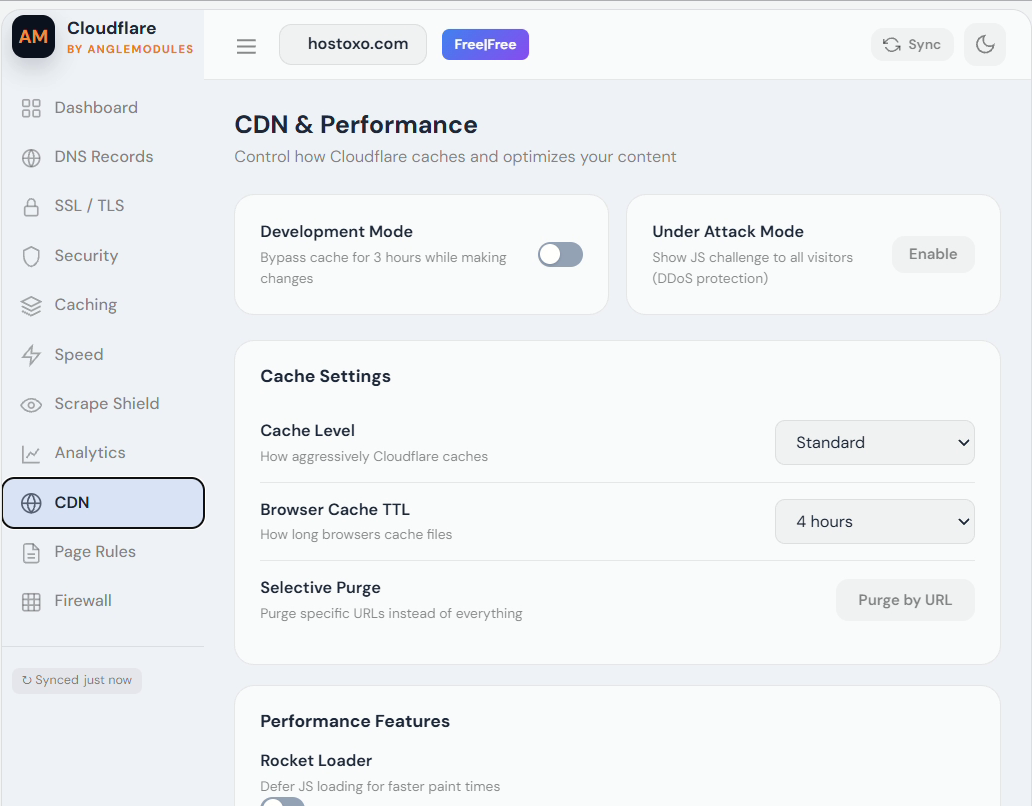
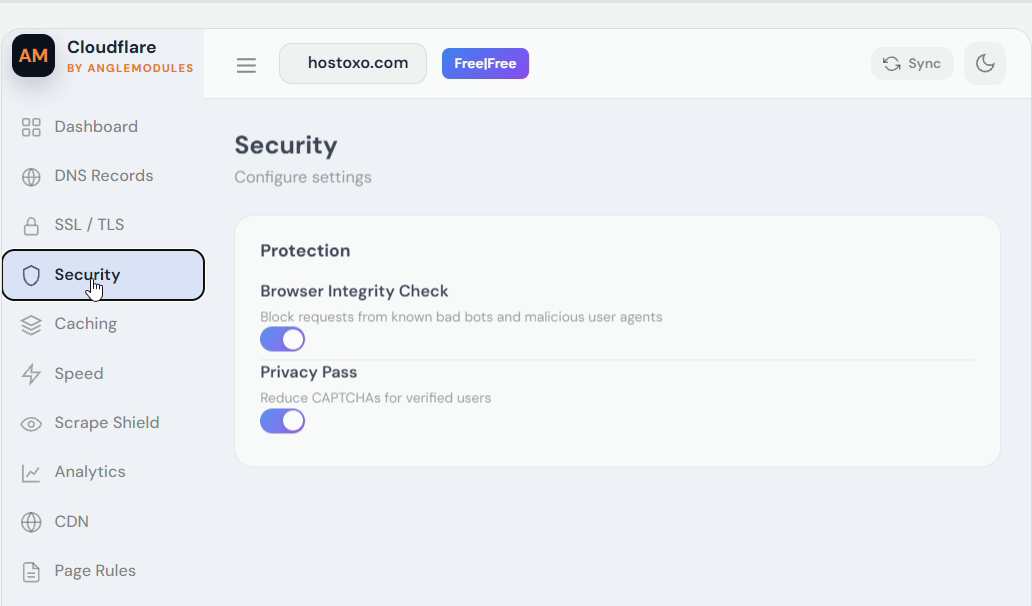
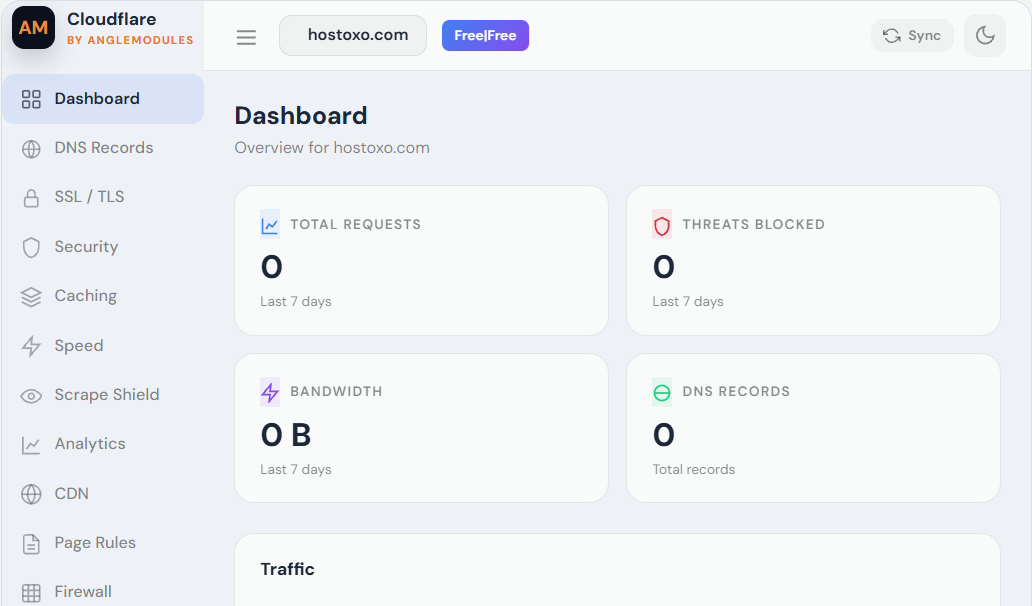
Cloudflare Manager for WHMCS connects your WHMCS products and services with Cloudflare, giving hosting providers centralised zone management and customers a professional self-service Cloudflare dashboard inside the WHMCS client area.
It combines an administrator addon with a provisioning server module for Cloudflare zone automation, customer access and service lifecycle management.
Customers can manage supported Cloudflare features without leaving WHMCS:
Every customer request is checked against the authenticated WHMCS session and the zone associated with the customer's service.
WHMCS administrators can:
The provisioning module supports:
Cloudflare paid-plan changes may require additional Cloudflare billing or subscription support. Test paid plan upgrades and downgrades against your Cloudflare account before offering them commercially.
The AngleModules licensing endpoint and RSA public key are already embedded in the module. The administrator only enters the licence key issued through the AngleModules customer portal.
Licence responses are cryptographically signed and bound to the product, installation, domain and request nonce, with a signed offline grace period.
Feature availability depends on the Cloudflare plan, account status and API-token permissions assigned to the affected zone.
Termination can permanently remove a Cloudflare zone and its DNS configuration. Administrators should test the complete service lifecycle on a non-production domain before enabling automatic termination.
Cloudflare is a trademark of Cloudflare, Inc. This product is independently developed by AngleModules and is not affiliated with or endorsed by Cloudflare, Inc.
Be the first to review Cloudflare Manager for WHMCS.
The best place to start if you need help with a specific product is to contact the developer. All WHMCS Marketplace developers have both a website and support URL listed.
Sell SSL on autopilot: automated issuance, validation, installation and renewal, right inside WHMCS.
Easily generate and change passwords for your clients without the need to send an email


Give your customers the power to unblock themselves from the CSF Firewall! Lessen your staff support ticket load