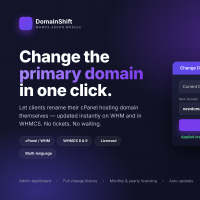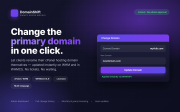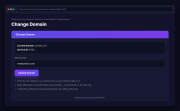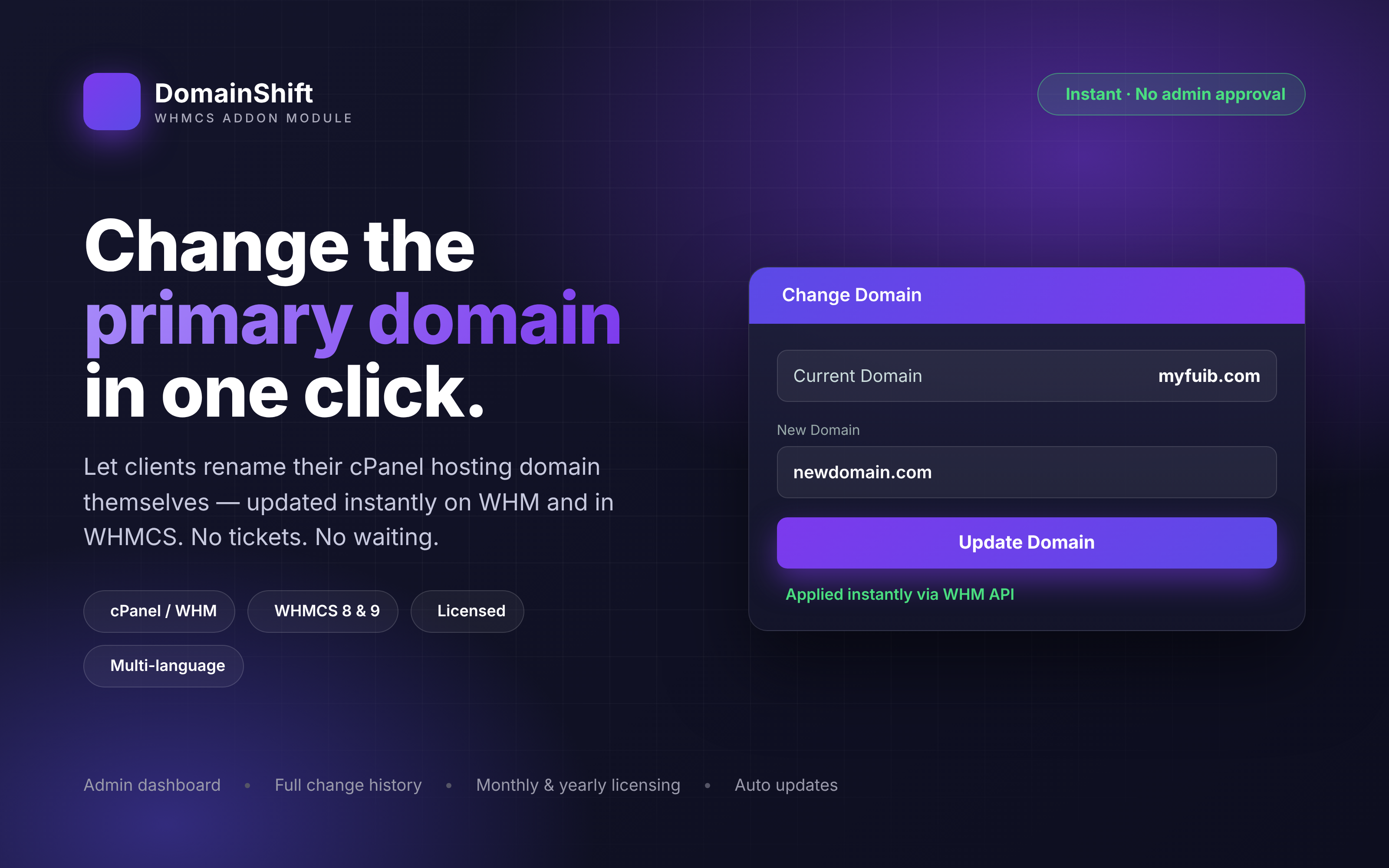
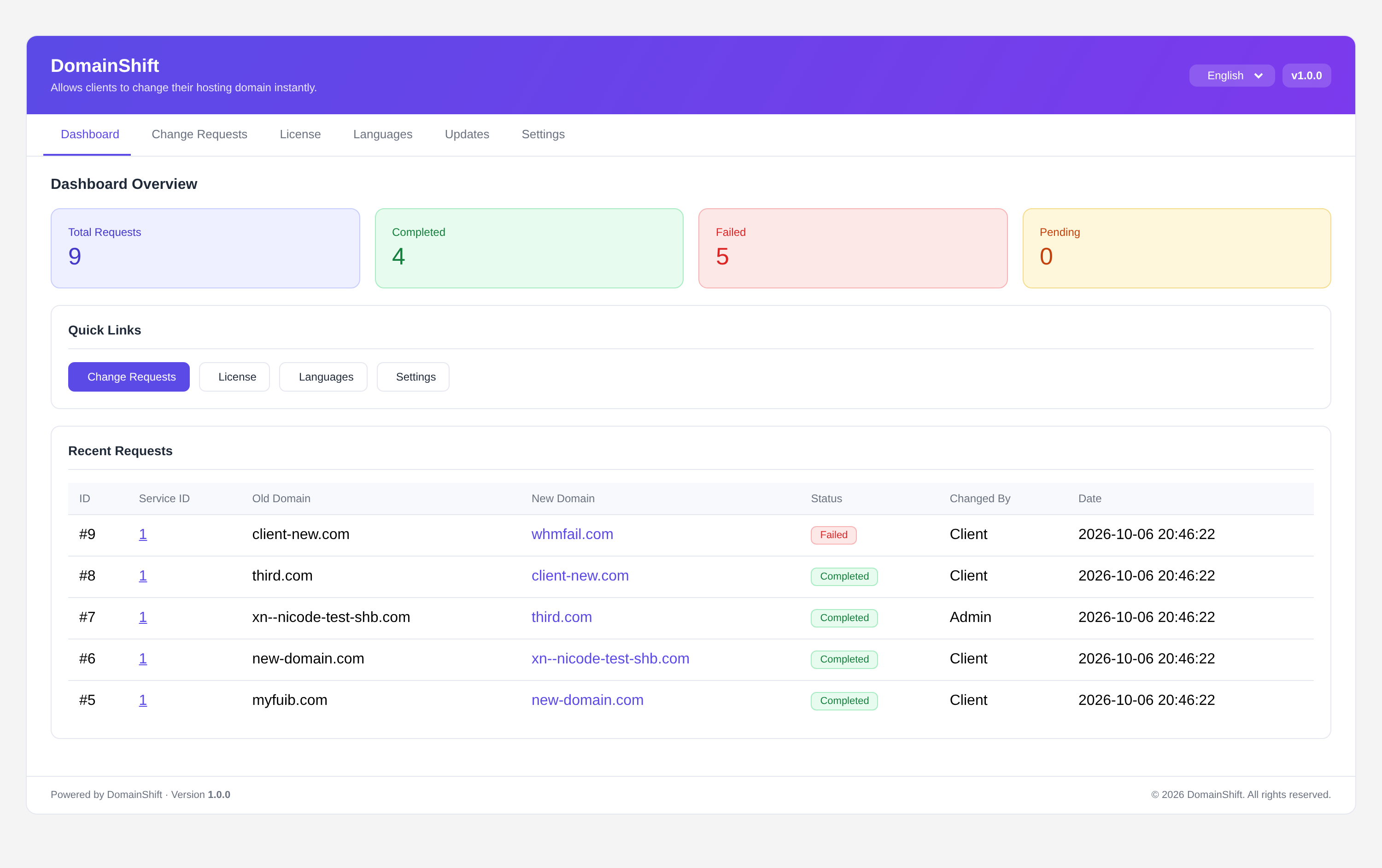
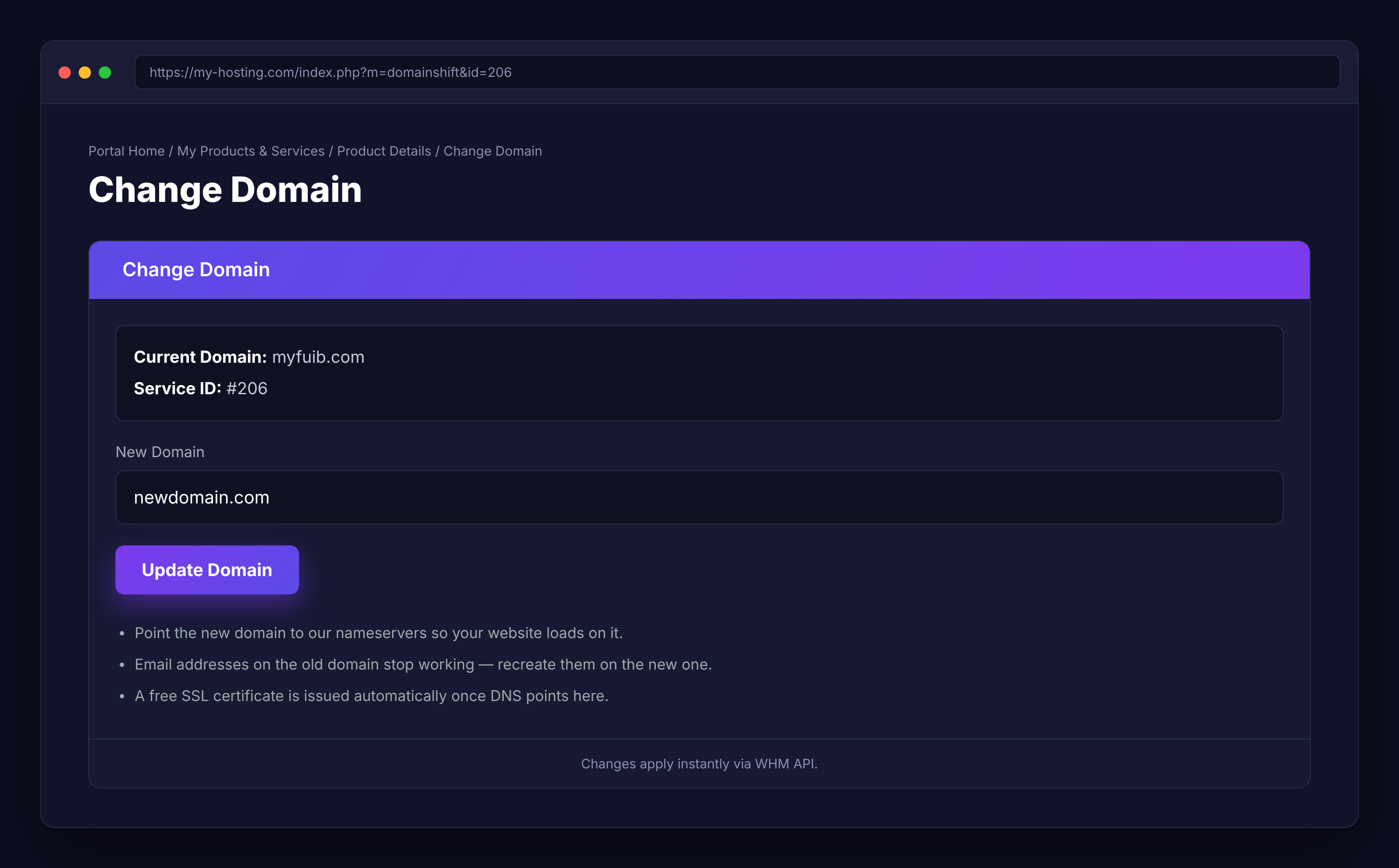
DomainShift is a WHMCS addon that allows hosting clients to change the primary domain associated with their cPanel hosting account directly from the WHMCS client area.
Instead of submitting a support ticket and waiting for an administrator, clients can request a domain change themselves. DomainShift updates the cPanel account on the WHM server and synchronizes the corresponding domain in WHMCS.
Designed for hosting providers who want to reduce routine support requests, simplify domain management, and give clients more control over their hosting services.
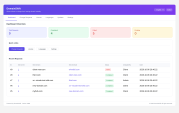
Notify clients and administrators about domain-change activity through email notifications.
DomainShift includes English, French, and Spanish translations. Clients see the interface in their configured WHMCS language, and additional translations can be added.
DomainShift includes its own license validation system and automatic update checks.
This workflow helps hosting providers reduce manual domain-change requests and streamline routine account management.
Verify the requirements for your particular WHMCS and PHP versions before installation.
Extract the DomainShift download and upload the modules directory into your WHMCS installation's root directory. The addon files should be located in:
modules/addons/domainshift/
Merge the uploaded files with the existing directory structure if prompted.
Sign in to the WHMCS administration area and navigate to System Settings > Addon Modules. Locate DomainShift and select Activate.
Open the DomainShift configuration page, enter the license key supplied with your purchase, select the administrator roles that may access the addon, and save your changes.
Navigate to Addons > DomainShift > License and select Recheck License. Confirm that the license status is valid.
Open an eligible cPanel hosting service in the client area and verify that the Change Domain action is available. Test the process on a suitable test account before enabling it for production clients.
A detailed installation guide named INSTALLATION.txt is included in the download.
Before changing a primary domain, ensure that the new domain is registered and that its DNS can be configured to point to your hosting nameservers.
Changing a primary domain can affect services associated with the previous domain, including email addresses and website configuration. Review any relevant dependencies before proceeding.
SSL certificate issuance and renewal depend on the server's AutoSSL configuration, domain validation, and DNS readiness. A certificate is not guaranteed until the relevant requirements are met.
DomainShift is designed for:
DomainShift — simplify primary domain changes and give your hosting clients greater control over their services.
Be the first to review DomainShift — Instant cPanel Domain Changer for WHMCS.
The best place to start if you need help with a specific product is to contact the developer. All WHMCS Marketplace developers have both a website and support URL listed.
Released Oct 6, 2026
1.0.0 First release

Sell SSL on autopilot: automated issuance, validation, installation and renewal, right inside WHMCS.
Resell VPS & Cloud Dedicated Products from Liquid Web

Kopage, self-hosted, Website Builder for Webhosting Companies your clients will love to use. Attract more clients and reduce churn rate with easy and intiutive website builder.

Turnkey PaaS, Docker hosting, auto-scalable clusters and VPS with full integration to WHMCS
Resell Dedicated Servers from Limestone Networks white label API.