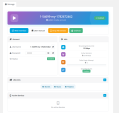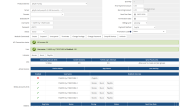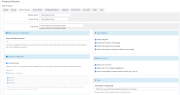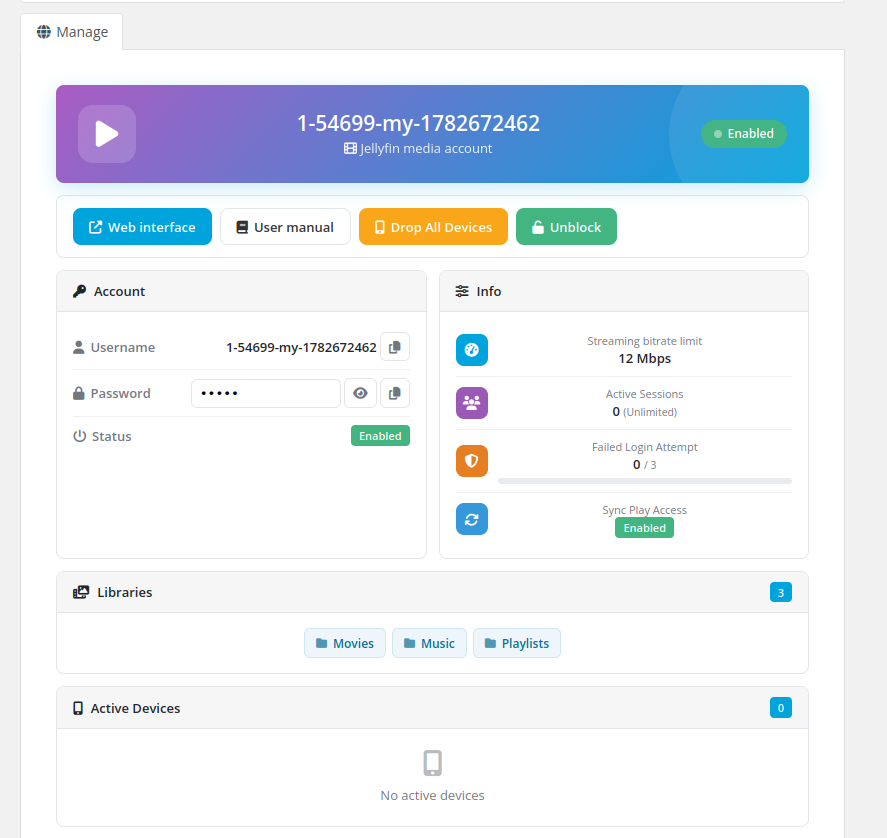
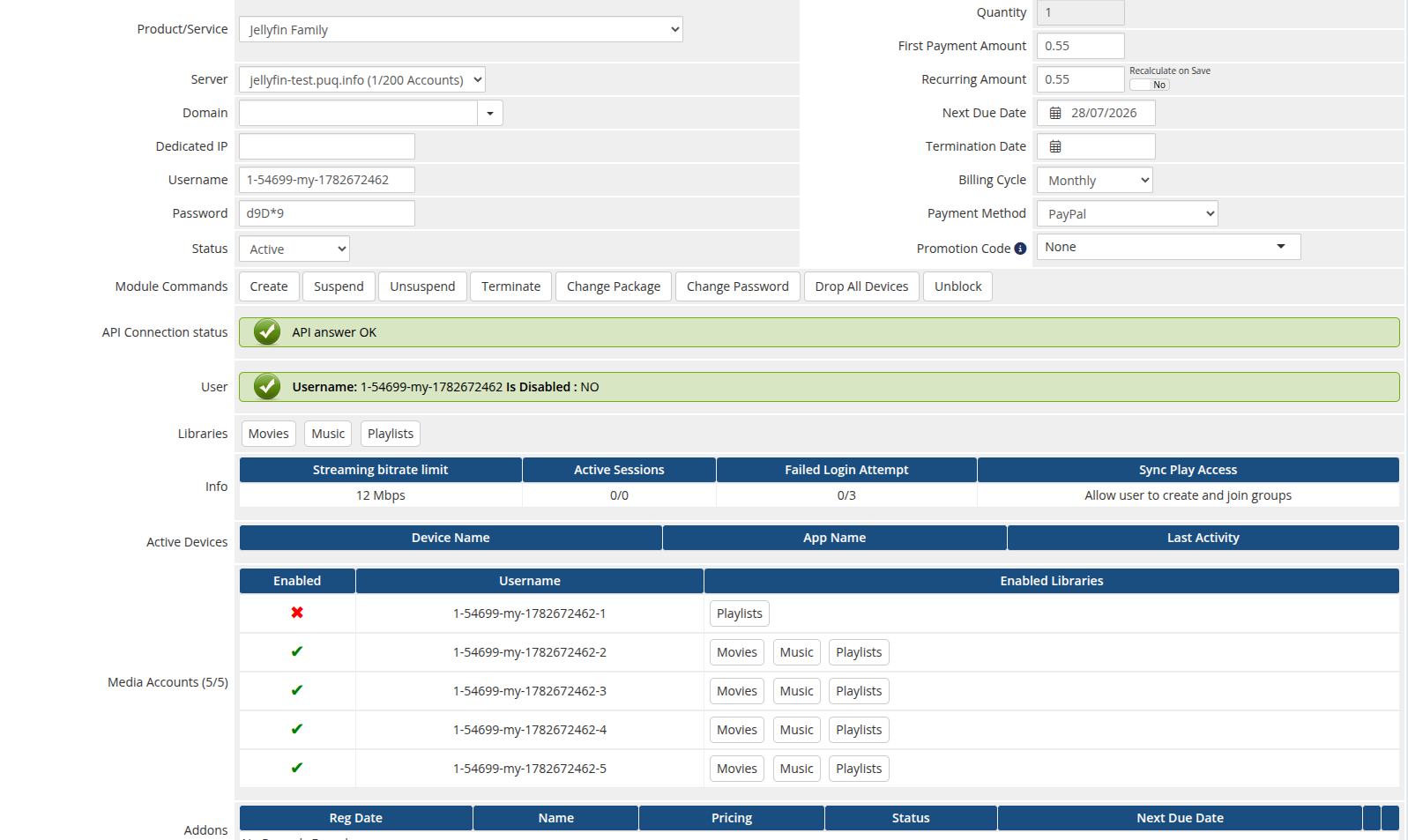
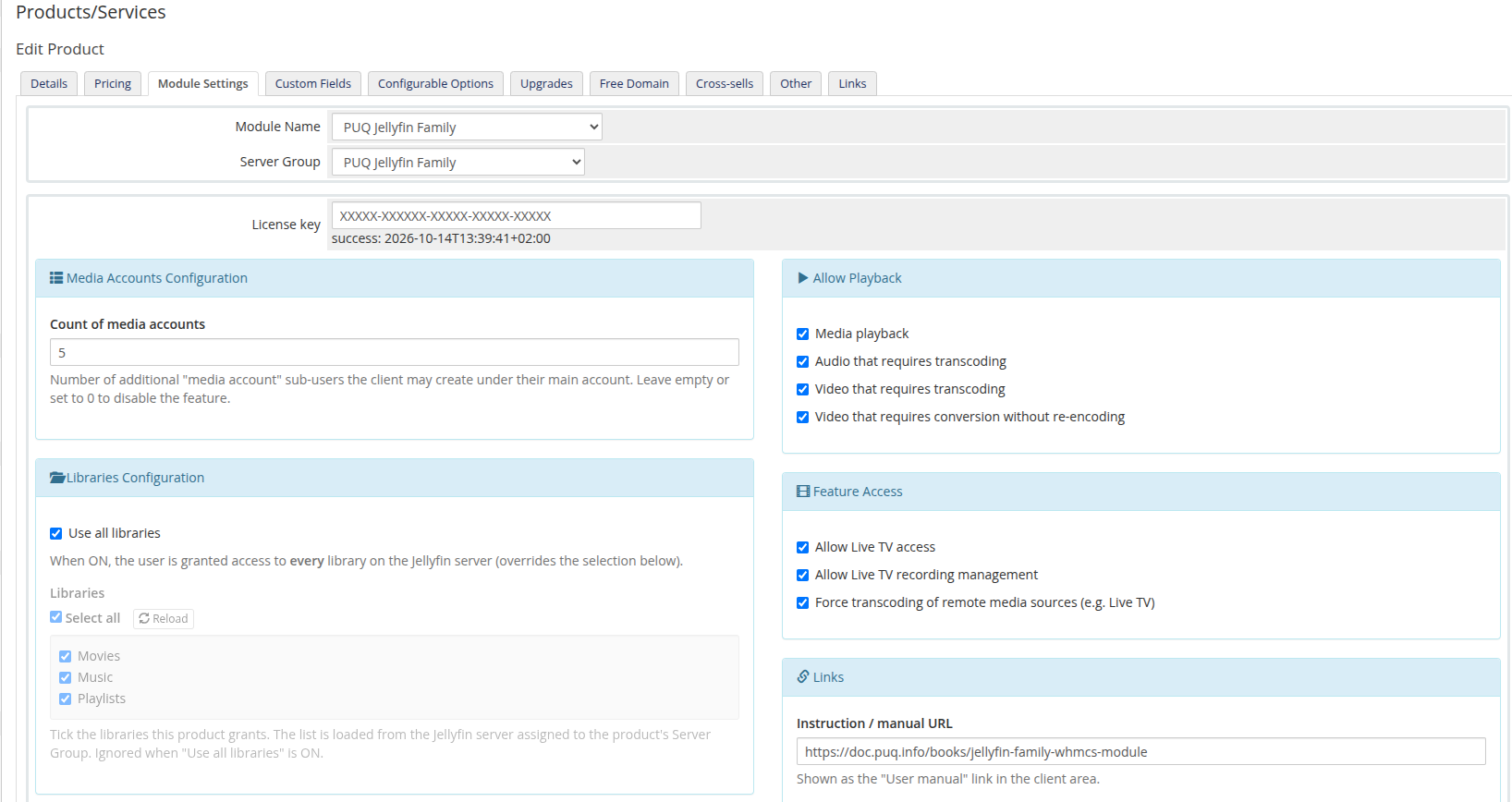
The Jellyfin Family WHMCS module turns your WHMCS into an automated platform for selling Jellyfin media-server accounts with a family / sub-account system. Each WHMCS service is mapped to a main Jellyfin user whose access is fully driven by the product configuration: which libraries the user can see, what playback and transcoding is allowed, Live TV access, SyncPlay, streaming bitrate limit, maximum active sessions and failed-login lockout.
On top of the main account, the Family edition lets the client create a configurable number of media accounts — additional named Jellyfin sub-users (username-name), each with its own password, enabled state and restricted set of libraries. Clients add, edit and delete their media accounts, and drop their devices, directly from the client area — all over AJAX.
Account provisioning is automatic — on Create the module generates the username and password, creates the Jellyfin user and applies the configured policy. Suspend / Unsuspend / Change package / Terminate keep the main user and every media account in sync with the WHMCS service lifecycle. Clients manage everything from the WHMCS client area.
Version 3.0 is a complete rewrite that brings the module up to the modern PUQ standard:
Authorization: MediaBrowser scheme and the current API routes, so the module keeps working on Jellyfin 10.12 / 10.13 where the legacy authorization is removed.The module supports PHP 7.4, 8.1 and 8.2+, shipped as a separate ionCube build per PHP version. Download the build that matches the PHP version your WHMCS runs on.
WHMCS version PHP version Module build WHMCS 8.x 7.4php74
WHMCS 8.x
8.1
php81
WHMCS 8.x
8.2
php82
WHMCS 9.x
8.2
php82
Match the build to the server's PHP version, not to the WHMCS version. PHP 8.2 and any newer PHP → always use
php82. Requires ionCube Loader v13+.
A reachable Jellyfin server, version 10.11.10 or newer, with an administrator account and API key is required. The module uses the modern Authorization: MediaBrowser scheme and the current user/password API routes, so it stays compatible with Jellyfin 10.12/10.13 where the legacy authorization headers are removed.
English documentation: https://puqcloud.com/link.php?id=98
Be the first to review PUQ Jellyfin Family provisioning module.
The best place to start if you need help with a specific product is to contact the developer. All WHMCS Marketplace developers have both a website and support URL listed.
Full rewrite onto the PUQ module skeleton (shared with the other PUQ WHMCS modules).
Added
?action_m= sub-pages are replaced. The number of media accounts is set per product (Media Accounts Configuration → Count of media accounts).AdminAreaFooterOutput.puq_license and puqJellyfinFamily_media_account tables on load (no SQL to run).Changed
Authorization: MediaBrowser header (with Version) as the primary scheme and dropped the deprecated X-Emby-Token / X-MediaBrowser-Token headers that Jellyfin removes in 10.12/10.13. The password endpoint now uses the current route Users/Password?userId= instead of the deprecated Users/{id}/Password.CreateAccount now reads the new user's Id directly from the Users/New response instead of re-listing all users and matching by name (faster and robust against special characters).configoption24. Existing v2 installs are read transparently from the legacy configoption2–configoption8 slots (including Media Accounts Configuration in configoption2), so no reconfiguration is required after upgrading.try/catch around all external calls, and htmlspecialchars on every API-sourced string.Fixed
Removed
lib/functions.php, lib/puqJellyfinFamilyLicense.php, lib/puqJellyfinFamilyPackageOption.php and the old templates/include/header.tpl (folded into the new skeleton).
You should save the 'Module Setting' in your products for the module to function correctly.
Module is coded ionCube v13
Supported php version:


Resell VPS & Cloud Dedicated Products from Liquid Web

Automate the sale of VPS servers & give your clients the ability to completely manage their VPS server inside of WHMCS, using the industry leading SolusVM control panel.