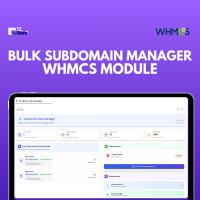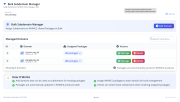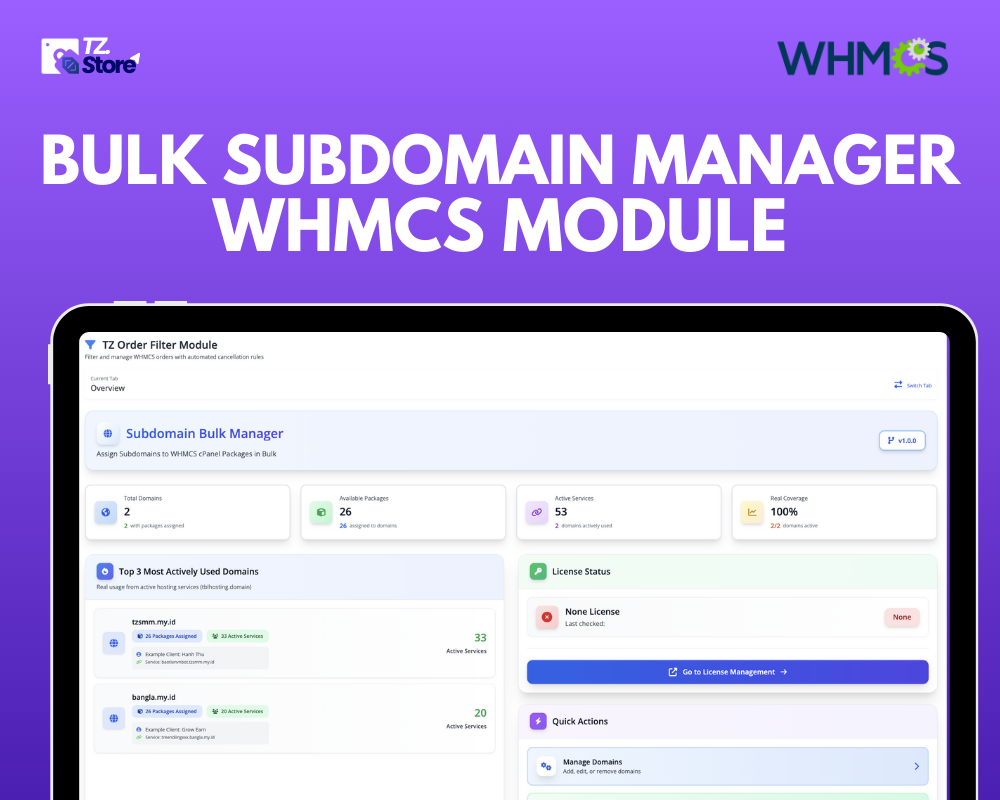
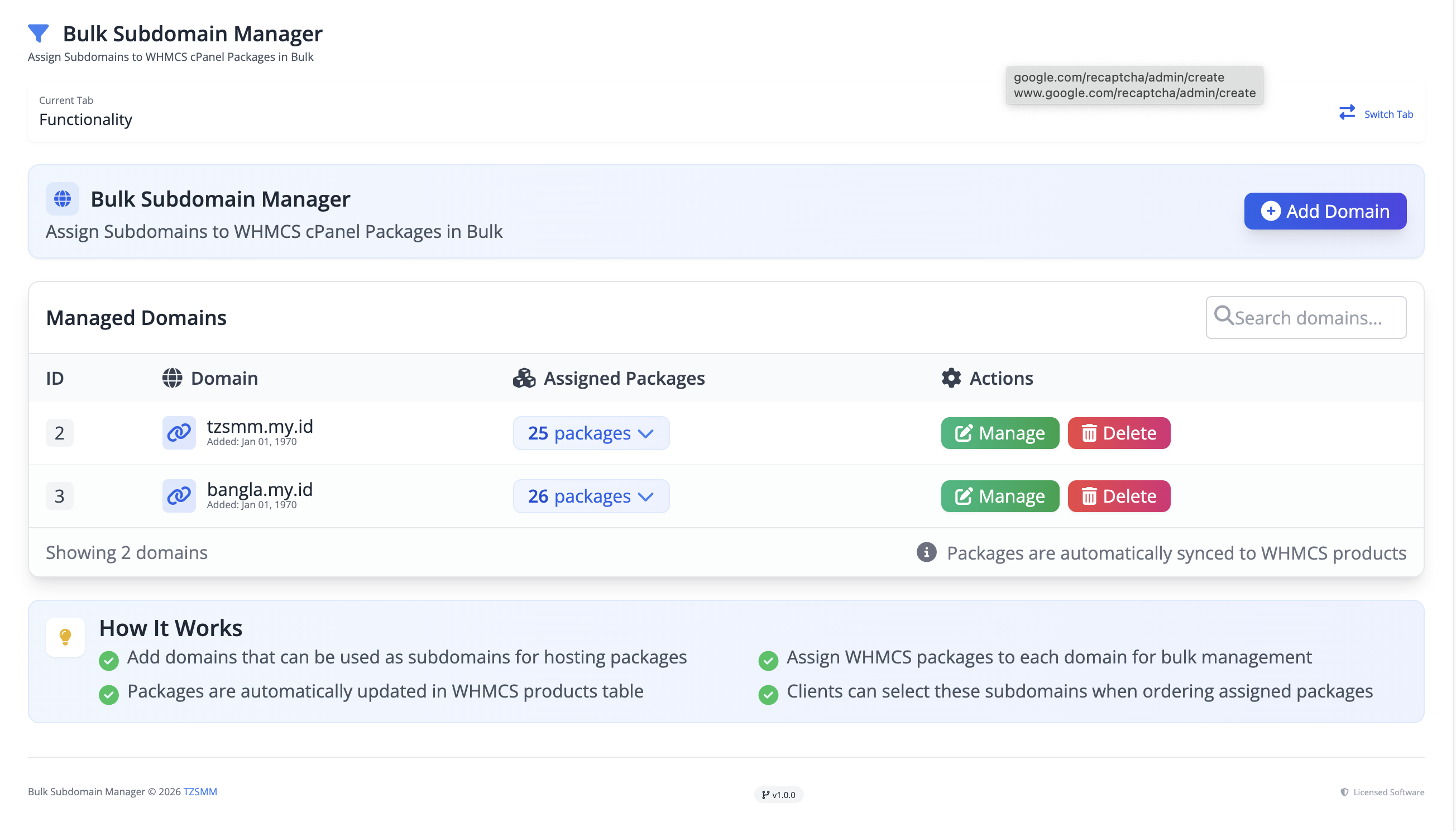

The Bulk Subdomain Manager is a comprehensive WHMCS addon designed to streamline the management of domains and subdomains across multiple cPanel hosting packages. With this module, administrators can efficiently add new domains and assign them to one or more WHMCS products in bulk, eliminating repetitive manual tasks and saving time.
This powerful module allows you to manage packages per domain, view all assigned subdomains at a glance, and automatically update the products subdomain field in WHMCS. Deleting a domain will automatically remove its associated subdomains from the relevant products, keeping your hosting setup organized and consistent.
Integrated seamlessly into the WHMCS admin interface, the Bulk Subdomain Manager uses modern Bootstrap 5 modals to provide a smooth, intuitive user experience. It supports multiple domains and packages, making it ideal for hosting providers who manage large numbers of domains. By automating subdomain assignments and providing a clear overview of domain-package relationships, this module reduces errors, improves workflow, and enhances overall efficiency.
Q: Can the same domain be assigned to multiple packages?
A: Yes, you can assign a domain to multiple cPanel packages, and the module will manage subdomain keys automatically.
Q: Can I delete a domain and remove its subdomains from products?
A: Yes, deleting a domain automatically removes its subdomains from the WHMCS products table.
Q: Does it work only with cPanel packages?
A: Yes, by default the module filters and works with WHMCS products that use cPanel server type.
Be the first to review WHMCS Subdomain Bulk Manager Module.
The best place to start if you need help with a specific product is to contact the developer. All WHMCS Marketplace developers have both a website and support URL listed.
All bugs fixed
Protect your business from fraud, chargebacks, and high-risk transactions
Order Assistant helps you to automate order management process. It can automatically accept Pending Orders; send an email or open a ticket with client; and cancel the order if no payment is made still.
Accurate risk analysis for orders & users to prevent fraud and minimize chargebacks.