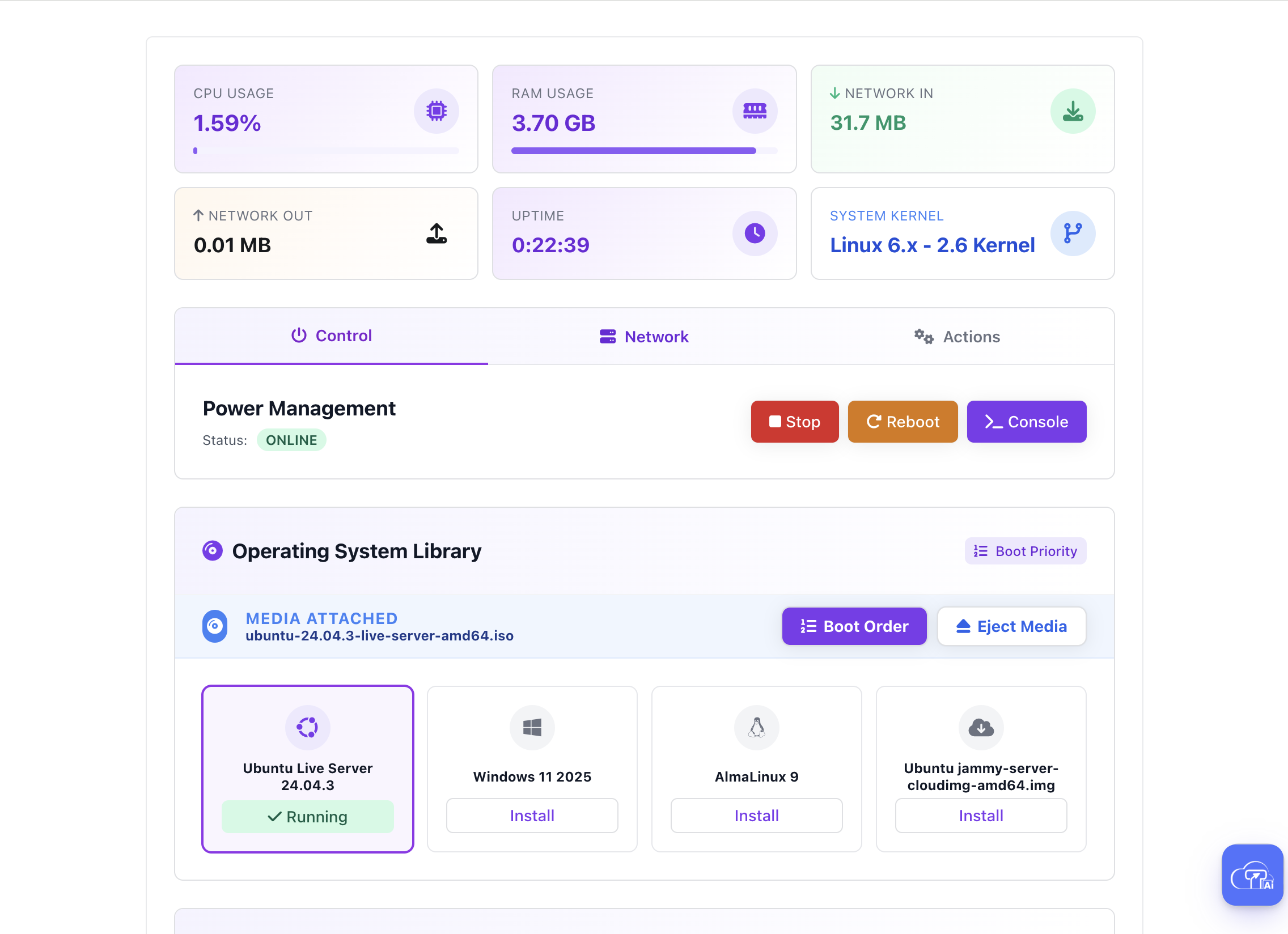
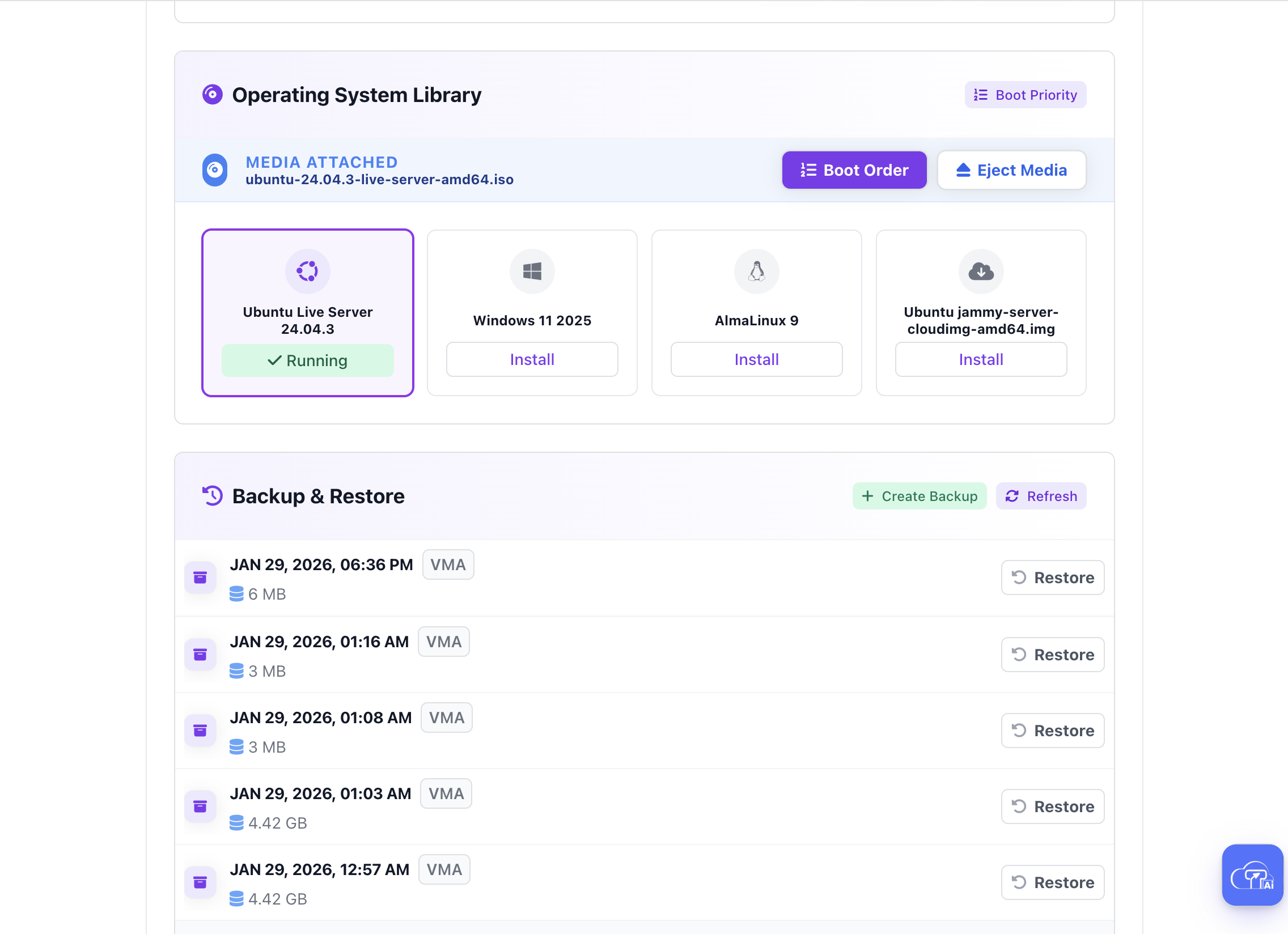
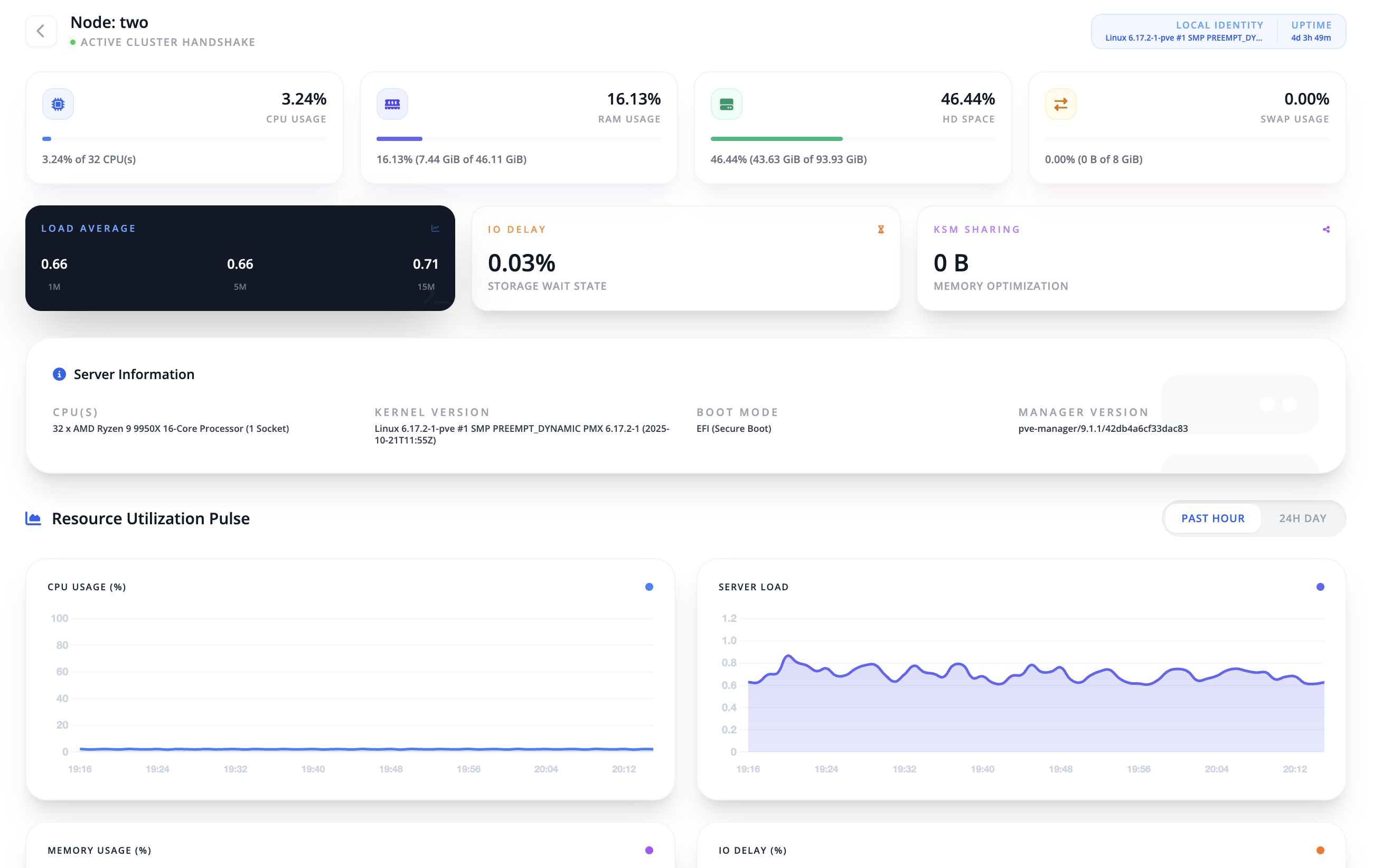
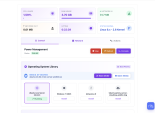
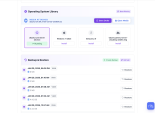
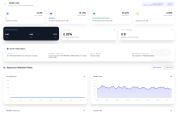
TZ Proxmox VE is a powerful WHMCS server module designed to fully automate VPS hosting on Proxmox VE. It gives administrators complete control over nodes, packages, IPs, users, and orders, while providing clients with a smooth, feature-rich VPS management experience.
TZ Proxmox VE turns WHMCS into a complete VPS selling and management platform, saving time, reducing errors, and delivering a premium experience for both admins and clients.
The best place to start if you need help with a specific product is to contact the developer. All WHMCS Marketplace developers have both a website and support URL listed.
Implemented a secure, token-based noVNC gateway with 10-minute session expiration that supports access across different domains. Authentication tickets are now generated dynamically on every load or reload to ensure robust security. Resolved cross-domain cookie restrictions by automatically injecting SameSite=None; Secure headers into the gateway response. Added a persistent real-time countdown timer to the console interface for clear visibility of session expiry. The new architecture enables seamless console access even when the WHMCS and Proxmox hosts are on different domains.
We completely rebuilt the admin dashboard to make it faster and easier to use. We added a new system to reserve and protect specific IP addresses and upgraded the VM tools for more advanced control. You can now create and manage custom VPS packages with ease, and the entire layout has been redesigned to look perfect on any screen.
Version 1.5.1 Release Date: 2026-02-18
Expanded Localization Engine with 4 new native languages: Hindi, Arabic, German, and Russian Optimized language loading protocol for faster client area rendering Refined translation strings for better technical accuracy in enterprise environments
? Version 1.5.0 Released Release Date: 18 February 2026
Multi-Language System Introduced
We are excited to introduce a powerful multi-language system designed to make the platform truly global and fully customizable.
What’s new in this update: • Full multi-language support across both Client Area and Admin Area • Admins can add, edit, and remove any language directly from the panel • Easy language switching for users for a personalized experience • Professionally translated default language packs included
Available default languages: • Bengali • Spanish • Turkish • French • Portuguese
Admins are not limited to these languages — any custom language can be added at any time. More enhancements are coming in future updates. Enjoy the new experience! ?
? Version 1.4.6 — 16 February 2026
Stability, Fault Tolerance & Provisioning Fixes
Added fault-tolerant Admin Dashboard to prevent UI crashes when Proxmox API returns 500 errors (e.g. deleted or missing VMs)
Ensured Unassign VM option remains available even during cluster connectivity issues or missing lock/config files
Fixed “Hardware package definition missing” error for Custom VPS packages during OS reinstallation
Improved Change ISO workflow by synchronizing cluster discovery to always use the VM’s active node
Corrected Standard vs Advanced package type detection during OS reinstall
Fixed undefined $net0 variable in QEMU provisioning to ensure reliable network interface creation
Version 1.4.5 – Changelog (2026-02-08)
Introduced Intelligent Multi-Cluster Resource Orchestration to automatically select the best available Proxmox cluster during VPS provisioning.
Added Resource-Aware Placement Logic based on RAM and storage availability to improve load balancing and ensure optimal VM placement.
Implemented Config Type selection (Standard and Advanced) to provide more granular control over VPS provisioning behavior.
Added automatic Custom VPS detection for seamless integration with WHMCS Configurable Options.
Introduced manual cluster selection in Standard mode, specifically designed for iPXE and PXE-based reinstall workflows.
Enhanced the user interface with persistent Standard and Advanced mode toggles that stay synchronized with package configuration.
Improved placement logic visibility by exposing Multi-Cluster and Strategy settings directly within Standard mode.
Resolved cluster prioritization issues that affected provisioning of custom hardware configurations.
Changelog – Version 1.4.0
Added dynamic node discovery for all VPS actions Improved provisioning with automatic active node detection Fixed noVNC console issues in clustered environments Resolved console failures after VM migration between nodes Standardized admin and client links using cluster-based API credentials Improved stability and reliability for multi-node Proxmox VE clusters
Version 1.3.6 (2026-02-03) Added Static MAC Address support in IP Pool management Implemented MAC Address enforcement during VM provisioning (ISO & Template) Enhanced Cloud-Init configuration to support custom HWAddr attributes Updated IP Manager UI with MAC Address field and searchable table Implemented automated database schema migration for new columns Implemented automated disk expansion for Ubuntu and AlmaLinux instances Added 'rescan' and 'growpart' triggers for LVM and XFS partitions Integrated disk expansion automation into 'Change Package' upgrade workflow Fixed multi-IP retrieval bug in OS reinstallation workflow Added support for Guest Agent command execution for post-provisioning tasks
Version 1.2.0 (2026-02-01)
• Added template-based VPS provisioning with VM cloning support • Introduced one-click auto-install templates • Implemented Cloud-Init password management and reset • Enhanced client area with template selection interface • Improved SSH connection details display • Added password change support for template-based VMs • Improved Cloud-Init configuration synchronization • Enhanced UI indicators for auto-install templates • Added detailed logging for template and cloning operations • Optimized VM cloning workflow and resource allocation • Improved security with encrypted Cloud-Init credentials
Released: January 2026


Resell VPS & Cloud Dedicated Products from Liquid Web

Automate the sale of VPS servers & give your clients the ability to completely manage their VPS server inside of WHMCS, using the industry leading SolusVM control panel.



ANTONIO CRISTOVAO @antonio1536
I’ve been using the Proxmox module from TZ SMM and my experience has been very good and positive.
The integration with Proxmox is smooth, the installation is straightforward, and the main VPS management features work reliably.
The module makes it easy to automate VM provisioning and gives clients a simple way to control their servers from the panel.
Performance has been stable and consistent in daily use.
One of the best aspects is the support.
The TZ Store team is very responsive, helpful, and quick to solve any issues or answer questions.
Overall, it’s a solid and reliable solution for anyone looking to manage Proxmox environments professionally.
M M Akash @m3277
Might be we are the first customer.
Stunning module, works out of the box.
You do not need modules garden expensive module anymore.
Loving it.
Keep up the good work dear vai!