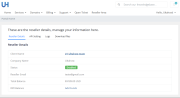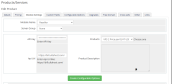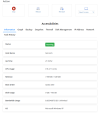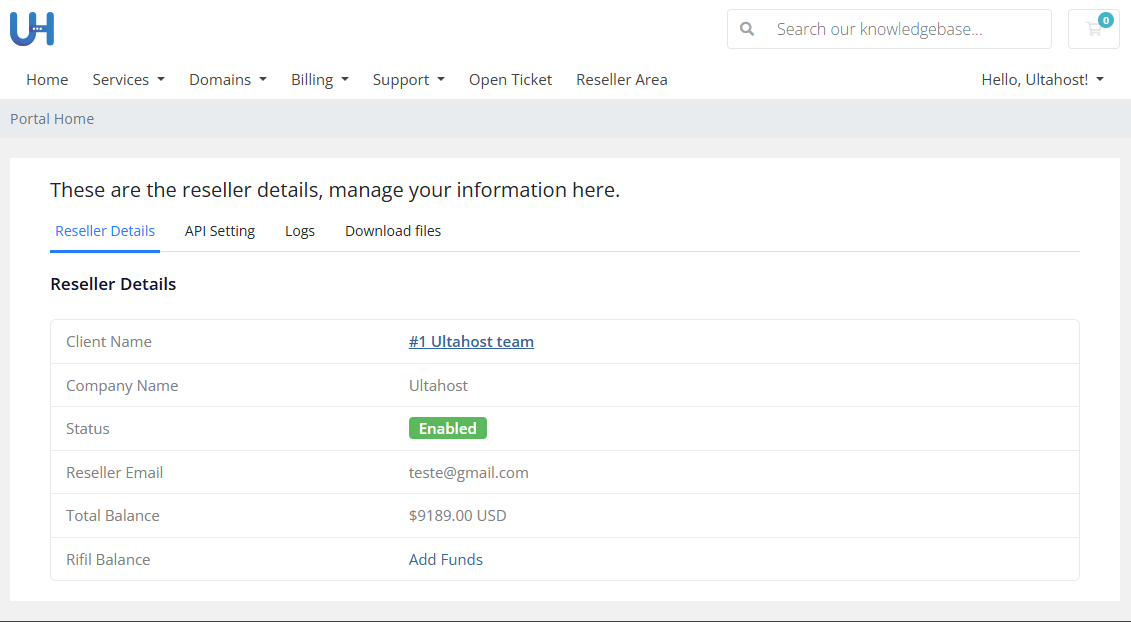
Effortlessly scale your hosting business by reselling Ultahost’s powerful servers directly through your WHMCS platform. This module delivers complete automation for provisioning, managing, and billing Ultahost servers eliminating manual tasks and ensuring a smooth, fully integrated experience for both administrators and customers.
With Ultahost’s high-performance infrastructure and seamless WHMCS integration, you can expand your product portfolio, increase revenue, and offer a fully branded hosting service without maintaining any hardware. Perfect for hosting providers, resellers, developers, and agencies looking to grow efficiently with minimal overhead.
This module allows you to resell Ultahost servers directly from your WHMCS platform with full automation for server creation, management, and billing.
No. Our team will create a reseller account for you and you can access reseller panel on Ultahost website and generate an API key through the reseller panel.
Absolutely. When your customers purchase a server, the module automatically creates the server on Ultahost and delivers the details instantly.
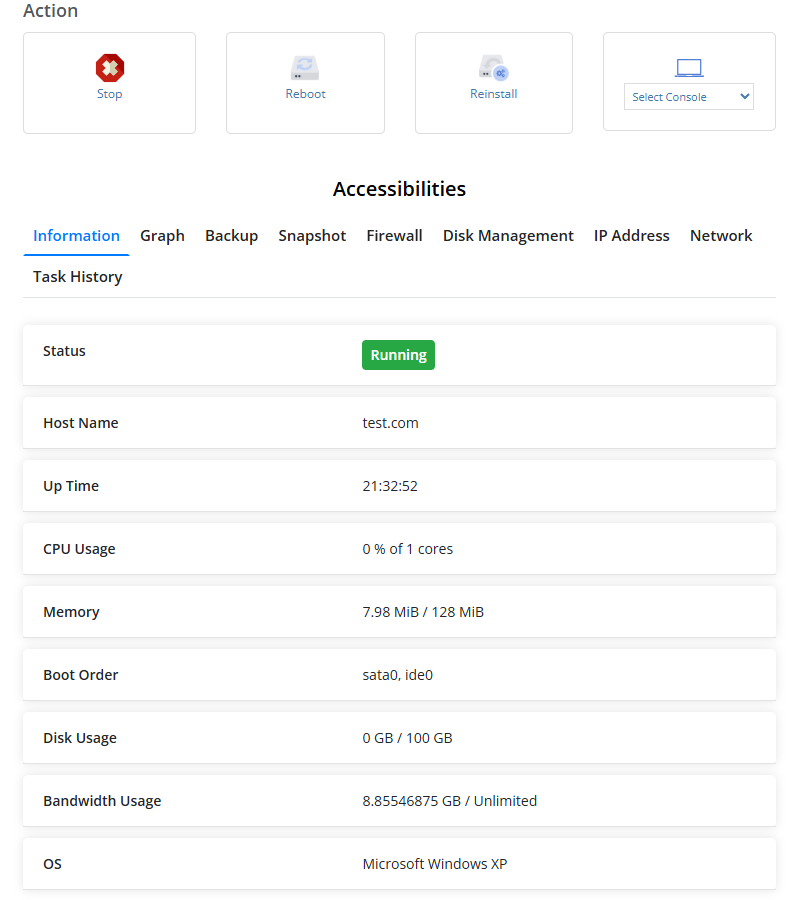
Yes. Clients can start, stop, reboot, reinstall the server, and access consoles (NoVNC & Spice). They can also manage snapshots, firewall rules, and IPs.
Yes. The module retrieves all Ultahost packages along with your reseller prices so you can configure products accurately.
Yes. Admins can suspend, unsuspend, terminate, or reboot servers, and view server information from the WHMCS admin area.
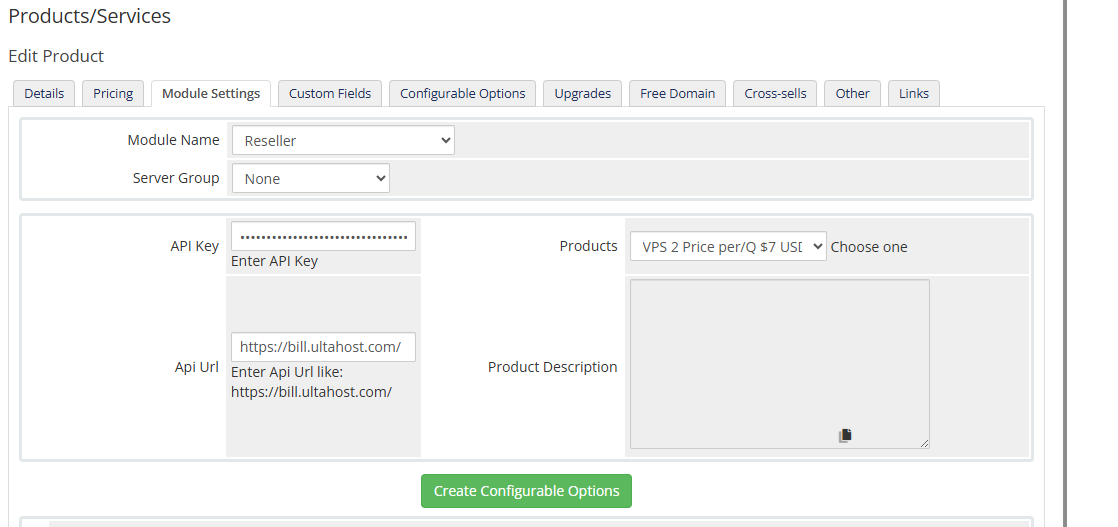
Yes. You module will automatically create configurable options based on Ultahost package data.
Yes. The module does not display Ultahost branding to clients, allowing you to sell servers under your own hosting brand.
Installation is simple upload the module, generate the API key in your Ultahost reseller panel, and configure the product settings in WHMCS.
WHMCS handles billing and cancellations. Server termination is automatically triggered when the service is cancelled.
Offer a wide range of high-performance Ultahost servers without investing in hardware or infrastructure. Simply plug the module into your WHMCS and start selling.
Server provisioning, management, suspension, termination, and billing all happen automatically—eliminating manual tasks and reducing human errors.
Access special reseller rates from Ultahost and set your own selling prices inside WHMCS to maximize profit.
Your clients can manage everything from your WHMCS client area—reboot servers, reinstall OS, access consoles, manage firewalls, snapshots, and more.
No need to maintain datacenters or deal with complicated setups. Let Ultahost handle the infrastructure while you focus on sales and support.
Sell fully white-label services. Ultahost branding is not shown to your customers, allowing you to maintain a fully branded hosting environment.
Self-service tools like NoVNC, Spice console, firewall manager, and snapshot manager help customers troubleshoot independently—leading to fewer support tickets.
Set up and start selling servers within minutes. Perfect for agencies, developers, and hosting providers wanting quick deployment of new products.
Follow these simple steps to start reselling Ultahost servers directly from your WHMCS platform:
Visit the Ultahost website and sign up for a regular account and contact with our sale team to activate reseller account. Once approved, log in to access your reseller dashboard.
Inside the reseller panel, navigate to the API section and create an API key. This key will be used to connect your WHMCS installation with Ultahost’s platform.
From the reseller panel, download the latest version of the Ultahost WHMCS module. Unzip the file and upload it to your WHMCS /modules/servers/ directory using FTP or File Manager.
Log in to your WHMCS Admin Panel
Go to Setup → Products/Services → Servers
Add a new server and select Ultahost Reseller Module
Enter your API key and test the connection
Save the configuration
Navigate to Setup → Products/Services → Products
Create a new product and assign the Ultahost module
Fetch Ultahost packages and generate configurable options
Set pricing based on your reseller cost
Your product is now live! Customers can purchase servers and manage them directly from the client area with full automation.
Be the first to review Ultahost Reseller Module for WHMCS.
The best place to start if you need help with a specific product is to contact the developer. All WHMCS Marketplace developers have both a website and support URL listed.

Resell VPS & Cloud Dedicated Products from Liquid Web

Automate the sale of VPS servers & give your clients the ability to completely manage their VPS server inside of WHMCS, using the industry leading SolusVM control panel.