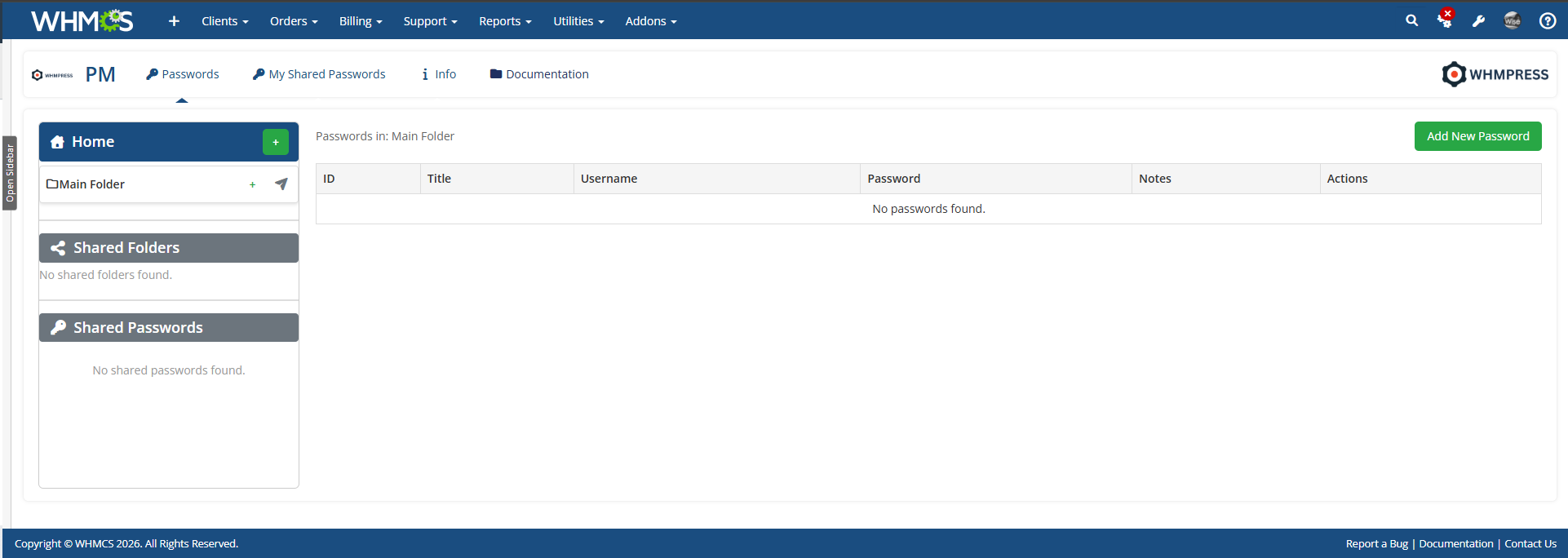
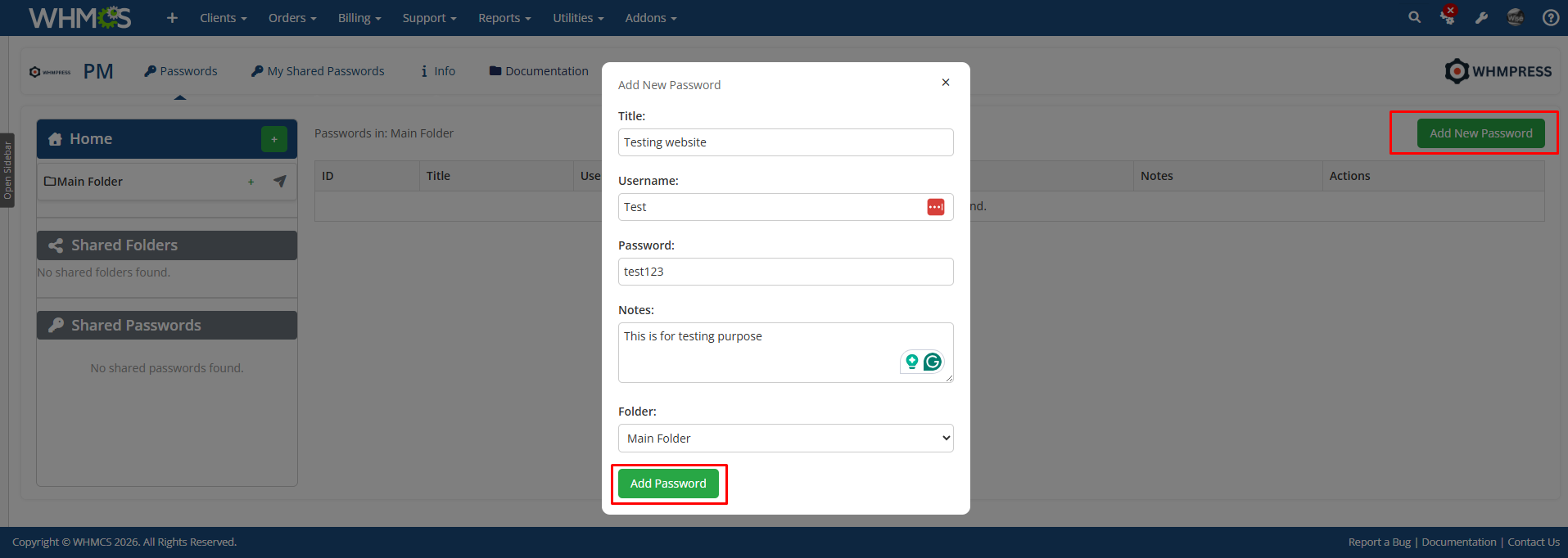
Password Manager is an encrypted password vault and admin password vault that lives inside the WHMCS admin area, so your team stops keeping server logins, server passwords, cPanel passwords, root passwords, FTP credentials, registrar logins and API keys in spreadsheets, chat messages and sticky notes. Every entry holds a title, a username and password, and free-text notes, and the password itself is encrypted at rest with AES-256-CBC through OpenSSL before it is written to the database.
Call it what you like: a password manager, a passwords manager, a credential manager, a credentials manager, a password keeper, a password safe, a password locker or a password repository. It is a credential vault and credentials vault for secure credential storage and credentials storage, secure password storage and encrypted password storage, built as a password database that only your WHMCS staff can open. Store passwords securely, store credentials and store login credentials, server credentials and login details for every server, hosting account and supplier, with hosting credentials kept in one place.
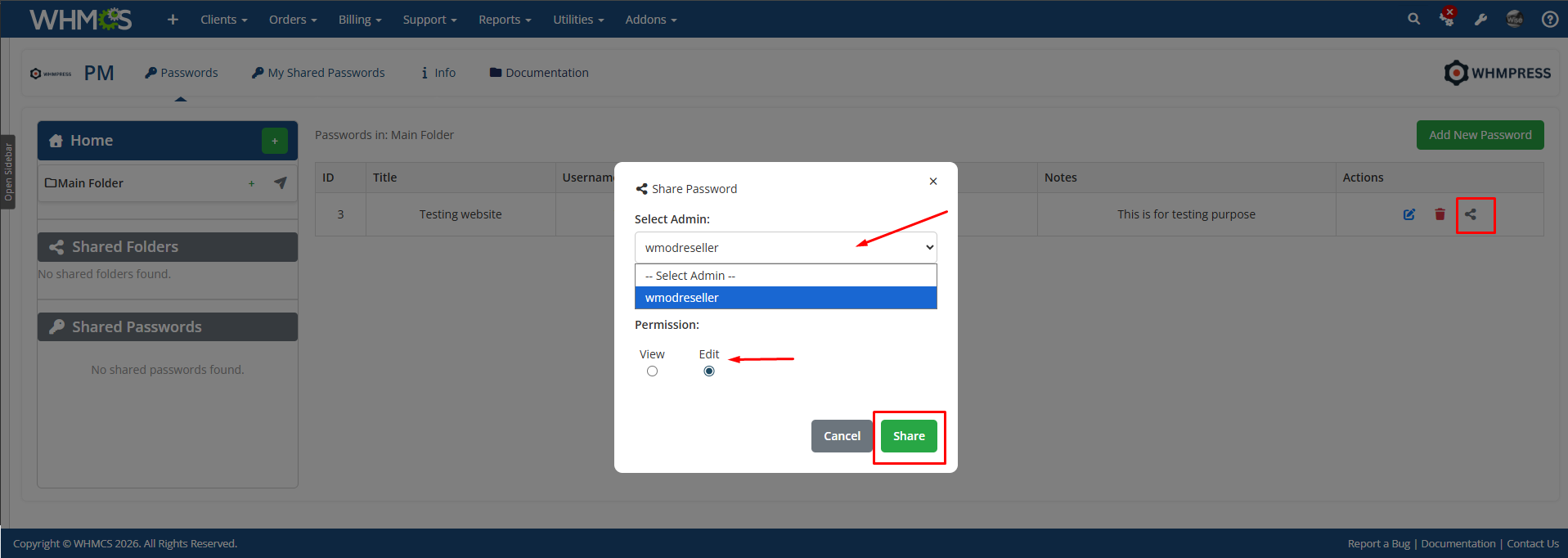
Password sharing is where it earns its keep. Share passwords with admins one entry at a time, or share folders whole, so you can share passwords between admins and share credentials without email, and password sharing between admins and credential sharing across the team become a two-click job instead of a security risk. Team password sharing works with shared passwords, shared credentials and shared folders, and every share carries a permission level, view or edit: view only (view-only, for staff who just need to log in) or view and edit permissions (an edit permission for staff who maintain the entry). Folder sharing passes the same access level down to every subfolder, including subfolders created after the folder was shared, and you can revoke access at any time.
Organize passwords in folders and subfolders. Nested folders let you organise passwords by client, server, data centre or department, and a nominated master admin gets master admin access, with full access to all passwords and every folder in the vault, so nothing is ever locked away when a staff member leaves.
Admin Features:
Folders:
Sharing And Permissions:
Security:
Settings:
General Info:
Available Pricing Models:
The best place to start if you need help with a specific product is to contact the developer. All WHMCS Marketplace developers have both a website and support URL listed.
Sell SSL on autopilot: automated issuance, validation, installation and renewal, right inside WHMCS.
Easily generate and change passwords for your clients without the need to send an email


Give your customers the power to unblock themselves from the CSF Firewall! Lessen your staff support ticket load





Slawomir @slawomir9786
We needed a safe way to manage server passwords, license keys, and internal notes for our team. This module provides exactly that. The folder structure helps keep everything organized, and the ACL controls let us restrict access to specific admins. The two-way encryption gives us confidence that sensitive data is protected. A simple but effective solution for centralized password management inside WHMCS.