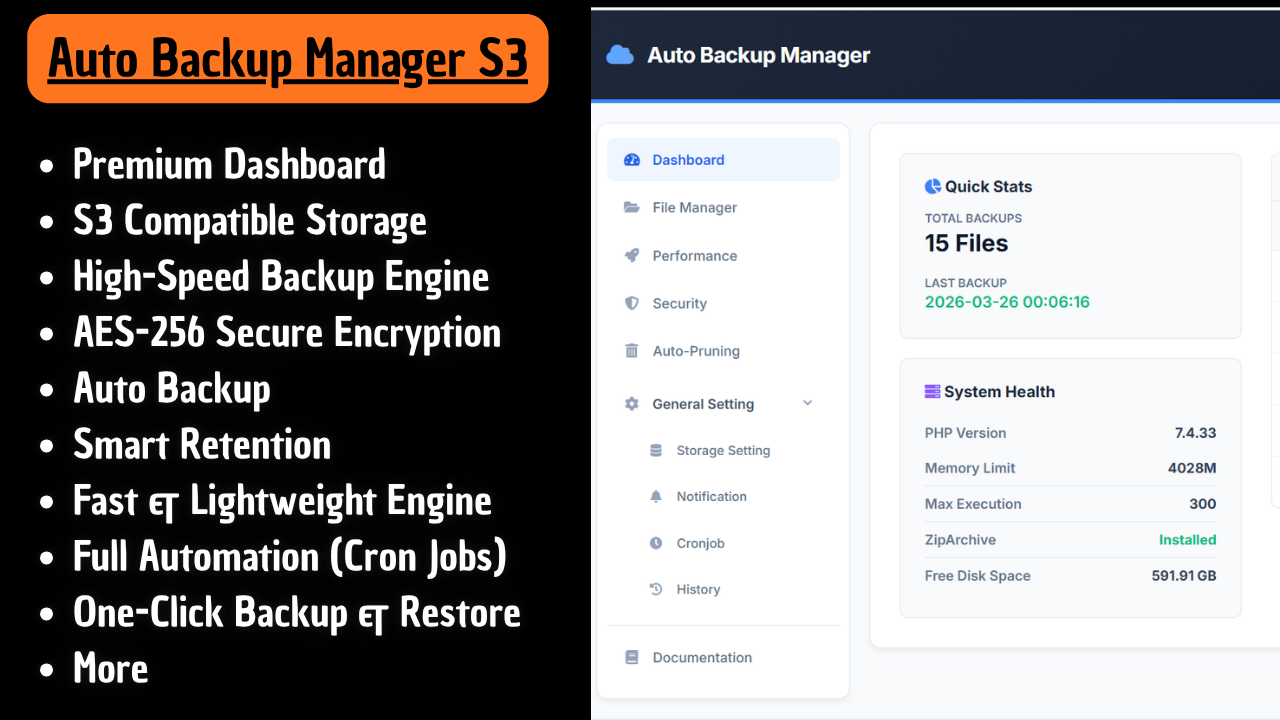
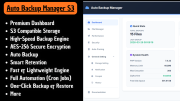
Auto Backup Manager S3 V4 is a next-generation WHMCS backup solution engineered for high performance, advanced security, and zero-interruption workflows.
Built for developers, hosting providers, and system administrators, V4 transforms backup management into a fully automated, intelligent, and resilient system—designed to run silently in the background while you focus on your business.
With full support for Amazon S3 and S3-compatible providers, you gain complete infrastructure flexibility without vendor lock-in.
Manual backups are unreliable. Traditional backup methods consume resources and risk downtime. Poorly secured backups expose critical data.
Auto Backup Manager S3 eliminates these risks with:
Backup notifications now fully integrate with WHMCS Email Templates using SMTP. This replaces the outdated mail() function and ensures reliable, professional delivery.
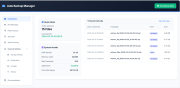
Monitor every backup process live from the dashboard:
Backups now run entirely in the background:
Database exports use:
--single-transaction
--quickAdaptive compression based on configuration:
.sql.gz (fast, low resource usage).zip (AES-256 secured)Restore backups instantly:
.sql.gz and .zip
Everything you need in one place:
Built for both small and large-scale systems.
mysqldump and mysql
/backups/)Supported providers include:
Flexible backup control:
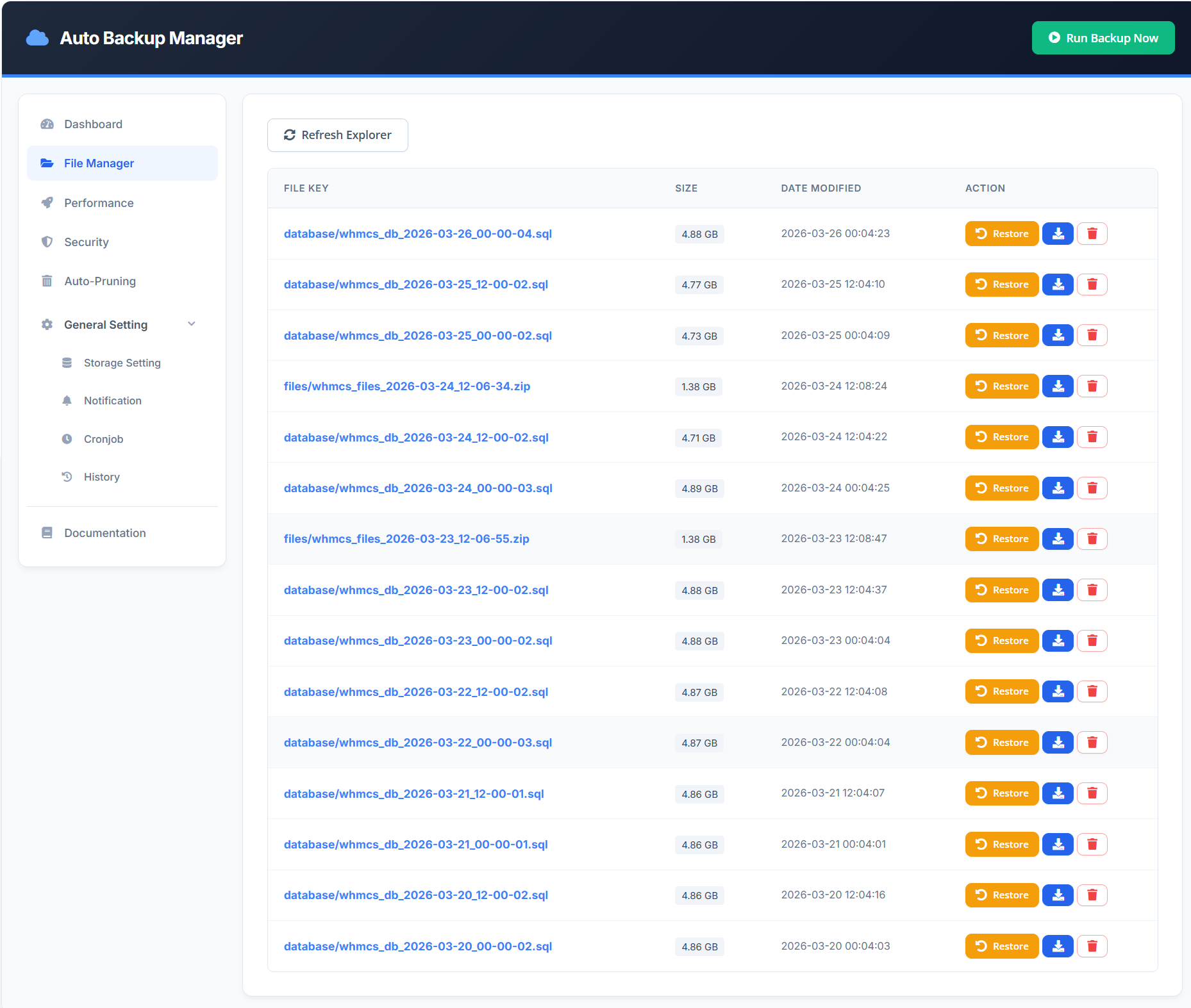
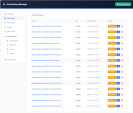
Manage backups directly from WHMCS:
No external tools required.
Optimized for large backups:
Run backups automatically using:
Set once and let the system handle everything.
Stay informed at all times:
Track every operation:
Ideal for auditing and troubleshooting.
Run instant backups anytime:
Because this is more than a backup module.
It is a complete backup automation and disaster recovery system designed for:
Auto Backup Manager S3 V4 delivers a powerful, automated, and secure backup ecosystem inside WHMCS.
From real-time monitoring to background processing and one-click restore, every feature is designed to ensure your data is always protected, accessible, and optimized—without complexity.
The best place to start if you need help with a specific product is to contact the developer. All WHMCS Marketplace developers have both a website and support URL listed.
Native WHMCS Email Integration
Backup notifications now use WHMCS Email Templates with SMTP support, replacing the legacy mail() function for improved reliability and deliverability.
Live Progress Tracker
A real-time progress bar is now available on the dashboard, showing each backup stage (Zipping, Database Dump, Upload, Pruning).
Asynchronous Background Processing
All backup processes now run in the background, eliminating browser timeouts and allowing safe navigation without interrupting tasks.
Database Optimization (Zero-Lock)
Database exports use --single-transaction and --quick to prevent table locking and maintain system performance during backups.
Dynamic Compression Routing
.sql.gz (faster, lower memory usage).zip (AES-256 secured)Universal 1-Click Restore
Restore backups from .sql.gz and .zip instantly without requiring SSH or PhpMyAdmin.
Version 3 introduces a complete transformation across interface, performance, security, and storage management. This update focuses on delivering a modern SaaS experience, extreme performance improvements, and enterprise-grade security.
A complete redesign to match modern SaaS standards.
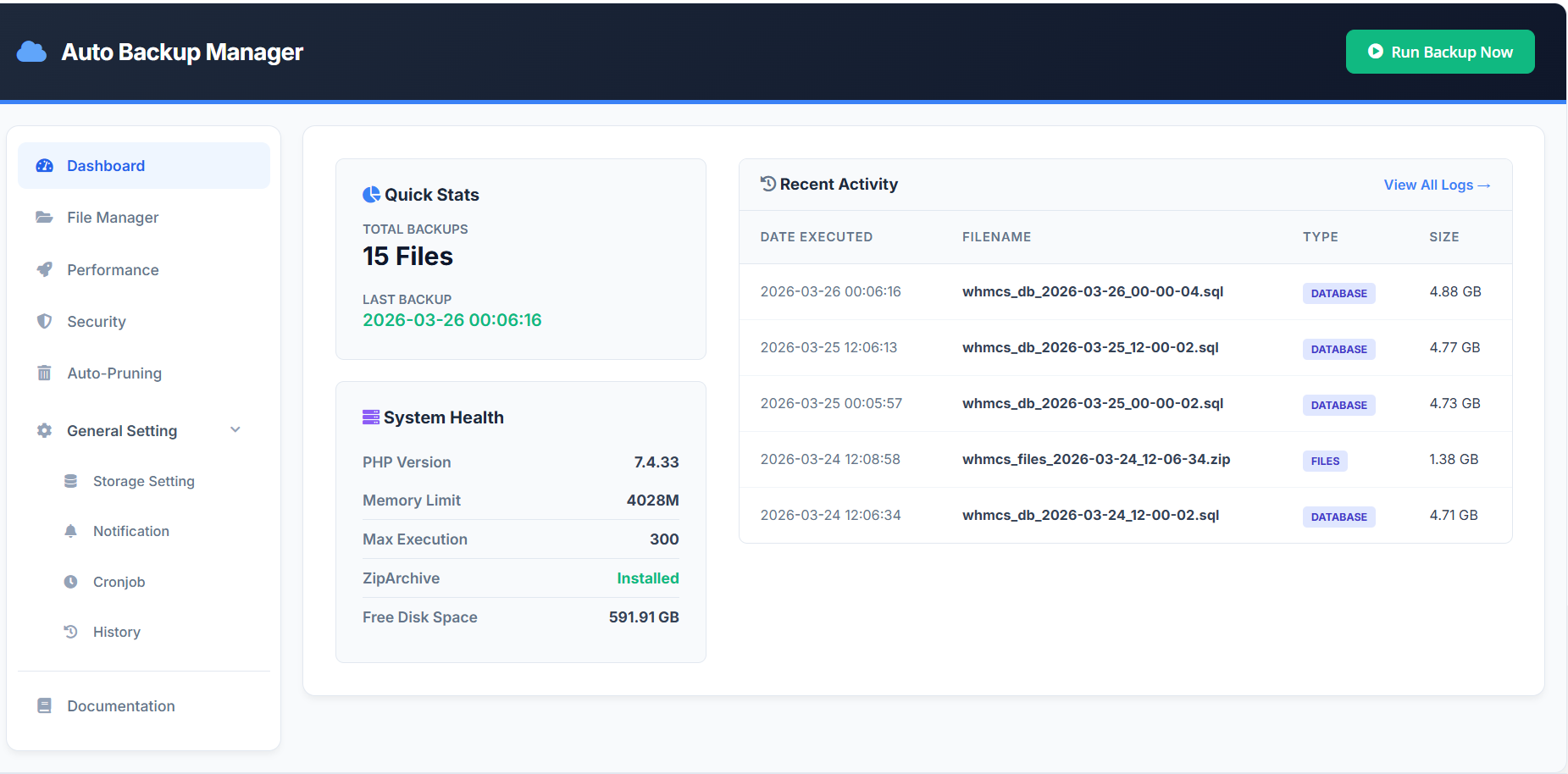
A centralized page to monitor system status and backup activity.
Built for high-speed operations and large-scale environments.
Enterprise-grade protection for all backup data.
Flexible and scalable storage architecture.
Version 1.0.0
Initial release.


Resell VPS & Cloud Dedicated Products from Liquid Web

Automate the sale of VPS servers & give your clients the ability to completely manage their VPS server inside of WHMCS, using the industry leading SolusVM control panel.



daniel @daniel1321
The review was different.
Developers MikyHost @rokizulti8418
Thank you for using our modules.
Owner@MikyHost