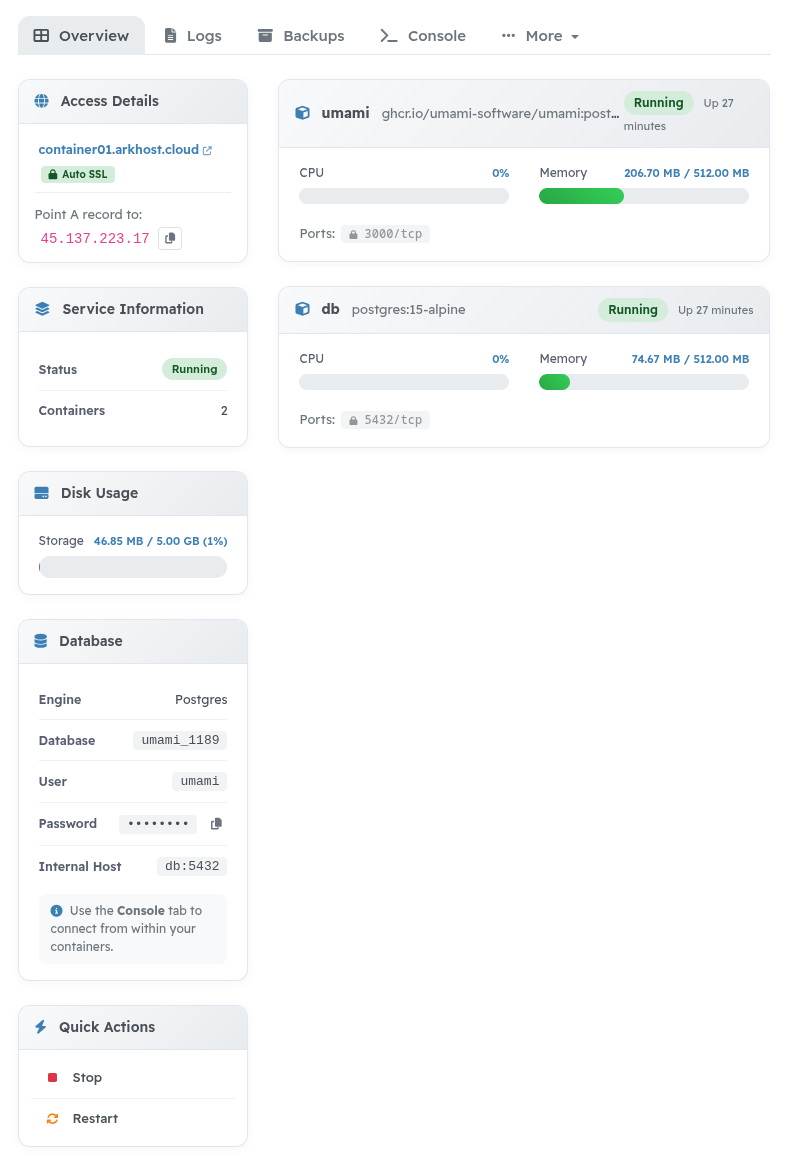
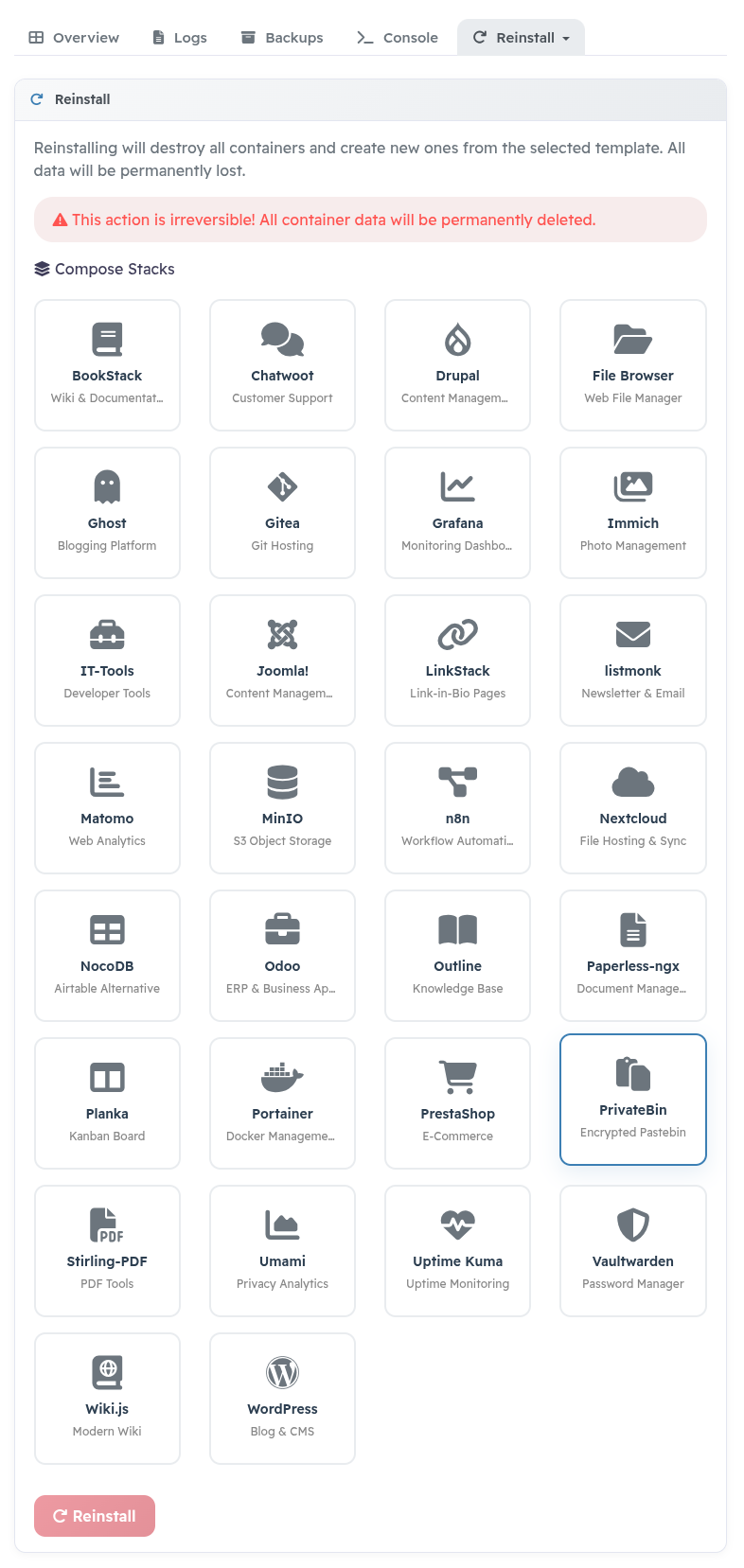
Turn your Portainer host into a WHMCS hosting product. Customers can order and manage Docker applications from your client area while WHMCS handles billing and the service lifecycle.
Use Traefik for routing and Let's Encrypt certificates. Customers can add custom domains after verifying ownership with a DNS TXT record.
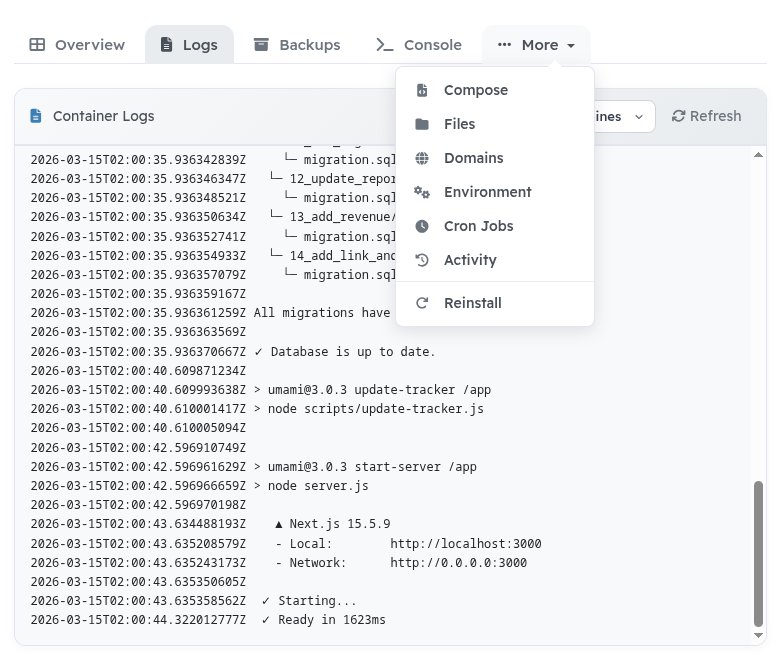
Configure an S3-compatible bucket to back up and restore application data. A temporary worker on the Docker host transfers backup data directly to the bucket. Customers can download available backups from the client area.
Backup and restore operations run synchronously, so configure appropriate timeouts and test restores against your own Portainer and storage setup.
Enable the features you need for each product:
Configure memory and CPU limits through WHMCS configurable options. Disk usage monitoring is available; the module does not enforce a hard storage quota.
Activate your licence in the included Docker Portainer configuration addon. Licence checks are cached, and administrators can check the status manually. If a licence is invalid or the licensing service is unavailable, an admin warning is shown without disabling customer services.
The core module is ionCube-encoded. Stack templates, language files, styles and Smarty templates are editable. Documentation is included with the download. Support is available through ArkHost. Use a PHP version supported by your installed WHMCS release.
Be the first to review Docker Portainer.
The best place to start if you need help with a specific product is to contact the developer. All WHMCS Marketplace developers have both a website and support URL listed.

Resell VPS & Cloud Dedicated Products from Liquid Web

Automate the sale of VPS servers & give your clients the ability to completely manage their VPS server inside of WHMCS, using the industry leading SolusVM control panel.