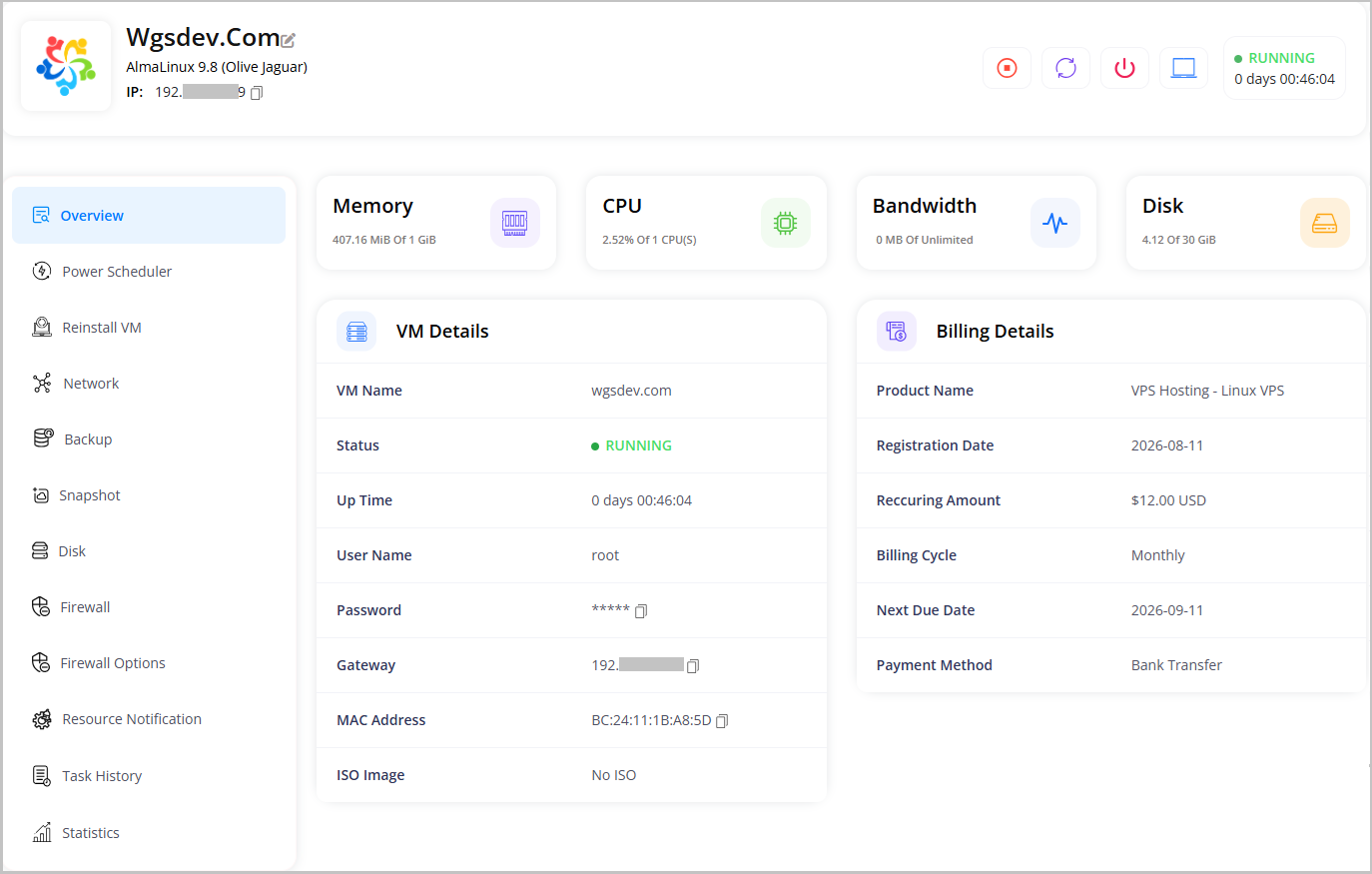
WHMCS Proxmox VE VPS Module brings powerful Proxmox VE virtualization directly into WHMCS, allowing hosting providers to automate VPS provisioning and give customers complete control over their virtual servers from the WHMCS client area. Support for KVM virtual machines and LXC containers makes it suitable for a wide range of VPS hosting services.
Automate the complete service lifecycle, from provisioning and OS installation to suspension, unsuspension, package upgrades, and termination. Administrators can manage Proxmox nodes, VPS resources, templates, storage, networking, IP addresses, and service configurations from WHMCS.
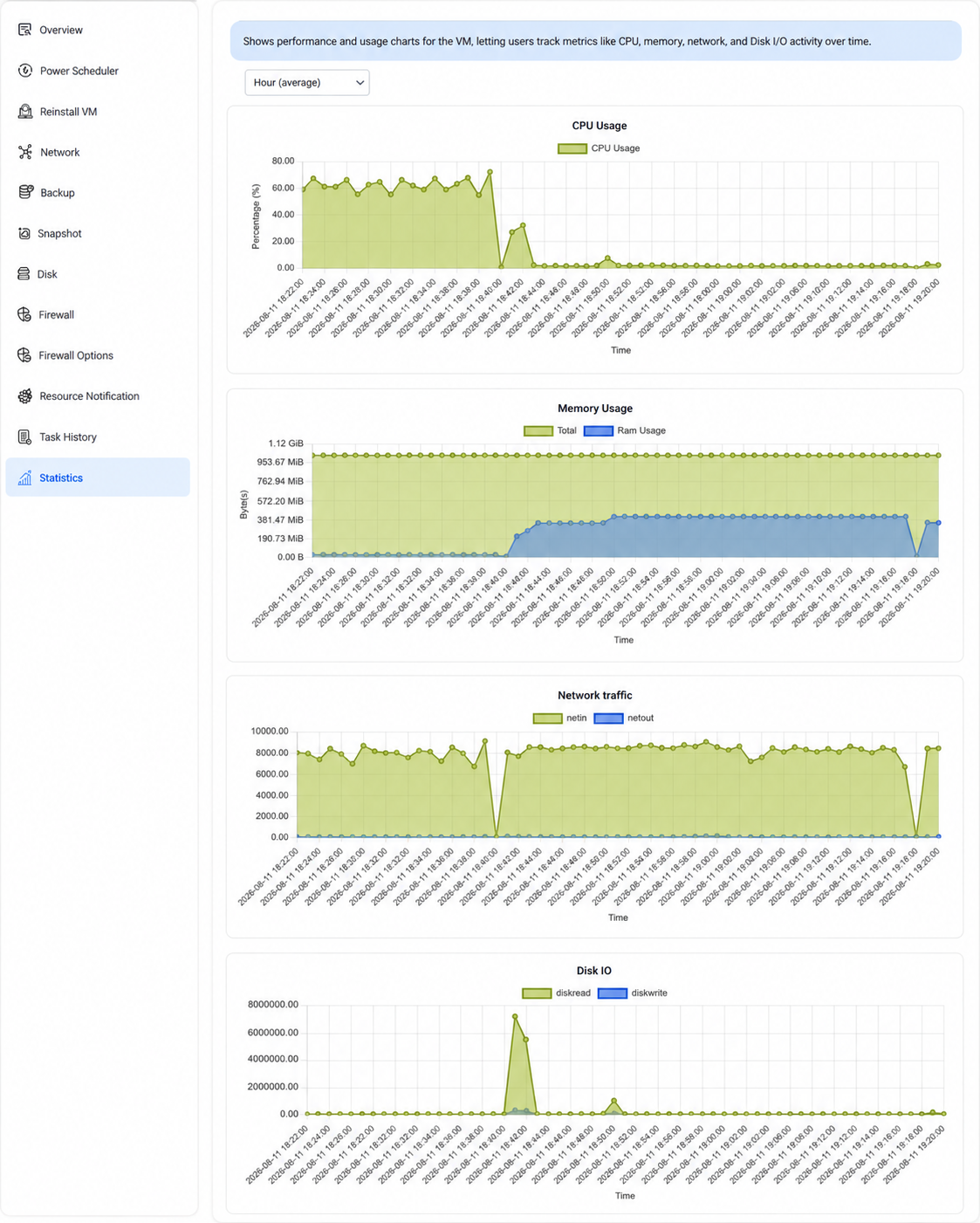
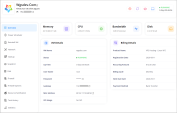
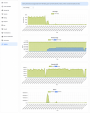
Customers get a modern self-service VPS management experience with power controls, console access, OS reinstallation, resource monitoring, IP information, backups, snapshots, and more.
Designed for reliable automation and easy management, the module connects WHMCS with Proxmox VE through its API, reducing manual server management and helping hosting providers deliver VPS services faster and more efficiently.
Annual: $34.99 USD (Discount will be applied automatically)
Annual: $299.00 USD (Discount will be applied automatically)
One Time: $1999.00 (Open Source + 1 year free support and updates) (Discount will be applied automatically)
What is the WHMCS Proxmox VE VPS Module?
It is a WHMCS provisioning module that integrates Proxmox VE with WHMCS to automate VPS provisioning and allow customers to manage their VPS from the WHMCS client area.
Does the module support KVM and LXC?
Yes. The module supports both KVM virtual machines and LXC containers.
Can I connect multiple Proxmox nodes?
Yes. You can configure and manage multiple Proxmox nodes through WHMCS.
Does it support automatic VPS provisioning?
Yes. VPS services can be automatically provisioned through the standard WHMCS order and provisioning workflow.
Can customers manage their VPS from the client area?
Yes. Customers can perform common VPS management tasks including power operations, console access, OS reinstallation, resource monitoring, and other available service actions.
Does the module provide console access?
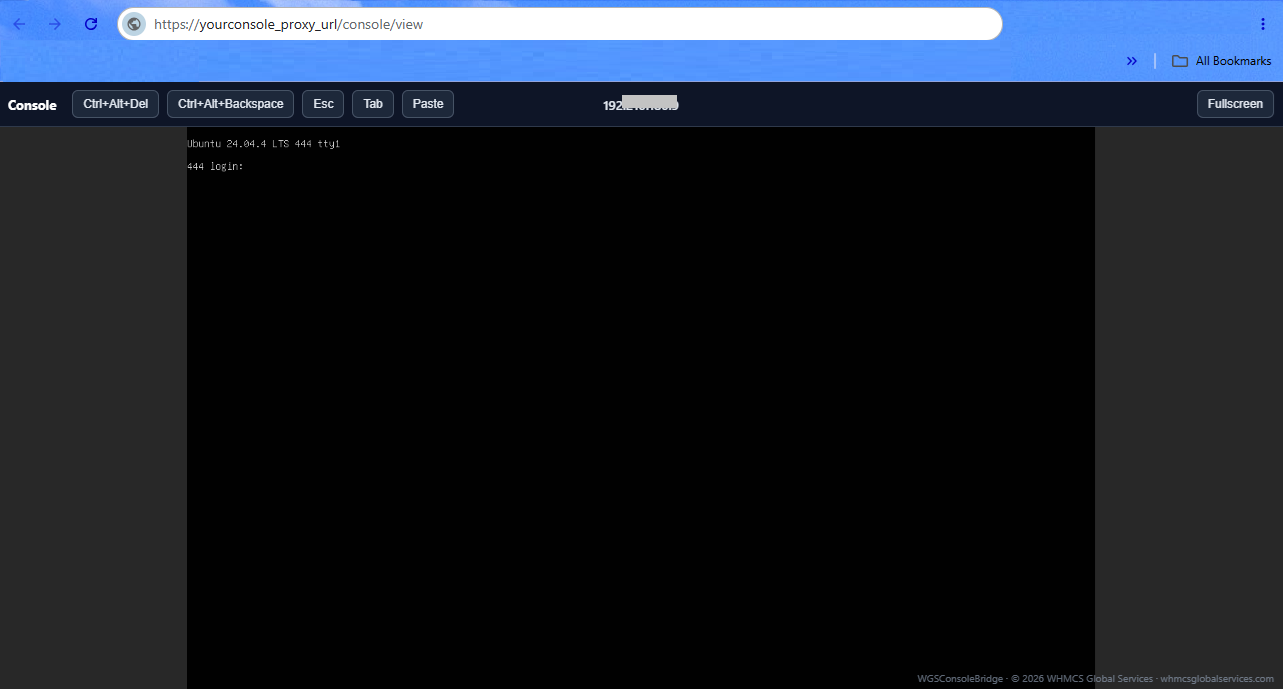
Yes. Console access is available directly through the WHMCS client area using noVNC.
Can customers reinstall their operating system?
Yes. Customers can reinstall their VPS using the OS/templates configured for the product.
Can I offer VPS upgrades?
Yes. The module supports WHMCS package and configurable-option based resource upgrades.
Does the module support IP address management?
Yes. The module supports VPS IP information and IP management as part of the provisioning workflow.
Can I manage backups and snapshots?
Yes. Backup and snapshot management is supported for VPS services.
Can administrators suspend and terminate VPS services?
Yes. Administrators can create, suspend, unsuspend, and terminate VPS services directly through WHMCS.
Does the module use the Proxmox API?
Yes. The module communicates with Proxmox VE through its API for provisioning and VPS management.
Does it work with WHMCS automated provisioning?
Yes. It is designed to integrate with the standard WHMCS provisioning and service lifecycle.
Is manual VPS provisioning required?
No. Once the module, Proxmox environment, and WHMCS products are configured, VPS provisioning can be automated through WHMCS.
Can clients control their VPS without contacting support?
Yes. The client area provides self-service controls for supported VPS management operations.
Is the module suitable for VPS hosting providers?
Yes. It is designed for hosting providers that want to sell and automate Proxmox-based VPS services through WHMCS.
The best place to start if you need help with a specific product is to contact the developer. All WHMCS Marketplace developers have both a website and support URL listed.


Resell VPS & Cloud Dedicated Products from Liquid Web

Automate the sale of VPS servers & give your clients the ability to completely manage their VPS server inside of WHMCS, using the industry leading SolusVM control panel.




Bruno Ferreira @bruno9494
I've been working with this company since 2019 and, throughout that time, I've always received excellent service. They are attentive, reliable professionals committed to quality service.
The Proxmox module is positively surprising us. It's a very functional tool that has been streamlining our processes and providing even more autonomy to our clients.
We recommend the company and, especially, the purchase of the Proxmox module!
WHMCS Global Services @whmcsglobalservices
Thank you so much, @bruno9494 , for taking the time to share your feedback.
Owner@WHMCS Global ServicesWe’re truly happy to hear that our Proxmox Module is helping streamline your processes and provide greater autonomy to your clients.
Your kind words mean a lot to our entire team and are a great motivation for us to keep improving and delivering reliable, high-quality solutions.
We sincerely appreciate your continued trust and support since 2019. Thank you for being a valued client!