Sell CubePath cloud VPS from WHMCS with fully automated provisioning, a modern control panel for your customers and an admin addon that builds your product catalog for you.
VPS control panel
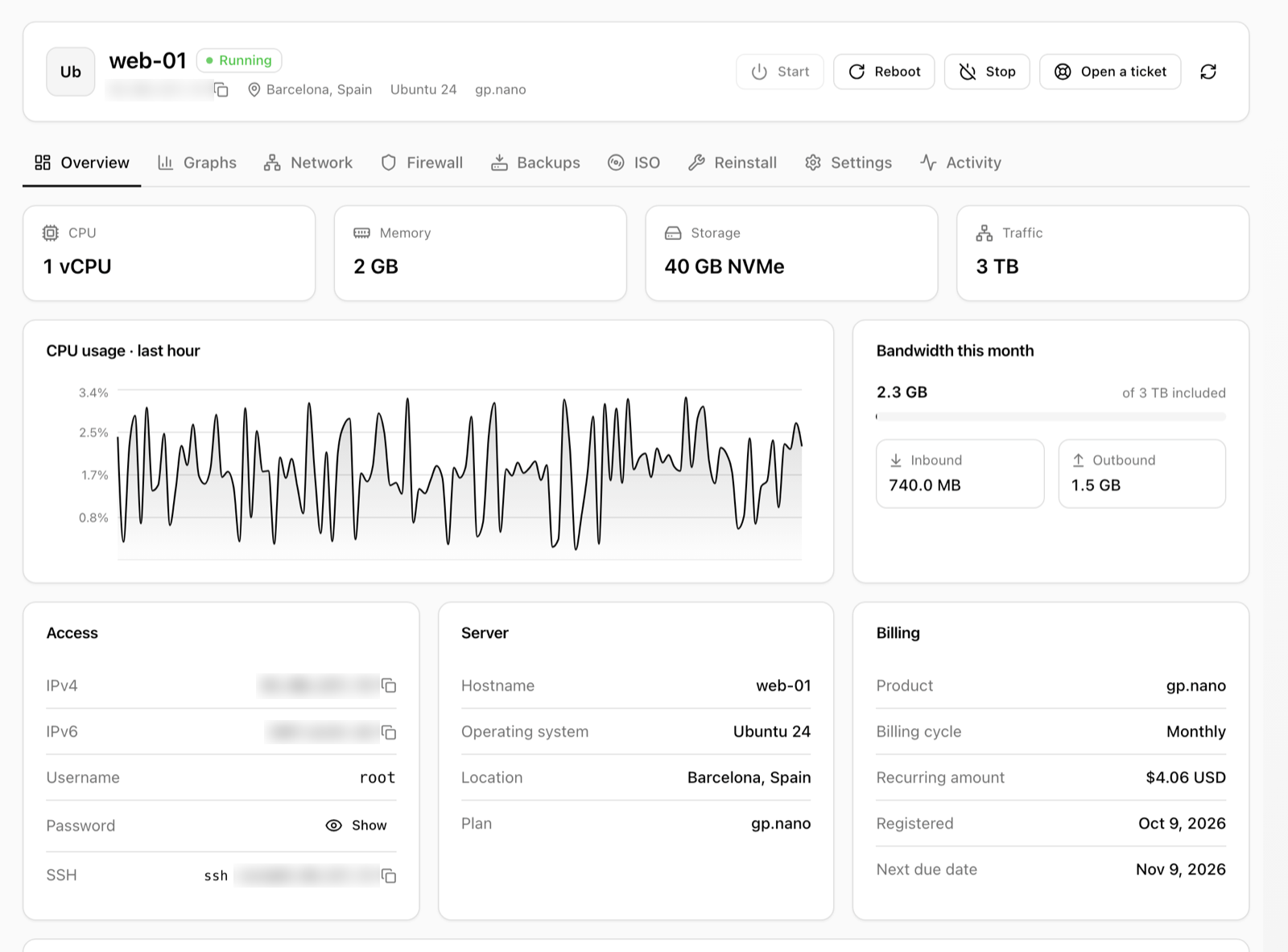
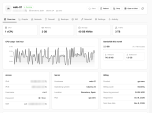
Shown in the client area of every CubePath service, and in the admin area so your staff can act on the VPS for the client. It renders in its own isolated container, so it looks the same with any WHMCS theme.
-
Overview: status, start, reboot and stop, resources, CPU and network of the last hour, bandwidth used this month and access details (IP, user, password, SSH command)
-
Graphs: CPU, memory, network and disk I/O from 1 hour to 30 days, with live refresh
-
Network: public IPv4 and IPv6 addresses with reverse DNS, and private network
-
Firewall: inbound and outbound rules, with presets for SSH, HTTP, HTTPS, RDP and ping
-
Backups: automatic backup schedule; create, restore and delete backups
-
ISO: mount and unmount ISOs from the CubePath library
-
Reinstall: any operating system the product sells, with a new root password
-
Settings: server name and root password
-
Activity: every action run by the client, an administrator or WHMCS
-
Support: open a ticket about the VPS straight from its panel, using your native WHMCS support departments
Ordering
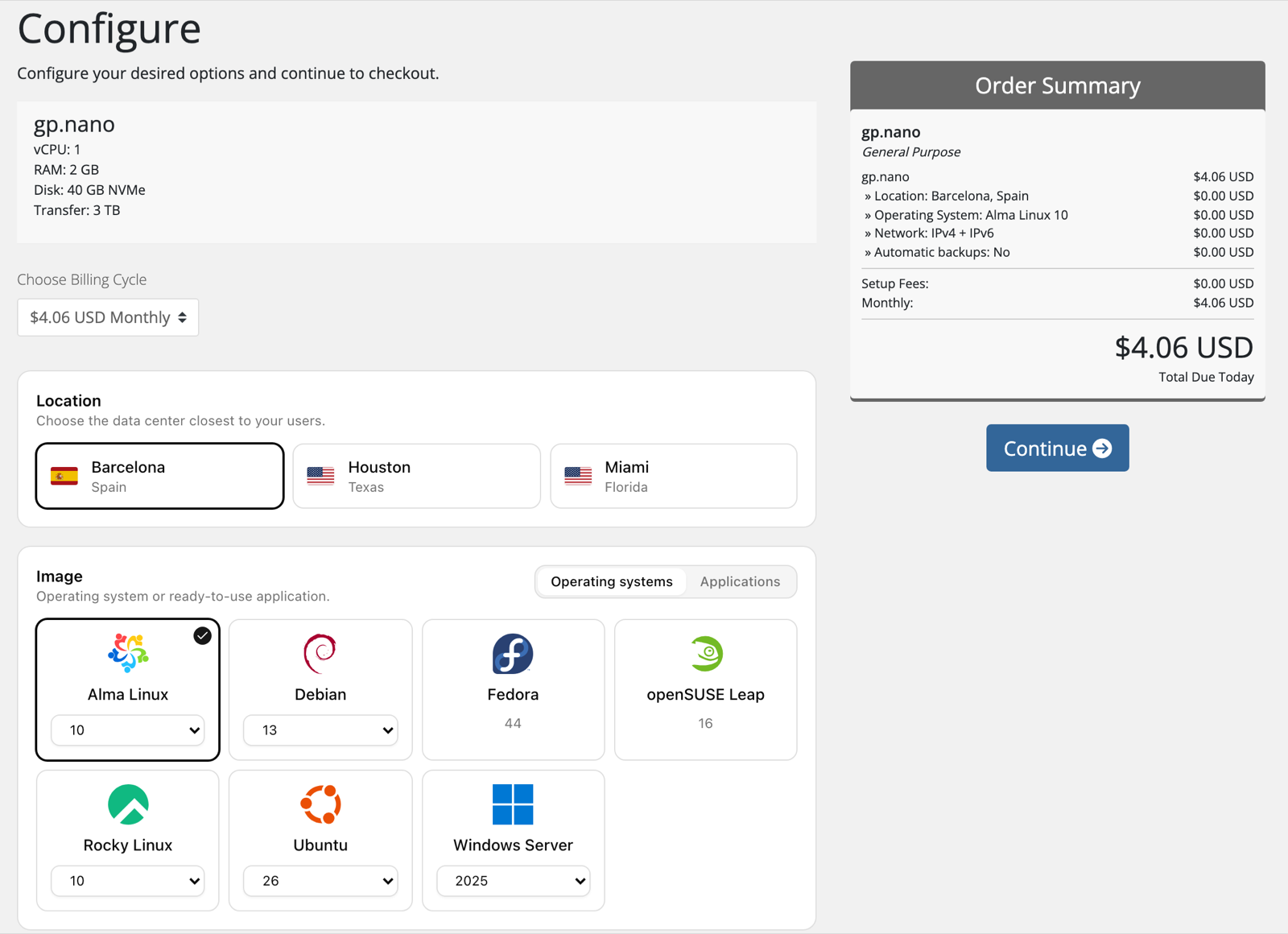
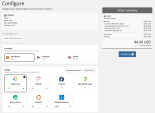
Customers choose the location, operating system or one-click application, IPv4 + IPv6 or IPv6-only networking, automatic backups, hostname, root password and SSH key. Only locations where the plan is in stock and templates that fit in its memory are offered.
Admin addon
-
Dashboard: API connection status, catalog summary and the support tickets awaiting reply from your VPS customers
-
VPS: every CubePath service with its live status, resources and client; search, filter and start, stop, reboot, suspend or unsuspend several at once
-
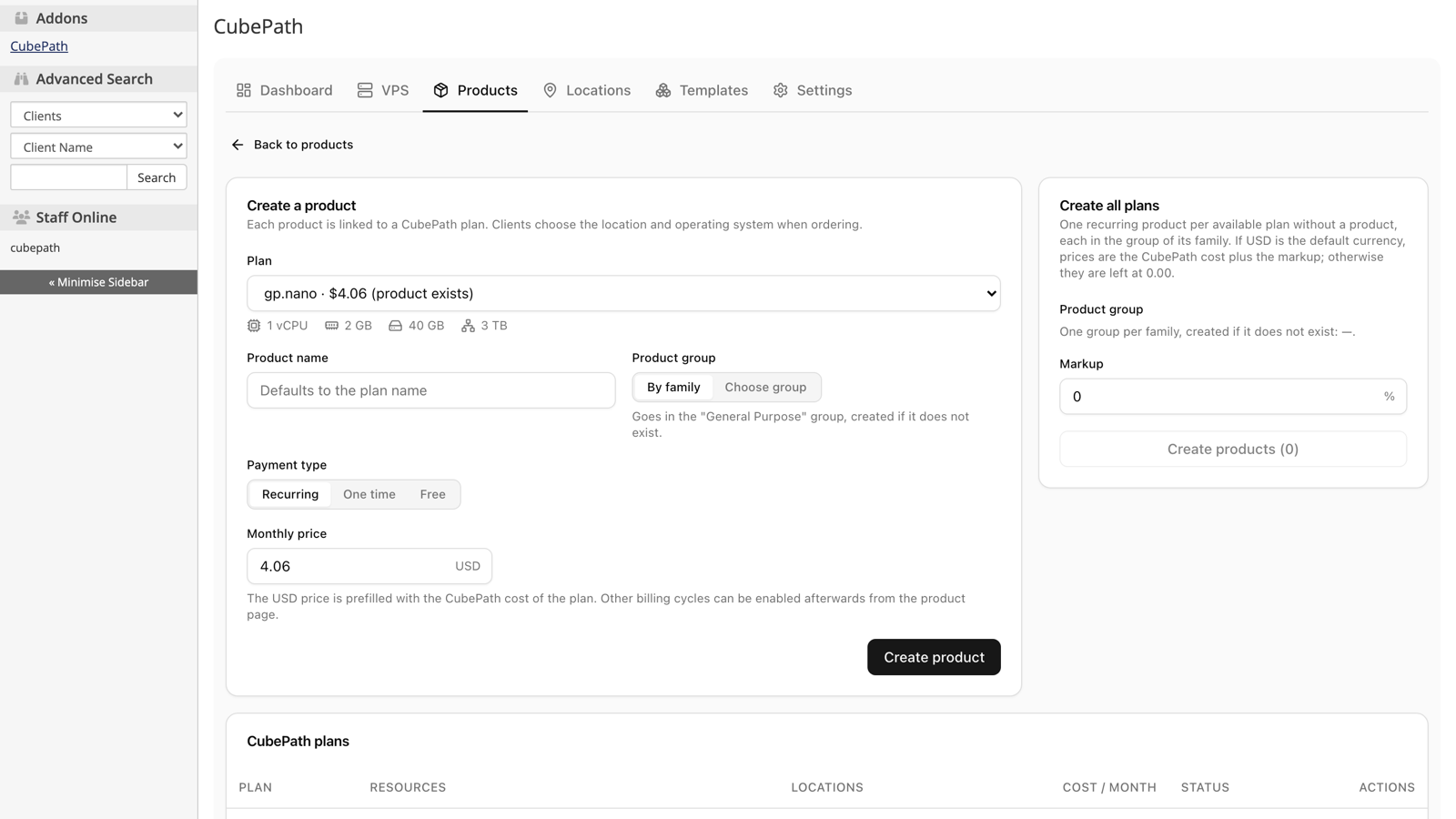
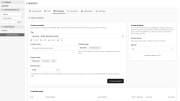
Product Creator: create a WHMCS product for one CubePath plan, or for every plan at once with a markup percentage; configurable options for location, image, network and backups are created for you
-
Products: sync new locations and templates into existing products
-
Locations and Templates: choose which data centers, operating systems and applications you sell
-
Welcome email: a ready-made "Your VPS is ready" email with hostname, IPs, credentials and SSH command, in English and Spanish
Plans, locations and templates are loaded from the CubePath API, so new ones show up without updating the module.
Provisioning
Create, suspend, unsuspend, terminate and change package (resize to another plan) are fully automated. Billing and renewals stay in WHMCS.
An optional client area theme and order form, both based on Twenty-One, are included.
Requirements
- WHMCS 8.x or 9.x
- PHP 7.4 or newer
- A CubePath account and API token
Installation
- Extract the archive over your WHMCS root directory.
- In System Settings > Servers, add a server with the CubePath Cloud VPS module, hostname api.cubepath.com and your API token as the password.
- In System Settings > Addon Modules, activate the CubePath addon and grant admin access.
- In Addons > CubePath, choose the default project and create your products with the Product Creator.
Free and open source under the MIT license.