MailOcean Email Provisioning

MailOcean Email Provisioning

Developed By MailOcean

Compatible with WHMCS v8.12

Business email for your customers

MailOcean Email Provisioning connects a WHMCS installation to your MailOcean reseller organization. Offer domain-based business email, automate supported service actions and let customers manage their own service. The WHMCS module is free; the MailOcean reseller service, agreement and usage are billed separately.

What you can offer

  • Separate per-mailbox account types, such as 5 GB, 10 GB and 25 GB, when enabled under your reseller agreement. Set your own retail prices and billing cycles in WHMCS.
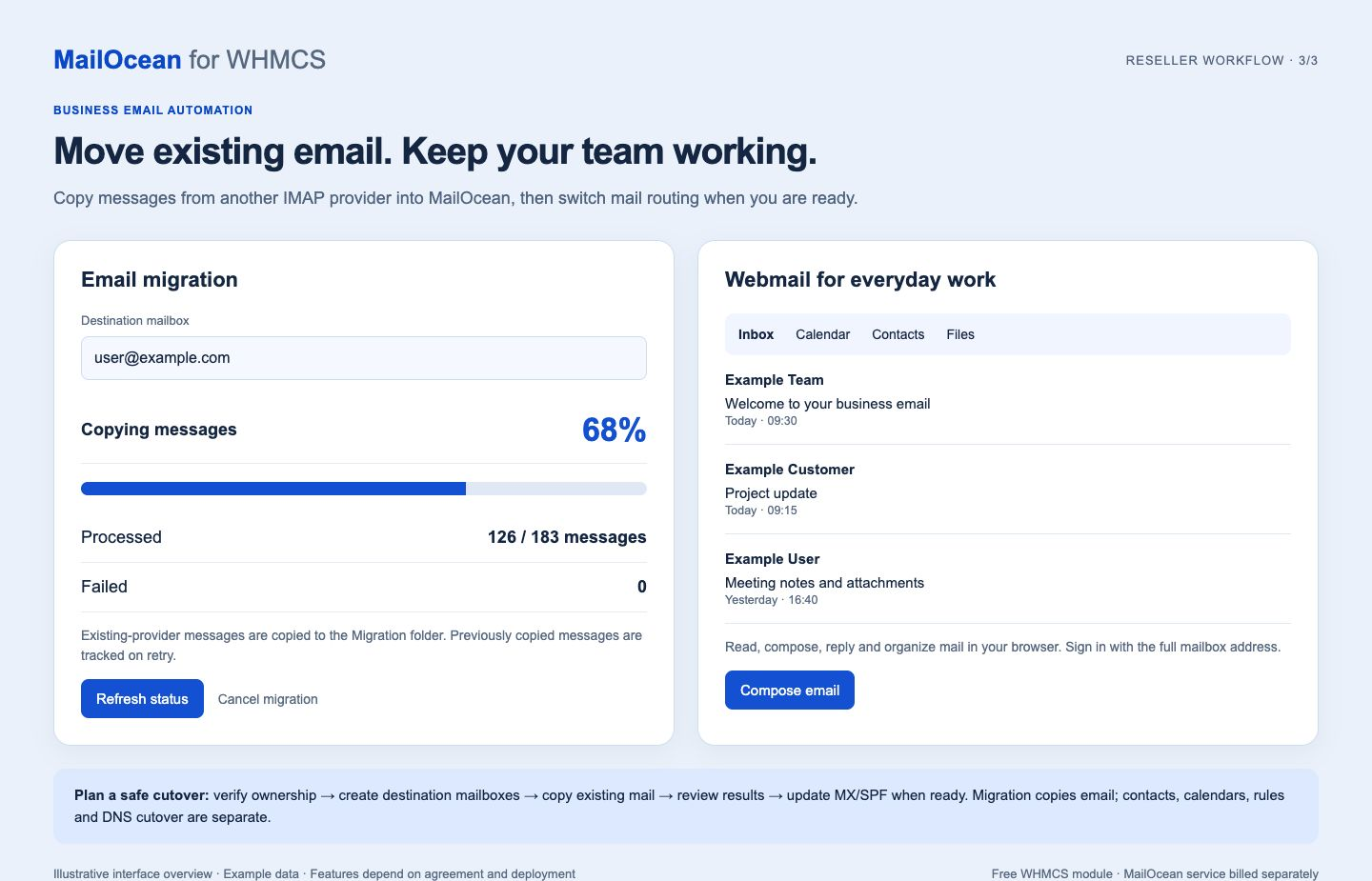
  • A modern, clean webmail interface for reading and sending email, with calendar, contacts and files. Customers sign in with their mailbox credentials.
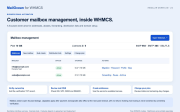
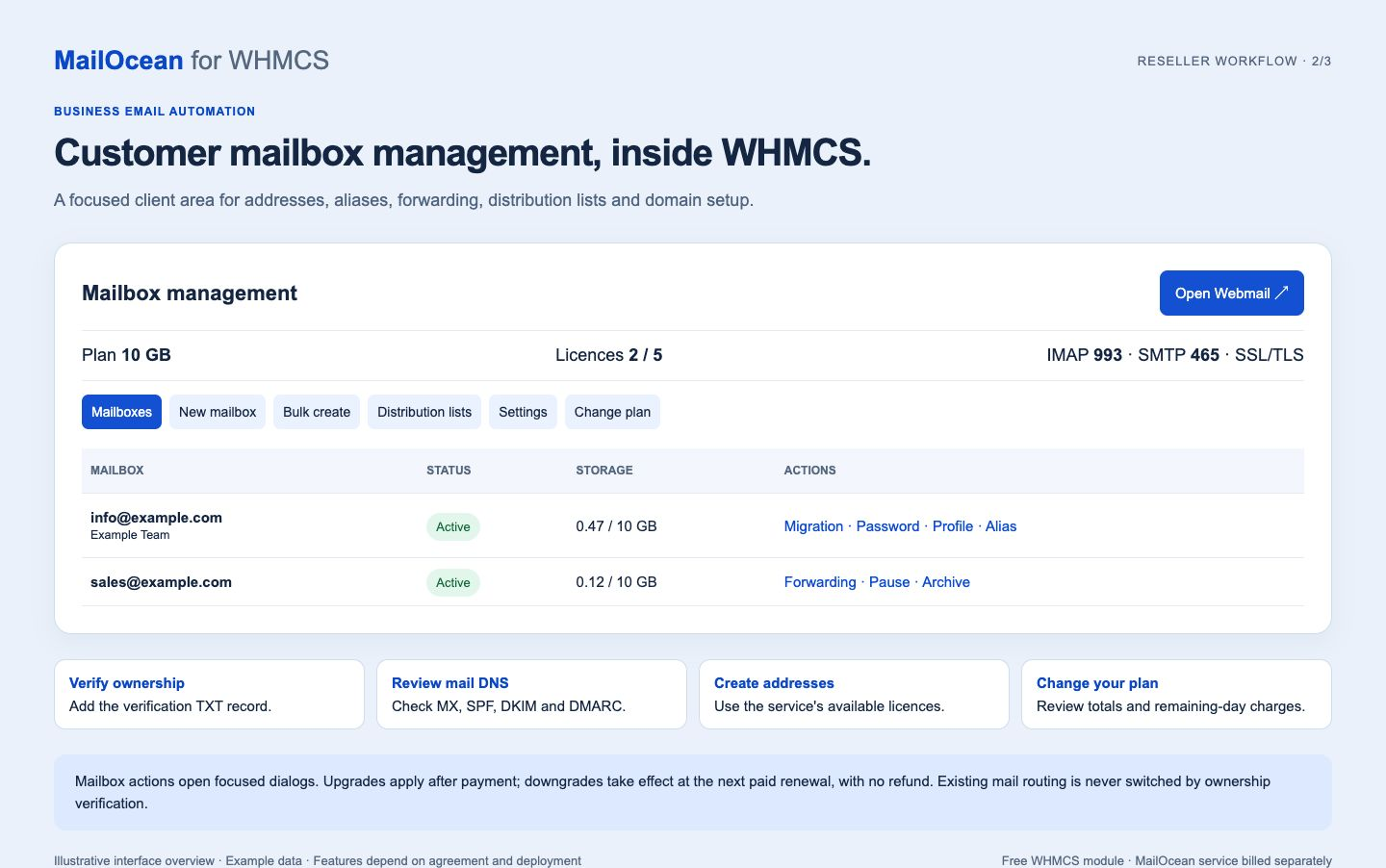
  • Mailbox management in the WHMCS client area, subject to permissions and service state: create addresses, change passwords, configure aliases and forwarding, pause, resume, archive or restore mailboxes. Mailbox action icons have hover/focus labels and open focused modal dialogs. IMAP/SMTP settings are displayed beside Webmail.
  • Distribution lists, domain ownership verification and a DNS-check button with per-record results. MX priority is separate from the copyable server name; long DKIM names remain fully copyable.
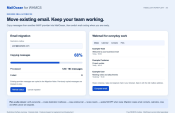
  • IMAP email import from an existing provider to the Migration folder, when the migration feature and worker are enabled for the service. It copies mail and attachments; DNS cutover, contacts, calendars and rules are separate.
  • A WHMCS addon to check the tenant API connection, linked services and status. Its visible dashboard refreshes while open; mailbox totals reflect the last synchronization.
  • Branding options for eligible reseller accounts, including branded webmail and DNS names, subject to setup and verification.

Installation and configuration

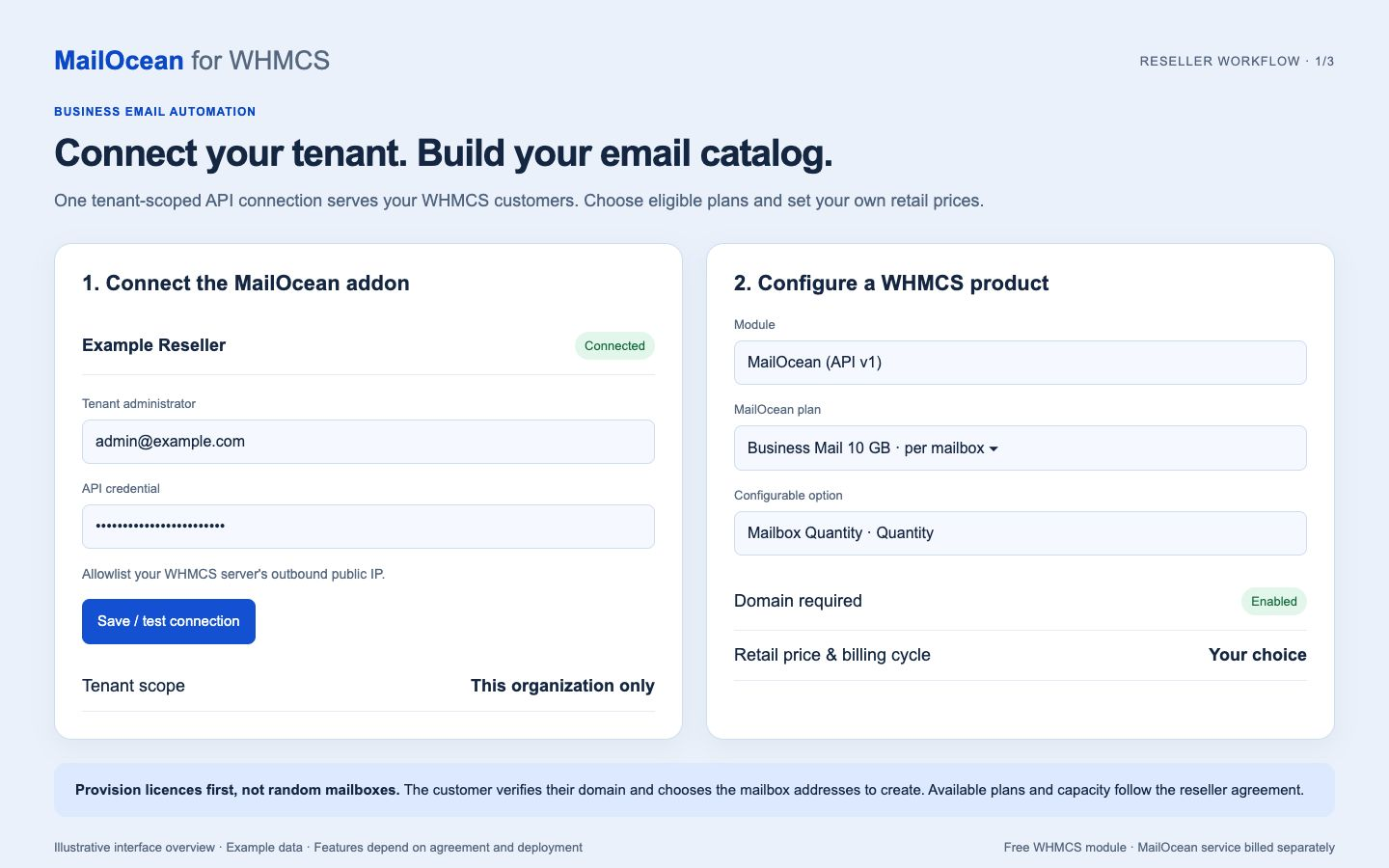
  1. Arrange a MailOcean reseller agreement. A tenant owner or authorized administrator generates a tenant API token and allowlists the WHMCS server's outbound public IP address.
  2. Download the ZIP. Copy modules/servers/mailoceanwhmcs/ and modules/addons/mailocean/ into the same paths under your WHMCS root. Copy all four supplied files from includes/hooks/ into that directory: the client-display, plan-change, reseller-choice and Team-checkout hooks. Back up existing files and data before upgrading; do not deactivate the addon or delete existing service bindings. Open the addon after updating so its schema is upgraded.
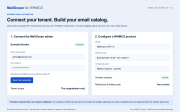
  3. In WHMCS, open System Settings → Addon Modules, activate MailOcean and grant only appropriate administrator roles access. Under Addons → MailOcean → API connection, save the token and verify the connected organization.
  4. Create a separate recurring WHMCS product for each account type. Under Module Settings, select MailOcean (API v1) and choose the corresponding MailOcean Plan from your enabled catalog.
  5. Create and assign a Configurable Options group for each product. Add one Quantity option named exactly Mailbox Quantity, with one sub-option, limits and your retail unit prices for each currency and billing cycle. These groups are configured manually; the module does not create them automatically. If the option contains the full price, use a zero base price to avoid charging twice.
  6. Enable Require Domain, select the setup trigger, and verify an authorized test order, domain ownership, DNS and provisioning status before selling.

Important details

Version 1.3.0 includes customer plan and licence changes. Customers review the current and proposed totals, service period, remaining days and prorated difference before confirming. Upgrade invoices apply changes only after confirmed payment. Downgrades take effect at the next paid renewal, with no refund, and require fresh usage and capacity checks. Team plans use one package per service. Unsupported tax, promotion and credit scenarios are rejected rather than estimated. The connected MailOcean platform must support the guarded plan-change API. Feature availability depends on the agreement, capacity, permissions, verified domain and deployment settings.

The client area supports English by default and Mongolian when selected in WHMCS. Mailboxes are created by customers; generated WHMCS usernames do not trigger mailbox creation. Migration shows message counts and progress, with clear failure and retry states. Domain ownership automation appends only its verification TXT record; it never automatically switches existing MX or SPF records. DNS checks update in place without moving the page.

Tested with WHMCS 8.12.1 and PHP 8.2. Read the included README and changelog for installation, upgrade steps and limitations.

How reseller and customer billing fit together

Your WHMCS customers buy services from you at your retail prices. MailOcean supplies eligible capacity to your connected reseller tenant under a separate wholesale agreement. A customer payment in WHMCS is not a payment of your MailOcean wholesale invoice. Monitor your agreement limits and eligible capacity in MailOcean before accepting additional orders.

For per-mailbox products, the requested quantity is the new total number of licences, not the number to add. For example, changing a total of 2 to 3 adds one licence. Team products contain a fixed number of mailboxes and use a quantity of one per service; grow by changing Team plan rather than multiplying the package. Customer service boundaries restrict which mailboxes can be managed through each WHMCS service.

Safe onboarding and migration

  1. Order the service and verify domain ownership. The module provisions service capacity without inventing a mailbox address.
  2. Create the required destination mailboxes and set their passwords.
  3. Start an IMAP migration using the old provider server, full mailbox address and supported password or app password. Review message counts, progress and failures. Microsoft 365 access requires appropriate provider authentication; basic-password IMAP is not universally available.
  4. Keep the previous provider routing in place until you are ready. Ownership TXT verification does not redirect incoming mail.
  5. After reviewing the migration, deliberately change mail routing and check MX, SPF, DKIM and DMARC results. DNS propagation and provider access policies can affect timing.

Updates and operational checks

Back up files and the WHMCS database before installing an update. Preserve tenant credentials, linked service records and pending plan changes. Upload the complete release, including both client templates, the language dictionary, addon libraries and all supplied hooks. Clear compiled templates when necessary, then verify the connected tenant, plan selection and an authorized test service. Never send API keys, mailbox passwords or licence keys in public screenshots or support attachments.

The gallery contains illustrative English workflow overviews with example data, rather than unmodified production screenshots. Actual appearance can vary with your WHMCS theme and enabled MailOcean features.

Support before ordering

Use the Support contact provided on this listing for pre-sales questions, reseller onboarding and technical assistance. No customer account or sign-in is required to contact the MailOcean team. Include your WHMCS, PHP and module versions when reporting a technical issue.


There are no reviews yet!

Be the first to review MailOcean Email Provisioning.

Version Compatibility


Compatible with WHMCS v8.12

Full Version Compatibility


  • Selected versions of WHMCS v8.12
        8.12.1

System Requirements


  • MailOcean reseller tenant with eligible capacity, tenant API credential and allowed WHMCS server IP; PHP cURL with HTTPS certificate verification.

* Requirements listed are in addition to the WHMCS default system requirements.

Support for this product

The best place to start if you need help with a specific product is to contact the developer. All WHMCS Marketplace developers have both a website and support URL listed.

Developed By MailOcean

Changelog

v1.0.0 Released November 8th, 2026

Latest Version


  • MailOcean tenant API connection and email service provisioning.
  • Customer mailbox management and service controls.
  • Scheduled downgrade automation is not generally available in this release.


See also

Hetzner Servers Manager

Integrate manager for Hetzner Dedicated

Commercial
Liquid Web VPS & Cloud Dedicated Reseller Program

Resell VPS & Cloud Dedicated Products from Liquid Web

Free
SolusVM WHMCS module

Automate the sale of VPS servers & give your clients the ability to completely manage their VPS server inside of WHMCS, using the industry leading SolusVM control panel.

Free
Acronis Cyber Protect Cloud

AI-Powered Integration of Data Protection and Cybersecurity.

Free
VPN reseller module

Resell VPN accounts with whitelabel Windows, Mac, IOS and Android software

Free