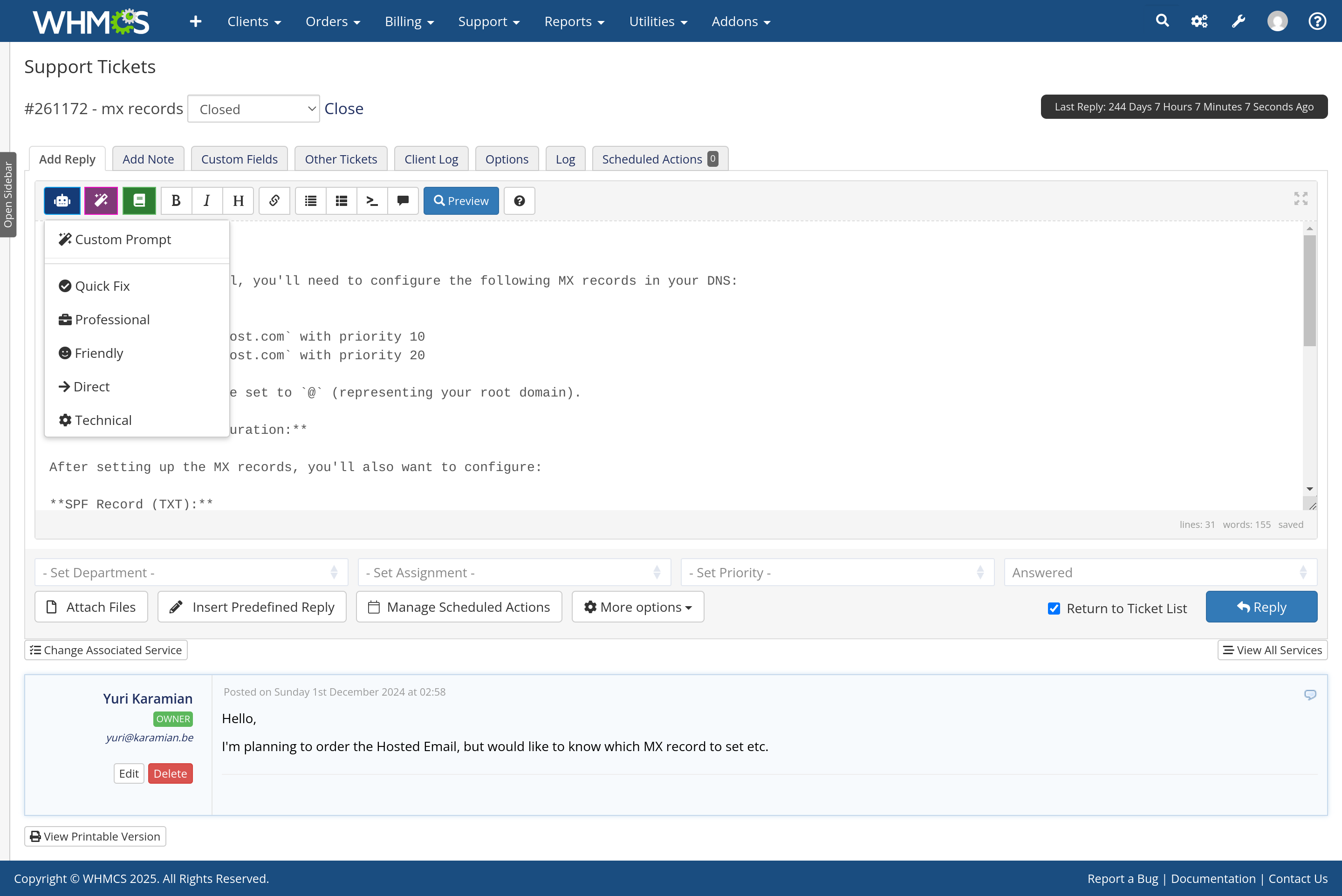
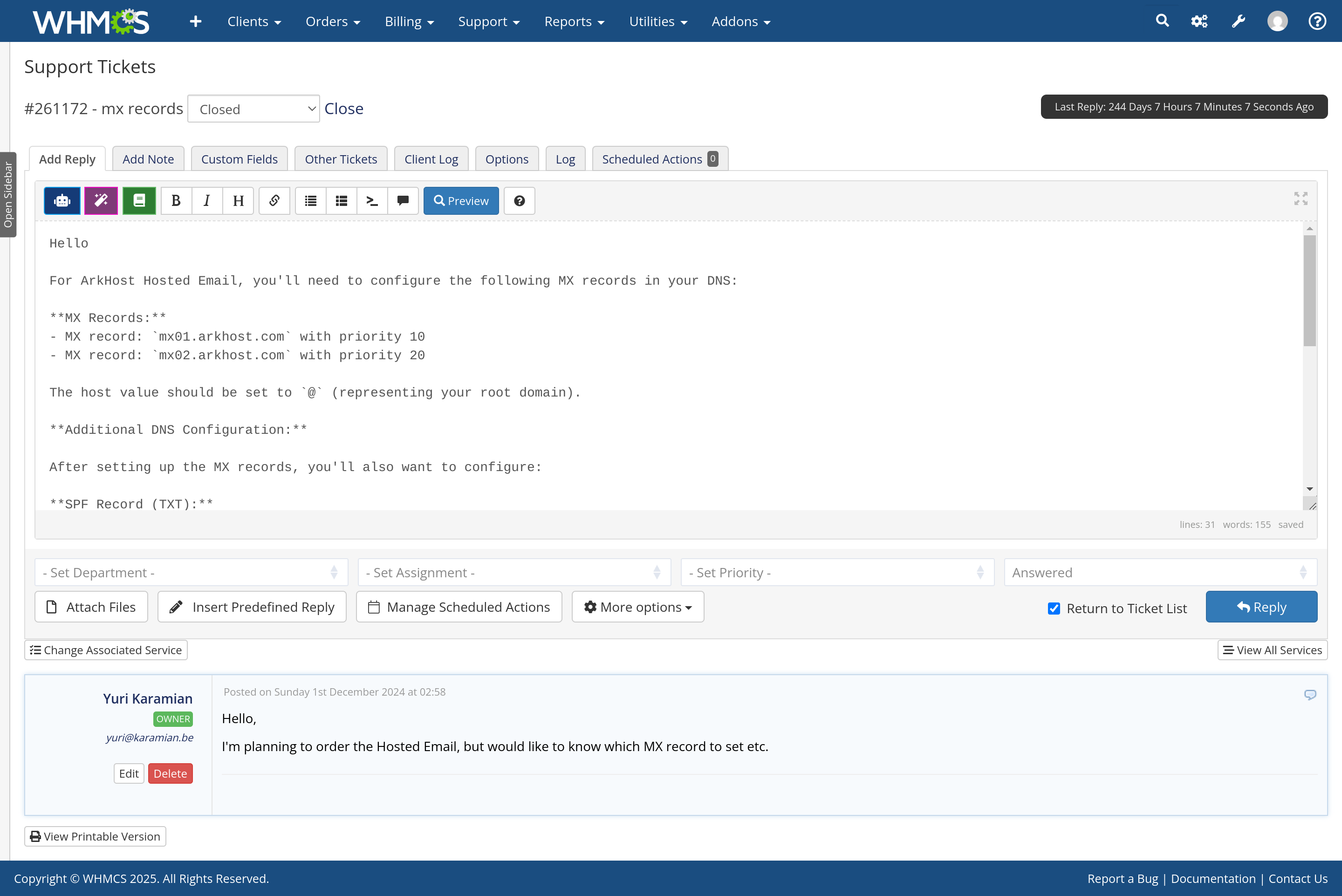
Draft support replies from ticket conversations, client account details and your documentation, directly in WHMCS. Connect OpenAI, Anthropic or a custom OpenAI-compatible API.
Use it to prepare replies for staff review, improve text, triage tickets and turn resolved conversations into knowledge base drafts. Optional Autopilot can send replies automatically in the departments you select.
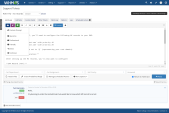
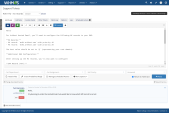
Generate replies, add Custom Instructions, or use Improve Writing, Fix Grammar, Shorten, Expand, Change Tone and Translate. Enhancement tools also work in the new-ticket editor.
Ticket triage suggests troubleshooting steps and escalation criteria. KB generation prepares an article for you to review, remove customer-specific information and publish.
The module supports 29 languages, including Arabic and Norwegian. Arabic and other right-to-left text displays right-to-left in drafts, previews, saved replies and support emails. Technical strings remain left-to-right.
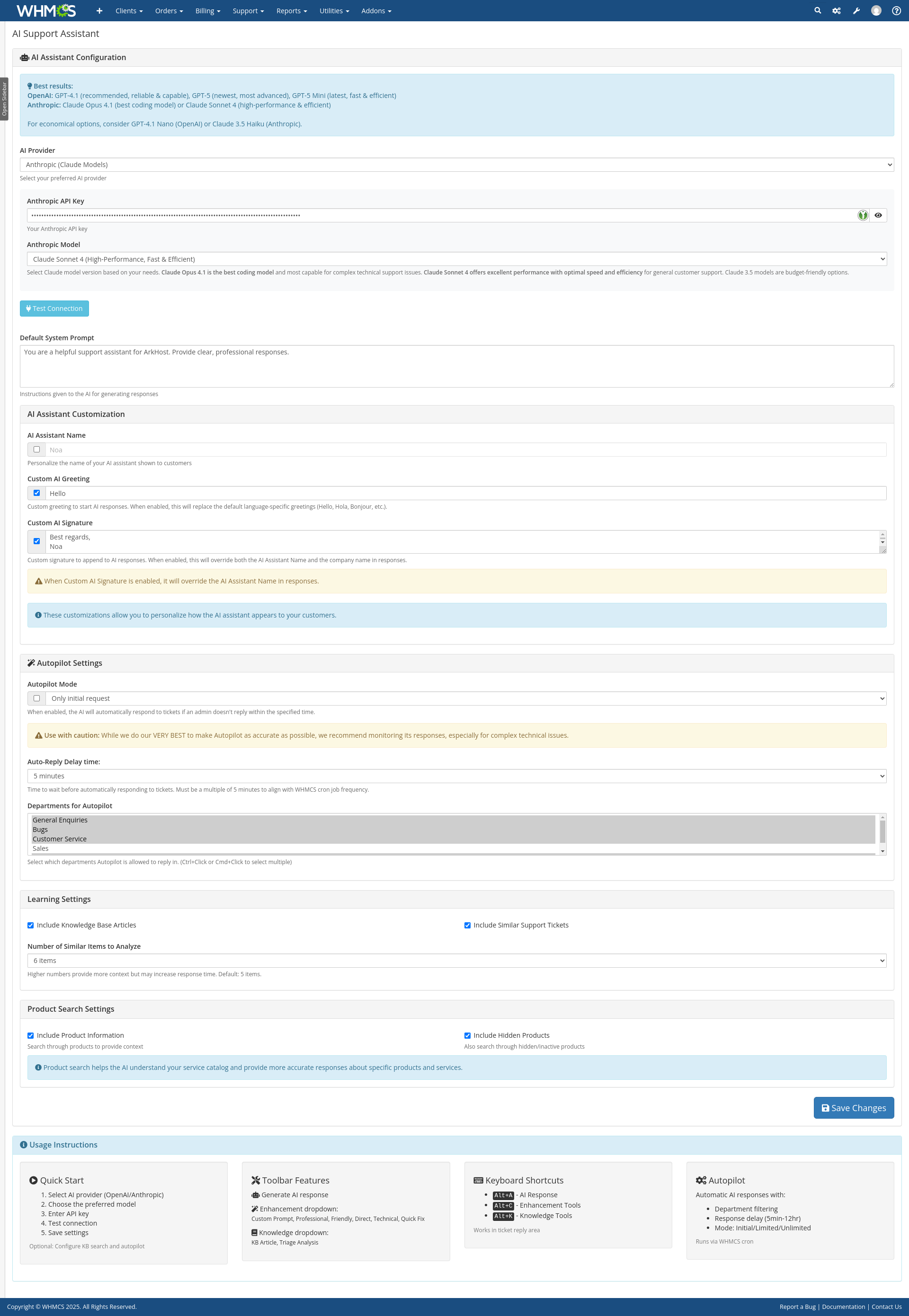
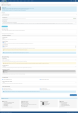
Choose departments, reply mode, delay and resulting ticket status. Autopilot sends through the normal WHMCS cron, without prior staff approval.
Guest-created tickets have a separate option, disabled by default. Staff-created tickets without a client remain excluded. Only customer requests up to 7 days old are eligible, and merged ticket remnants are skipped.
Incomplete attachments, failed BookStack retrieval and relevant incomplete account inventories can hold a reply. Locked final checks and durable delivery records prevent unsafe automatic retries when delivery is uncertain. Review the Activity Log and ticket history before replying manually.
Choose an available model from the OpenAI or Anthropic selectors, or enter the exact model name for a custom OpenAI-compatible endpoint. Supported OpenAI models offer configurable reasoning effort, with Module Optimized defaults matched to the task. Higher effort can take longer and use more tokens.
Anthropic prompt caching is used where applicable; savings depend on model requirements, prompt length and repeat requests. API usage is billed separately by your provider. A ChatGPT subscription does not include OpenAI API credits.
Ticket text, enabled account context, documentation and supported attachments are sent to your configured provider. Choose only the context you need and check the provider’s terms and retention requirements. Autopilot excludes private admin notes and other customers’ past-ticket excerpts, but customer data is not anonymized.
Upload the supplied addon, activate it in WHMCS, enter the license and configure the provider. Test non-sensitive tickets with Autopilot disabled first.
For an update, back up the database and addon files, pause Autopilot and overwrite the addon with the new package. Open the addon settings to complete the upgrade. Saved settings and provider keys are retained. Rollbacks require matching files and a database backup because older code cannot read newly encrypted keys.
The best place to start if you need help with a specific product is to contact the developer. All WHMCS Marketplace developers have both a website and support URL listed.
no), Bokmål (nb), and Nynorsk (nn) detection, reply greetings and signoffs, and KB generation language support for both providersnorwegian KB metadata
None to Low
Exception import that emitted a PHP warning
Autopilot Enhancements:
OpenAI Model Updates:
Autopilot Mode:
OpenAI Model Updates:
Response Formatting Improvements:
Language Processing:
Added support for 11 new languages: Finnish, Maltese, Latvian, Lithuanian, Estonian Slovenian, Irish, Greek, Croatian, Slovak, Bulgarian
New Features: AI Assistant name and custom signature.
AI Model Support:
Language Processing:


Chat and Engage with Your Customers to Increase Conversions!

Customer service platform with live chat and customer engagement capabilities

PreMadeKB - Readymade Knowlegebase Articles for WHMCS - With Images and 431+ Articles on cPanel, Plesk, DA, Softaculous, etc.

MARCELO KONRATH @marcelo1959
Hello
The AI Support Assistant helps speed up support responses and automate customer service, saving valuable time for the support team.
Fantastic and extremely powerful product.
Installation was quick and the configuration is very simple, working perfectly with WHMCS.
For hosting companies, this is practically an indispensable tool. Highly recommended!
Thank you
Marcelo Konrath
www.myway.com.br
dotnetagency @dotnetagency8845
Highly recommend it for any business looking to streamline their customer support!
dotnetagency @dotnetagency8845
Reliable performance, seamless integration.
rupa @rupa1373
Highly recommend it for any business looking to streamline their customer support!
Nicholas Han @nicholas7621
ArkHost’s AI Support Assistant has been a solid tool for automating customer interactions. It handles most support inquiries with ease, although it sometimes struggles with more specific questions. Still, it’s a fantastic product for streamlining support.
MD Mahfuz Reham @payonom5243
A great tool for improving response times and handling basic queries. It’s saved us a lot of time. Would love to see more capabilities for handling complex issues
MD Mahfuz Reham @mdn7380
As a user of ArkHost's AI Support Assistant, I am truly impressed by how seamlessly it integrates into my workflow. It provides quick and accurate responses, significantly improving the efficiency of our support operations. The AI is intuitive, and I’ve noticed a considerable reduction in response times for customer inquiries. Highly recommend it for any business looking to streamline their customer support!