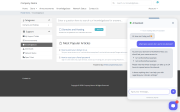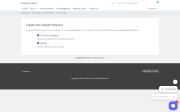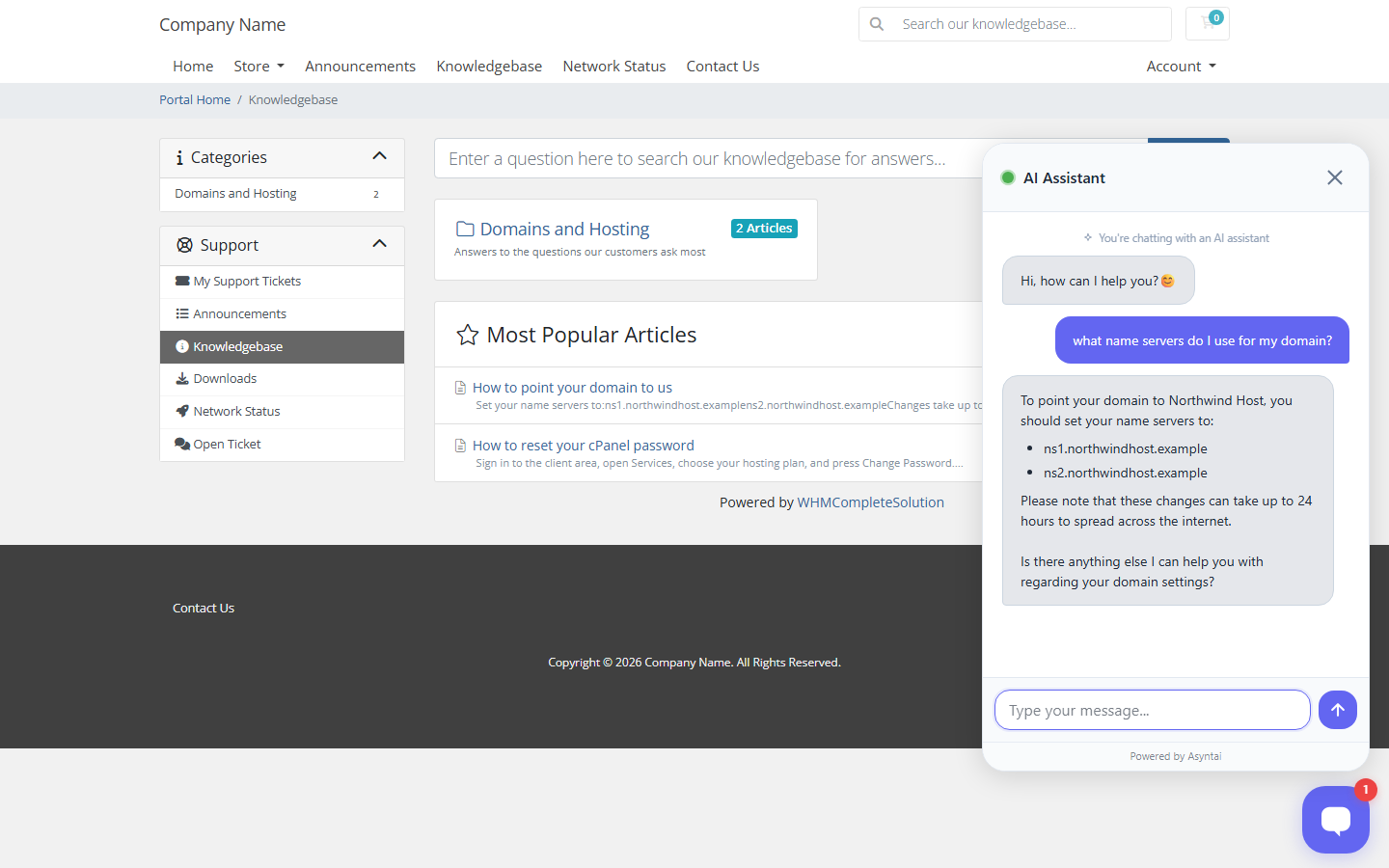
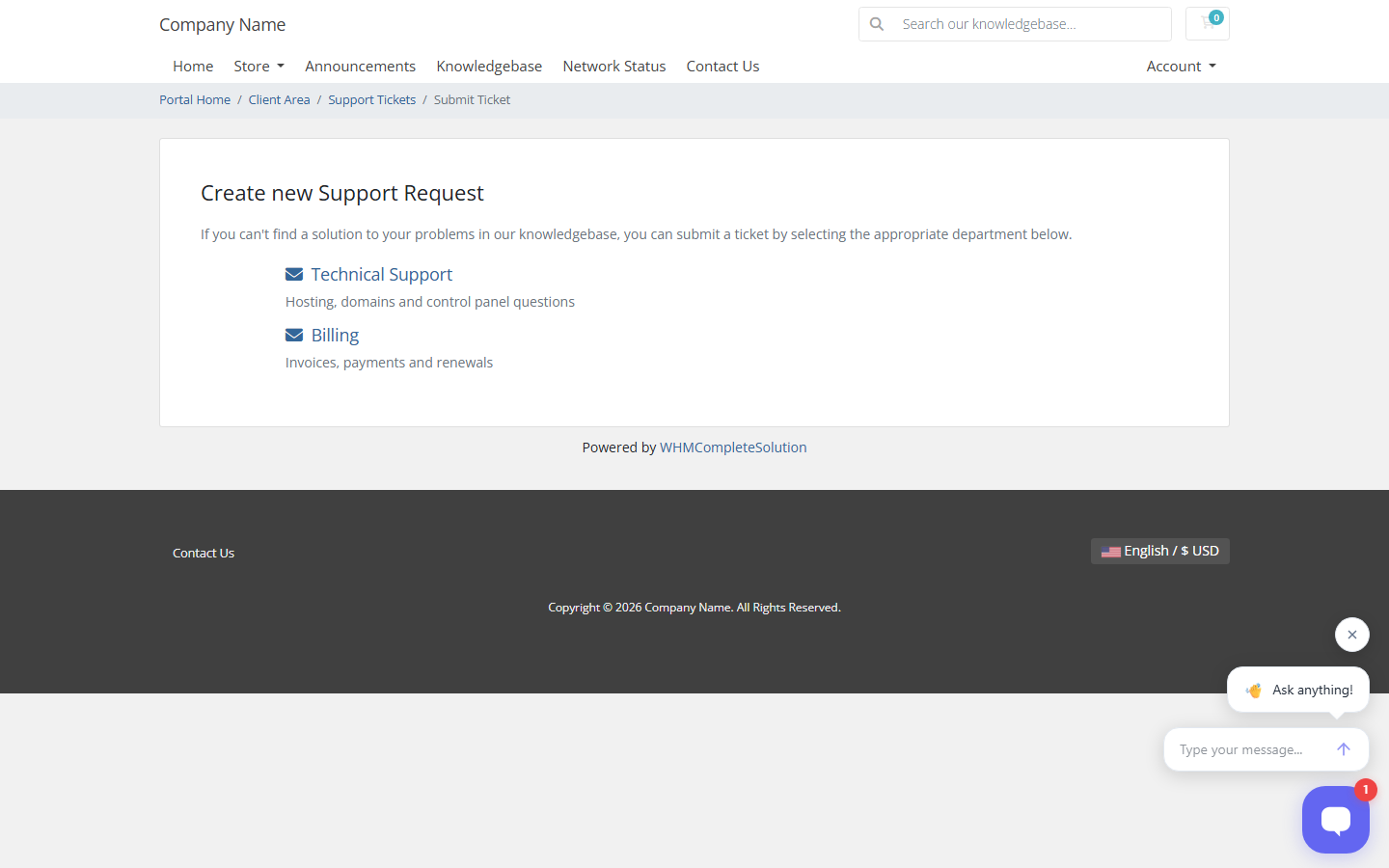
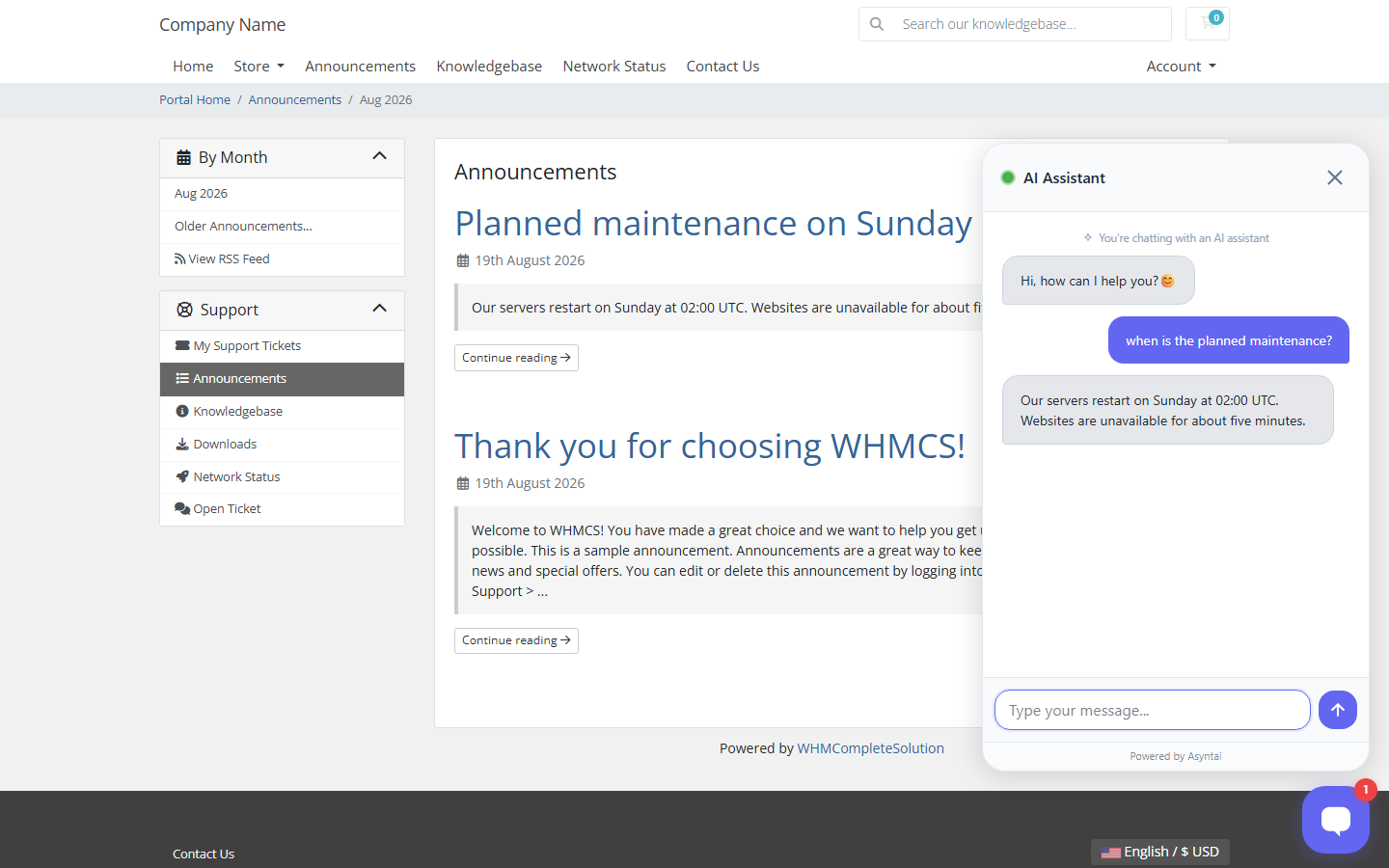
Asyntai puts an AI chat assistant on your client area, your order forms and your ticket pages. It answers the questions your customers ask every day, so your staff answer the ones that actually need a person.
It answers from your own knowledge base
WHMCS already holds your answers, in the knowledge base articles you wrote. The module sends your published articles to Asyntai, so the assistant replies with your wording rather than a general answer. Send them again after you edit an article and the old version is replaced, not copied. Private articles and unpublished announcements are never sent.
What it handles
Features
Speed
The widget script loads only after the page has finished loading, so it cannot slow your client area down. The module caches its settings for a minute, so a page view never waits for an outside call.
Requirements
WHMCS 7.0 or newer, PHP 7.2 or newer with the cURL extension, and a server that can reach the Asyntai service over HTTPS. There is no API key to copy.
Setup
Upload the asyntai folder to modules/addons, activate the module in System Settings, then open Addons and click Connect Asyntai. About two minutes.
Pricing
The module is free. It needs an Asyntai account, which is also free to create, and it works on the Free plan. Paid plans raise the monthly message allowance.
Be the first to review Asyntai AI Chatbot.
The best place to start if you need help with a specific product is to contact the developer. All WHMCS Marketplace developers have both a website and support URL listed.


Chat and Engage with Your Customers to Increase Conversions!

Customer service platform with live chat and customer engagement capabilities

PreMadeKB - Readymade Knowlegebase Articles for WHMCS - With Images and 431+ Articles on cPanel, Plesk, DA, Softaculous, etc.