Launch a comprehensive WHMCS knowledgebase without writing hundreds of articles from scratch.
Introductory Price: $59.95 one-time — Regular price $79.95
Includes one year of updates.
Renewal: $29.95/year for continued updates.
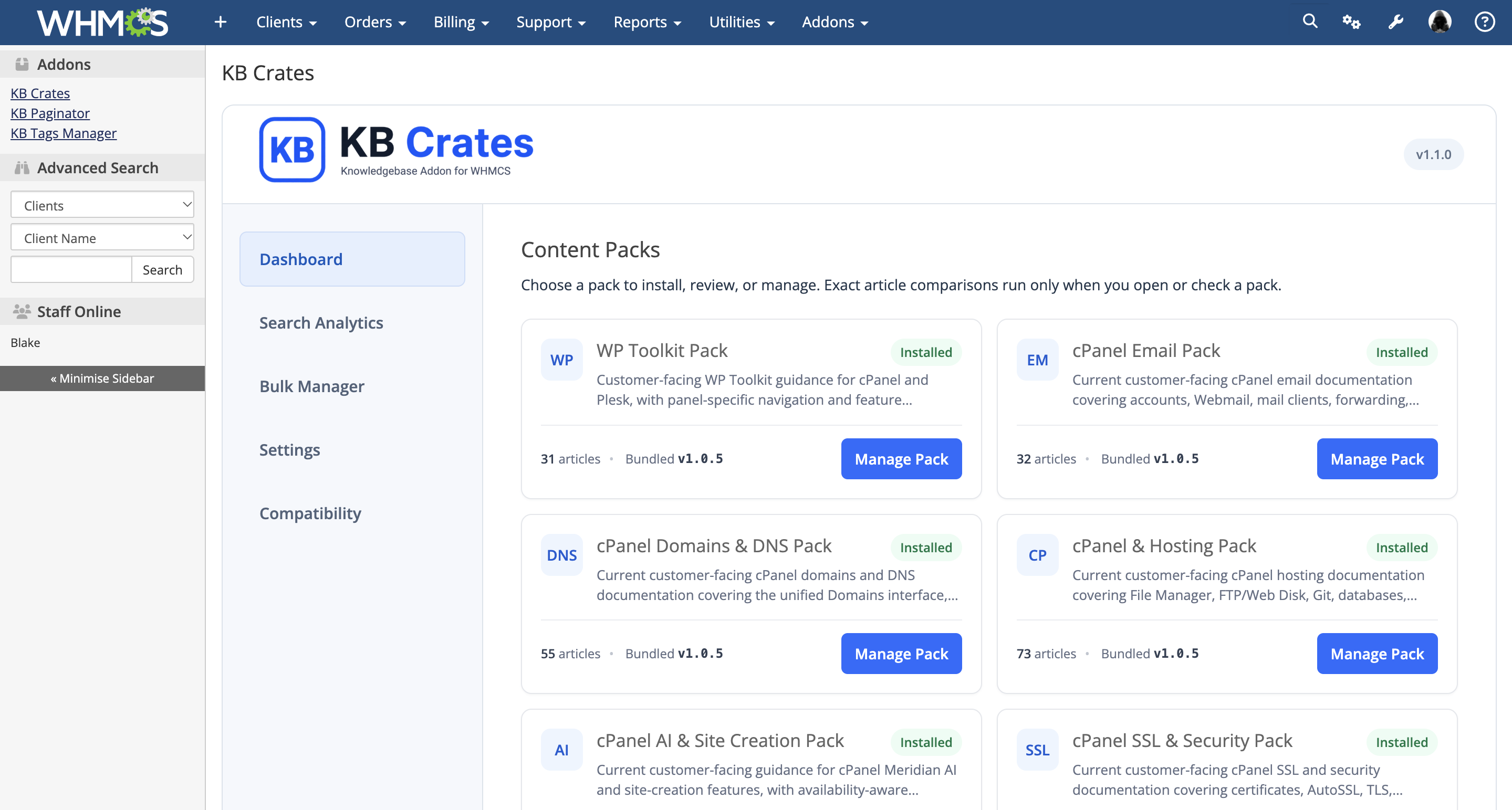
KB Crates is a self-hosted WHMCS addon containing 641 ready-to-use, customer-facing knowledgebase articles organized into 15 content packs and 78 topic subcategories.
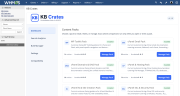
Select the packs that match your services, install them through Guided Setup, and manage the resulting articles using the native WHMCS knowledgebase. Every article can be reviewed, edited, reorganized, or customized to match your company and services.
Version 1.1.0 introduces seven new content packs, topic-based Category Organization, Search Analytics & Content Opportunities, Bulk Manager, and a refreshed administrator interface.
WP Toolkit — 31 articles
Covers WordPress installations, updates, staging, cloning, security, and maintenance, with guidance for both cPanel and Plesk.
cPanel Email — 32 articles
Helps customers manage mailboxes, configure email applications, use forwarding and autoresponders, manage spam, and troubleshoot email issues.
cPanel Domains & DNS — 55 articles
Explains domain management, nameservers, DNS records, propagation, redirects, subdomains, and DNSSEC.
cPanel & Hosting — 73 articles
Covers files, databases, FTP, resource usage, account settings, and commonly used cPanel hosting features.
cPanel AI & Site Creation — 38 articles
Introduces AI-assisted tools, site creation, application deployment, and related features, with availability and licensing considerations.
cPanel SSL & Security — 69 articles
Covers certificates, AutoSSL, HTTPS, account protection, security settings, malware awareness, and safer website management.
cPanel Backups & Restore — 56 articles
Guides customers through creating, downloading, managing, and restoring backups, including important recovery considerations.
Troubleshooting — 57 articles
Provides symptom-based guidance for website errors, PHP, databases, WordPress, DNS, SSL, email, FTP, and hosting resource issues.
Softaculous — 32 articles
Covers application installation, importing existing sites, updates, administrator access, backups, and restoration.
Sitejet Builder — 31 articles
Helps customers build and manage pages, navigation, images, branding, contact forms, mobile layouts, and page metadata.
Plesk & Hosting — 34 articles
Covers website management, files, FTP, PHP settings, scheduled tasks, email accounts, and databases in Plesk.
WordPress Content Management — 32 articles
Explains pages, posts, blocks, revisions, media, categories, tags, menus, and everyday content publishing.
DirectAdmin — 32 articles
Covers domains, DNS, SSL, files, FTP, PHP settings, databases, and email management in DirectAdmin.
JetBackup — 24 articles
Explains recovery points, backup availability, downloads, restore options, and recovery considerations for files, databases, email, and accounts.
Drupal — 45 articles
Guides customers through installation, administration, site settings, content publishing, revisions, media, and content types.
Content packs include topic subcategories to help customers find relevant information.
New pack installations use the topic layout automatically. For existing installations, Category Organization lets you preview proposed article moves and category changes before applying them.
Eligible moves preserve article IDs, content, statistics, tags, visibility, and additional category memberships. Custom category names and locally changed articles receive protection during the review process.
Existing packs retain their current layout until you choose to apply Category Organization.
KB Crates installs its content as native WHMCS knowledgebase records.
Customize the wording, add company-specific instructions, reorganize categories, or publish only the content relevant to your services. Your team continues working through the familiar WHMCS administration interface.
By default, Safe Sync detects locally modified articles and holds them for review instead of silently replacing your customizations.
When bundled content and a locally edited article differ, available actions include:
Pre-change snapshots provide an additional safeguard before eligible updates. Duplicate-title collisions are held for review rather than overwritten automatically.
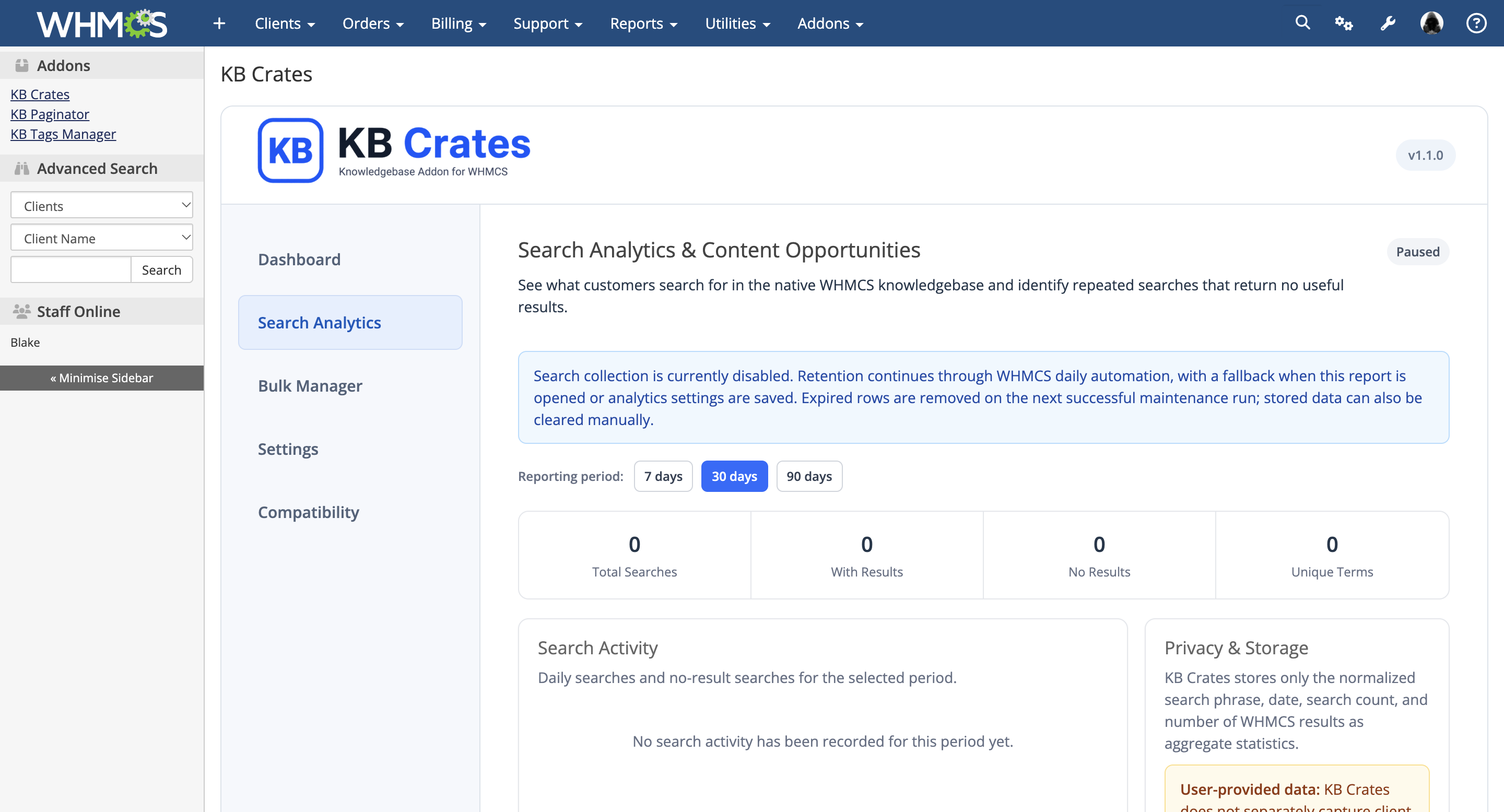
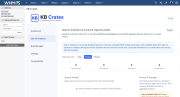
Understand what customers search for and where your knowledgebase may need more information.
Collection is optional and disabled by default. Reports use daily aggregates of search phrases and result counts. Search phrases themselves are retained, so administrators can review the collection and retention settings before enabling the feature.
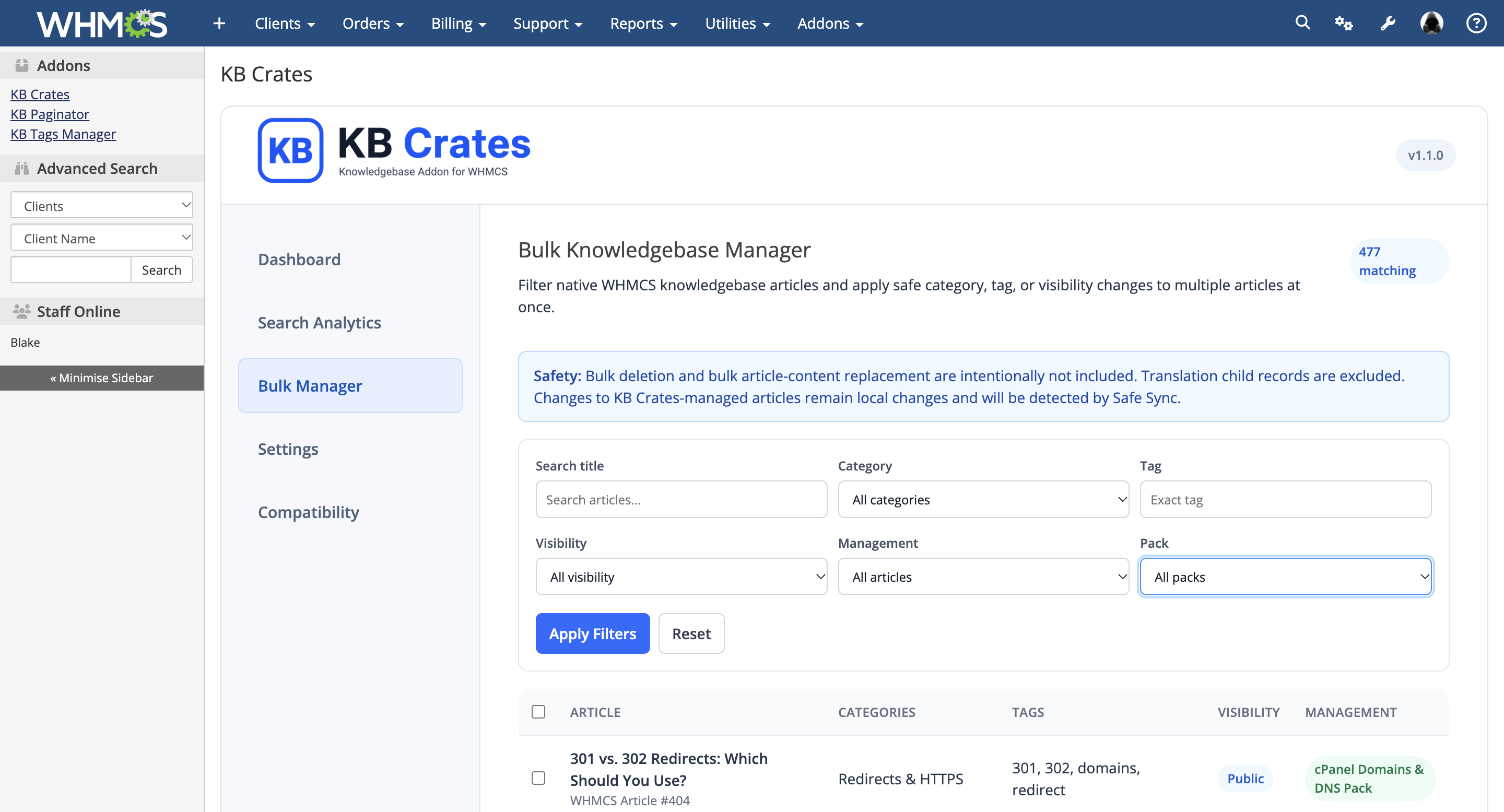
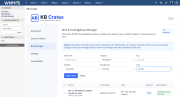
Bulk Manager helps administrators update groups of native WHMCS knowledgebase articles.
Filter articles by title, category, tag, visibility, management status, or content pack, then apply supported changes to:
Actions require the appropriate administrator permissions and confirmation. Changes made to managed articles are recognized as local changes during later Safe Sync checks.
KB Crates gives administrators tools to:
Deactivation preserves knowledgebase content and management data by default. Destructive cleanup requires a separate confirmation process and applies ownership safeguards to protect pre-existing content.
All bundled articles are included with the addon release and managed locally within your WHMCS installation.
KB Crates does not depend on a remote content repository or automatic content-download service. Content updates remain under administrator control through Check Pack Status and Safe Sync.
No separate content-synchronization cron is required. Search Analytics retention uses WHMCS daily automation, with additional maintenance when administrators access its report or save its settings.
Version 1.1.0 also includes a wider administrator sidebar, clearer navigation, improved mobile layout, and database compatibility improvements.
Topic organization requires native parent/child category support and transactional InnoDB tables on MySQL/MariaDB.
Review knowledgebase content before publication and customize it to reflect your hosting environment, services, company policies, and customer workflows.
Feature availability may depend on server configuration, installed software, licensing, and provider settings.
KB Tags Manager is a separate addon and is not included with KB Crates.
Spend less time building documentation from the ground up and give your customers a stronger self-service knowledgebase with KB Crates.
The best place to start if you need help with a specific product is to contact the developer. All WHMCS Marketplace developers have both a website and support URL listed.
Released September 26, 2026


Chat and Engage with Your Customers to Increase Conversions!

Customer service platform with live chat and customer engagement capabilities
PreMadeKB - Readymade Knowlegebase Articles for WHMCS - With Images and 431+ Articles on cPanel, Plesk, DA, Softaculous, etc.


Blake Pounds @blake1207
We beta tested KB Crates over at WreckHost.com and it is fantastic. You don’t have to touch any database manually, import sql files, or touch a line of code.
You upload the add on, activate it, and follow the guided setup. Complete knowledge base setup in under a minute.