Support PIN for WHMCS

Support PIN for WHMCS

Developed By HosTwega

Compatible with WHMCS v9.0

Wega Support PIN

Secure Client Identity Verification for WHMCS

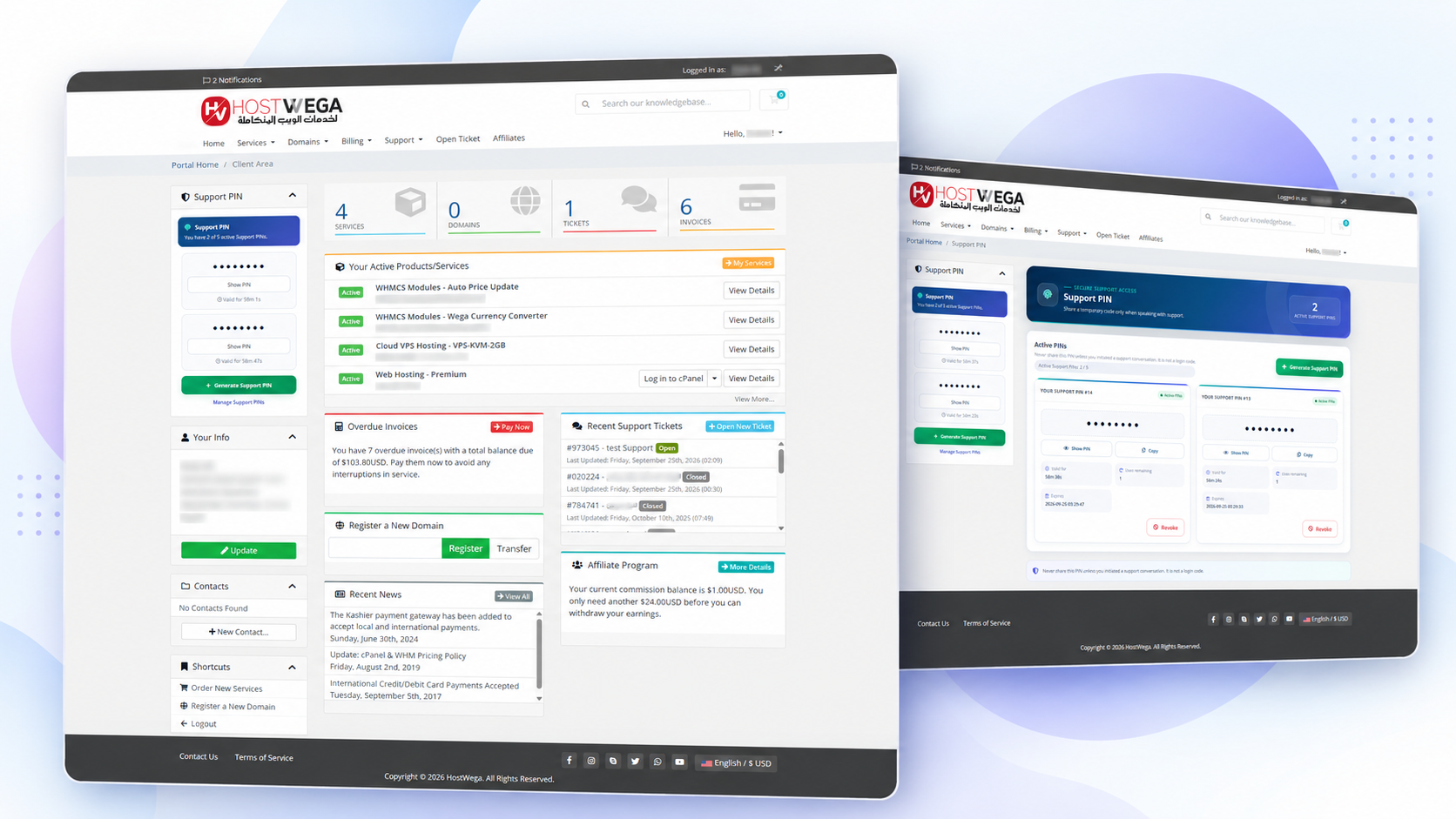
Wega Support PIN adds an additional identity verification layer to your WHMCS support workflow by allowing clients to generate temporary Support PIN codes that can be provided to authorized staff before discussing or modifying sensitive account information.

The module integrates directly with the WHMCS Admin Area, Client Area, Client Summary and Support Tickets, providing a complete verification workflow without modifying WHMCS core files.

Key Features

  • Generate secure temporary Support PIN codes from the Client Area.
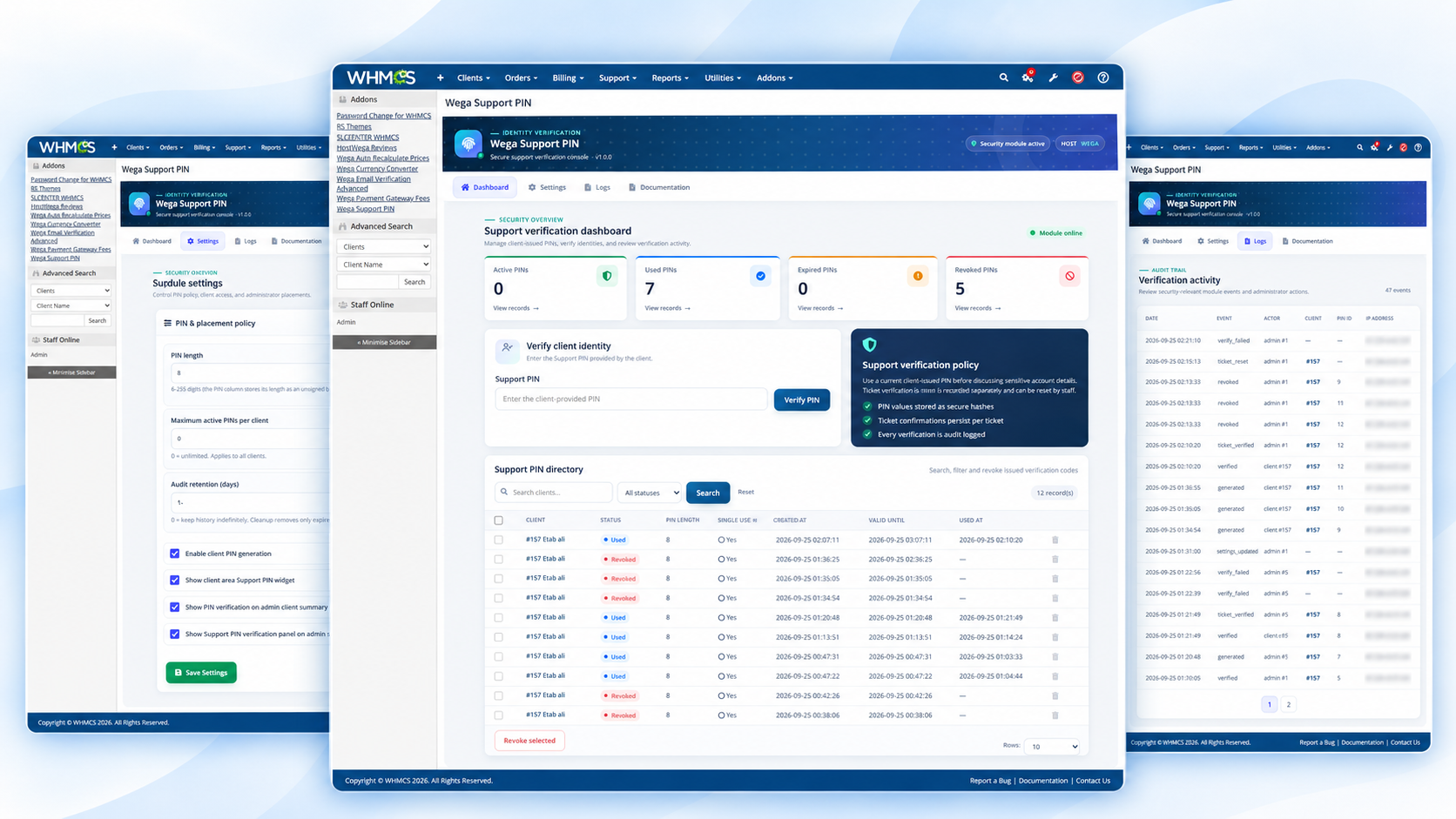
  • Verify client identity directly from the WHMCS Admin Area.
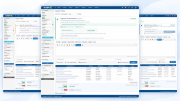
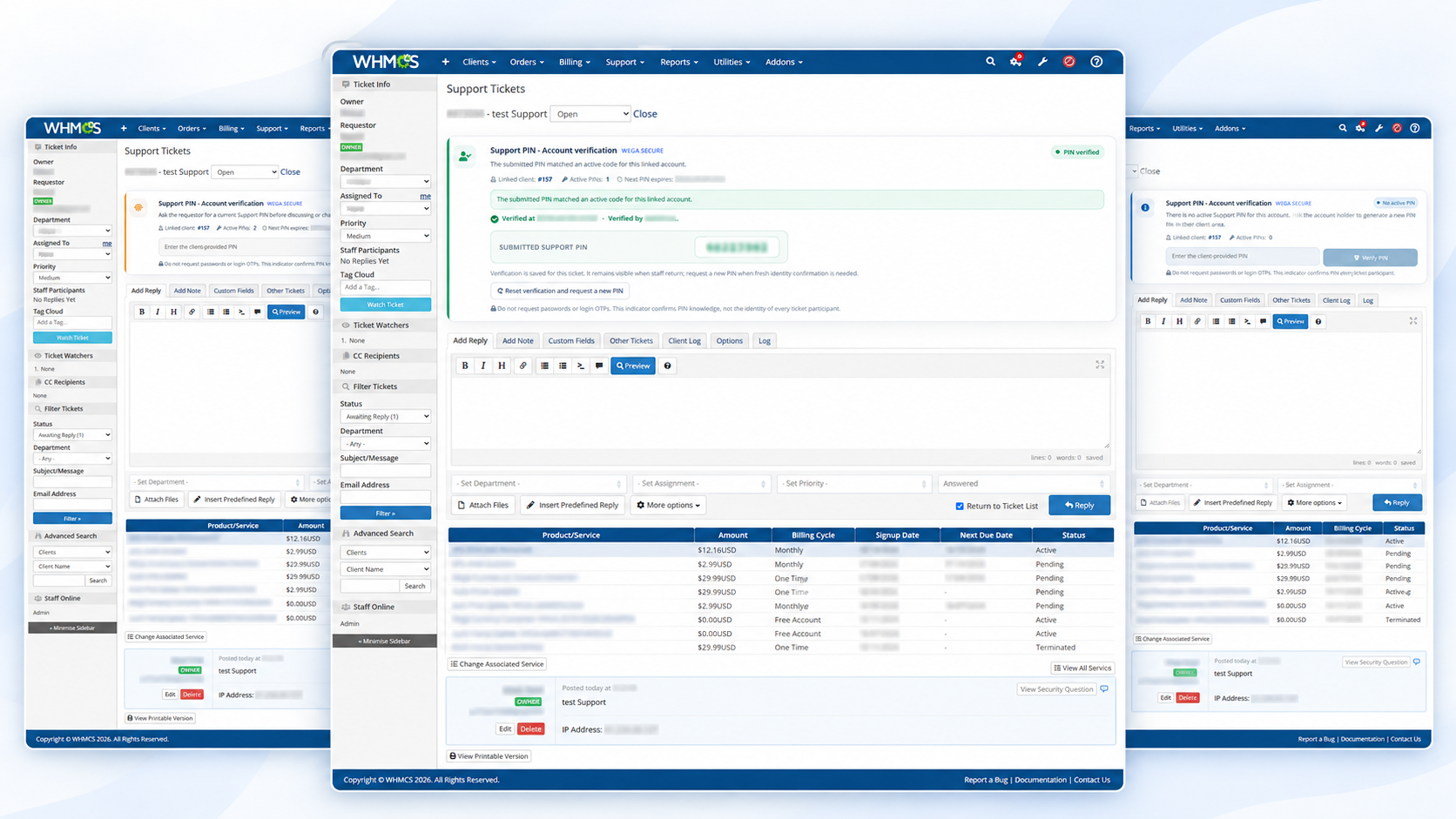
  • Built-in Support PIN verification panel inside support tickets.
  • Persistent ticket verification — once a client is verified for a ticket, the verification remains recorded when the ticket is reopened.
  • Displays the Support PIN provided during successful ticket verification.
  • Displays the name of the staff member who completed the verification.
  • Verification date and time tracking.
  • Reset ticket verification when a new verification is required.
  • Support PIN status management: Active, Used, Expired and Revoked.
  • Configurable PIN length.
  • Configurable PIN validity period.
  • Configurable maximum active PINs per client.
  • Configurable number of uses per PIN.
  • Unlimited values supported where applicable using 0 = Unlimited.
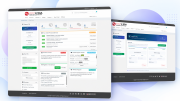
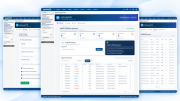
  • Search, filter and manage Support PIN records from the Admin Area.
  • Detailed audit logs for PIN generation, verification and revocation.
  • Client Summary integration.
  • Quick identity verification from the WHMCS Admin Area.
  • Professional responsive user interface.
  • Dedicated UI design for both Admin Area and Client Area.
  • White-label Client Area — the Wega brand is not displayed to clients.
  • No WHMCS core file modifications required.

Support Ticket Verification

Support staff can verify a customer's identity directly from the ticket page.

After successful verification, the module stores:

  • The submitted Support PIN.
  • Verification status.
  • Staff member name.
  • Verification date and time.
  • Associated client.
  • Associated support ticket.

The verification remains available when returning to the same ticket and can also be viewed by other authorized staff members.

This helps prevent customers from being repeatedly asked for the same verification code during the same support case.

Client Area

Clients can:

  • Generate new Support PINs.
  • View their active PINs.
  • Copy PIN codes.
  • View expiration information.
  • Revoke active PINs.
  • Manage their available Support PINs.

The Client Area interface is white-label and displays the feature simply as Support PIN.

Multilingual Support

The module includes its own independent language system and does not rely on hard-coded interface text.

Supported languages include:

  • Arabic
  • Azerbaijani
  • Catalan
  • Chinese
  • Croatian
  • Czech
  • Danish
  • Dutch
  • English
  • Estonian
  • Farsi
  • French
  • German
  • Hungarian
  • Italian
  • Macedonian
  • Norwegian
  • Portuguese (Brazil)
  • Portuguese (Portugal)
  • Romanian
  • Russian
  • Spanish
  • Swedish
  • Turkish
  • Ukrainian

RTL layout is automatically supported for applicable languages.

Security

The module includes multiple security controls:

  • Secure hashed PIN storage.
  • CSRF protection.
  • Verification attempt protection.
  • Audit logging.
  • Staff-side verification history.
  • Separate Admin and Client language contexts.
  • No direct modification of WHMCS core files.

Licensing

A valid license is required to use the module.

The license key is entered directly from:

WHMCS Admin Area → System Settings → Addon Modules → Wega Support PIN

Compatibility

  • WHMCS 8.10.1
  • WHMCS 8.11+
  • WHMCS 8.12+
  • WHMCS 8.13+
  • WHMCS 9.X
  • Supports PHP 8.2,8.3,8.4 Back To PHP 8.1
  • ionCube Loader 14 or later

Theme Compatibility

Designed to work with:

  • WHMCS Six
  • WHMCS Twenty-One
  • WHMCS Nexus
  • Lagom WHMCS Client Theme
  • Other WHMCS-compatible custom themes

The module uses isolated styling to minimize conflicts with the active WHMCS theme.

Designed for Hosting Providers

Wega Support PIN is ideal for hosting companies, domain registrars, managed service providers and other WHMCS businesses that want an additional identity verification process before staff perform sensitive account-related support actions.


There are no reviews yet!

Be the first to review Support PIN for WHMCS.

Version Compatibility


Compatible with WHMCS v9.0

Full Version Compatibility


  • All versions of WHMCS v9.0
  • All versions of WHMCS v8.13
  • All versions of WHMCS v8.12
  • All versions of WHMCS v8.11
  • Selected versions of WHMCS v8.10
        8.10.0

System Requirements


  • WHMCS 8.10.1 or later, including WHMCS 9.X
  • PHP 8.1 or PHP 8.2,8.3,8.4
  • ionCube Loader 14 or later

* Requirements listed are in addition to the WHMCS default system requirements.

Support for this product

The best place to start if you need help with a specific product is to contact the developer. All WHMCS Marketplace developers have both a website and support URL listed.

Developed By HosTwega

Changelog

v1.0.0 Released September 23rd, 2026

Latest Version


  • Initial release of Wega Support PIN.
  • Added secure temporary Support PIN generation for clients.
  • Added Support PIN verification from the WHMCS Admin Area.
  • Added persistent Support PIN verification inside support tickets.
  • Added staff member name, submitted PIN and verification timestamp to verified tickets.
  • Added verification reset functionality.
  • Added Client Summary integration.
  • Added Admin Dashboard with PIN statistics and management tools.
  • Added PIN status management for Active, Used, Expired and Revoked codes.
  • Added configurable PIN length, expiration, usage limits and maximum active PINs.
  • Added support for unlimited limits where applicable.
  • Added detailed audit logging.
  • Added responsive custom UI for Admin and Client Areas.
  • Added white-label Client Area interface.
  • Added independent multilingual system with 25 supported languages.
  • Added automatic RTL support for applicable languages.
  • Added compatibility with WHMCS 8.10.1 and later releases including WHMCS 9.X.
  • Added compatibility with PHP 8.1 and PHP 8.2,8.3,8.4.
  • Added support for ionCube Loader 14 or later.
  • Added compatibility with Six, Twenty-One, Nexus and Lagom WHMCS Client Theme.


See also

tawk.to Live Chat

Free live chat App

Free
Live Chat & Visitor Tracking

Chat and Engage with Your Customers to Increase Conversions!

Commercial
LiveChat - live chat for WHMCS

Customer service platform with live chat and customer engagement capabilities

Free
PreMadeKB WHMCS Knowledgebase - Step by Step + Images

PreMadeKB - Readymade Knowlegebase Articles for WHMCS - With Images and 431+ Articles on cPanel, Plesk, DA, Softaculous, etc.

Commercial
Lara AI Assistant

Lara, AI Assistant .. OpenAI's ChatGPT for WHMCS Tickets

Commercial