One Step Order Form For WHMCS

One Step Order Form For WHMCS

Developed By Provonic

Compatible with WHMCS v9.0
Spooktacular Halloween Sale!
Get 20% OFF and enjoy frighteningly good deals! Use code HALLOWEEN20 at checkout before this spooky offer disappears!

One Step Order Form for WHMCS Module by Provonic

The Whole WHMCS Order on a Single Checkout Page

Provonic One Step Order Form is a WHMCS one page checkout that replaces the multi-step WHMCS cart with a single order page. It is a WHMCS order form template, a WHMCS cart template and an addon module in one. A one step checkout for WHMCS means fewer pages and a faster WHMCS checkout for hosting, VPS and domains.

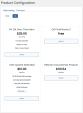
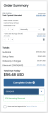
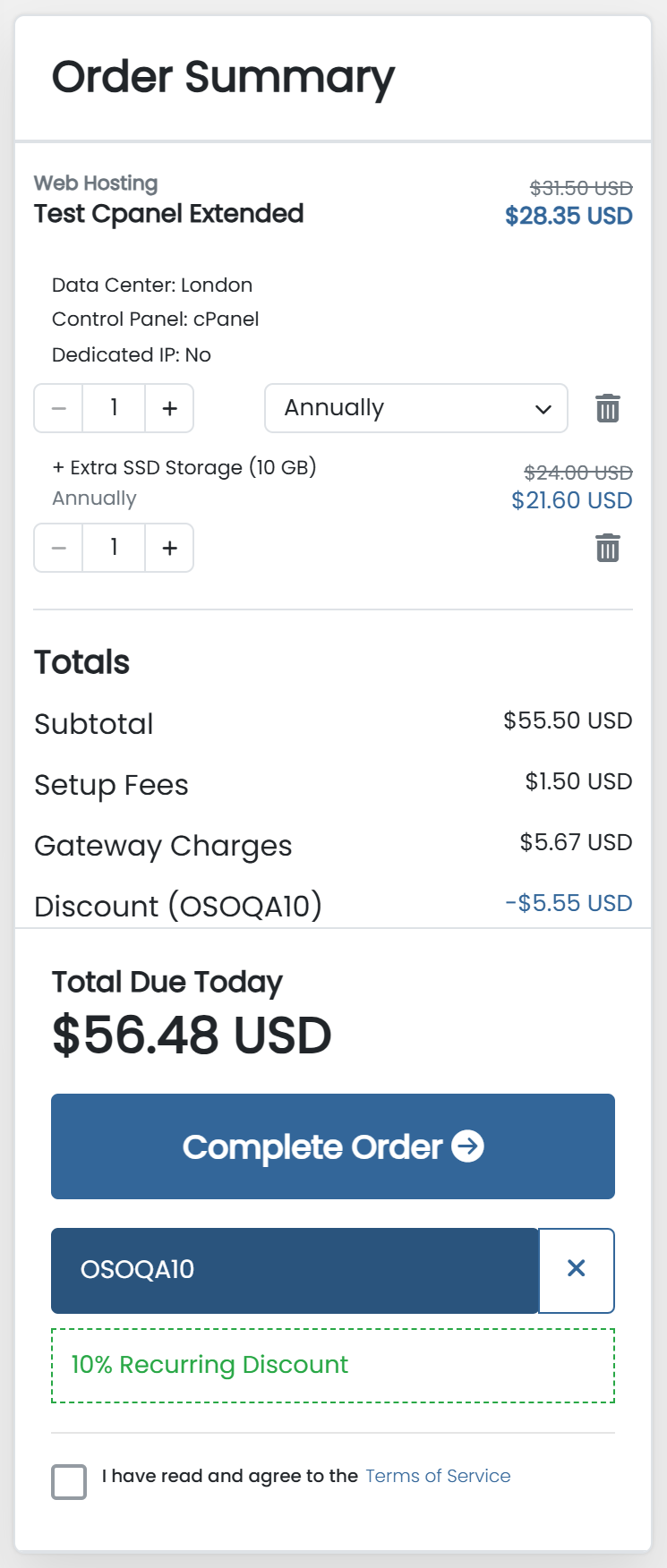
The customer chooses a plan, a domain, addons and configurable options, enters billing details and pays on one page. A live order summary beside the form shows the price of every item as it changes. Every amount comes from WHMCS itself, so the summary is priced exactly as the invoice will be.

Product bundles, promotion codes, tax, setup fees and free domains appear as WHMCS calculates them, with the original price struck through. The one page order form handles domain registration, domain transfer, an existing domain or a subdomain, with live availability checks. Upgrade and downgrade orders sent to the cart open on the same checkout page, with the upgrade credit and the amount due.

Cart checks from your other WHMCS modules run on the page too, so a refused domain, product or upgrade shows a clear message before the order is placed. The order form takes its colours, fonts and shapes from your client area template: Six, Twenty-One, Nexus, Nexum and Lagom, in light and dark mode.

Test all features with our 5-Day Free Access!

Admin Area Features:

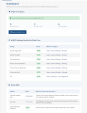
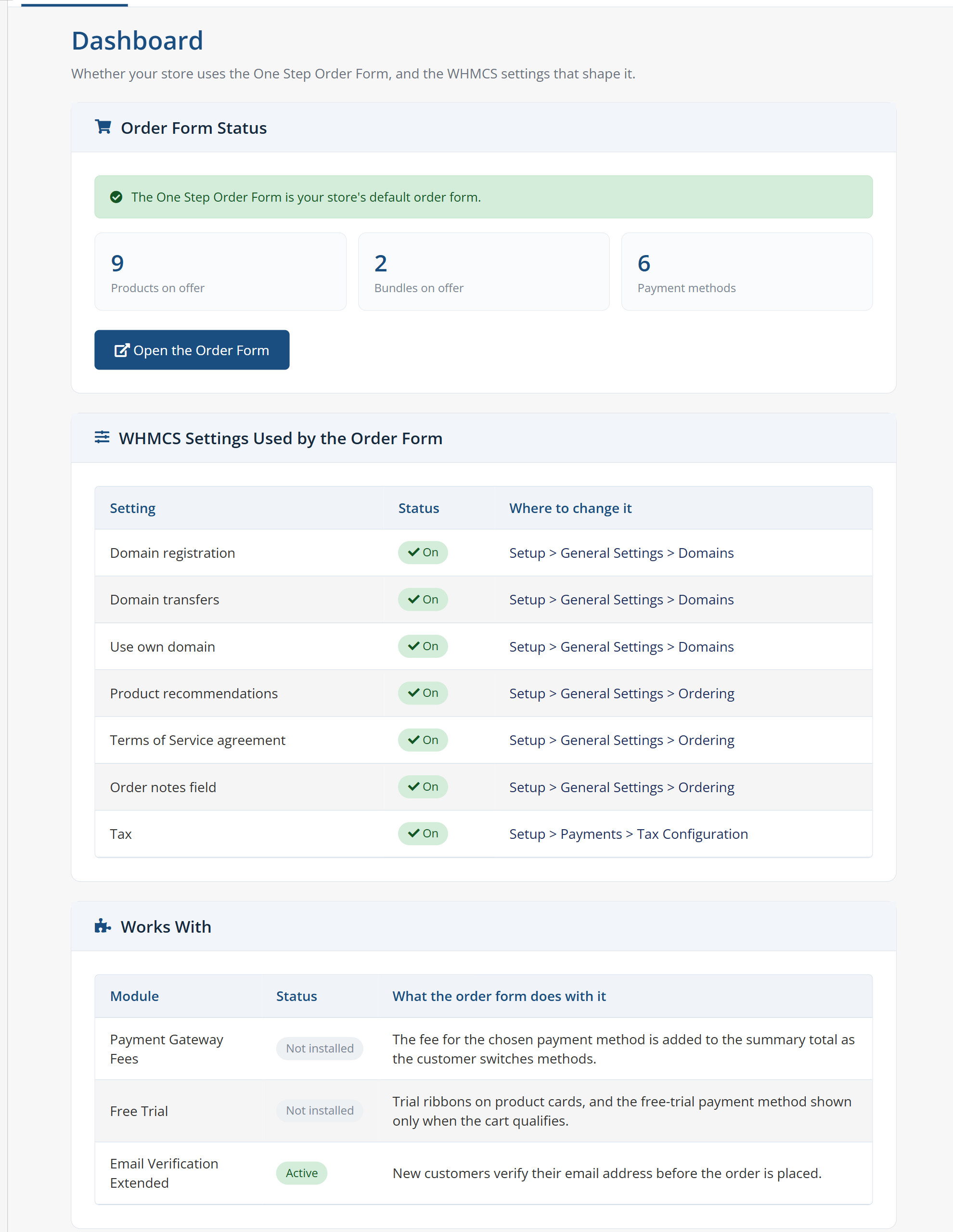
  • Dashboard With Order Form Status
  • WHMCS Settings Overview
  • Automatic Addons Per Product
  • Automatic Recommended Products
  • Choices Per Group Or Product
  • Pre-Selected Product For New Visitors
  • Single Plan Summary Option
  • Slider Or Grid Product Layout
  • Billing Cycle Style And Order
  • Pre-Selected Billing Cycle
  • Three Domain Section Layouts
  • Default Domain Extension
  • Domain Extension Suggestions
  • Several Domains In One Order
  • Pre-Selected Domain Addons
  • Summary Controls On Or Off
  • Payment Methods Placement
  • Terms Of Service Placement
  • Product, Addon And Option Images
  • Payment Gateway Logos
  • Custom Section Titles And Icons
  • Template Colour Mapping
  • Light And Dark Mode Palettes
  • Fonts And Items Per Row
  • Check For Update Button

Client Area Features:

  • One Page Checkout
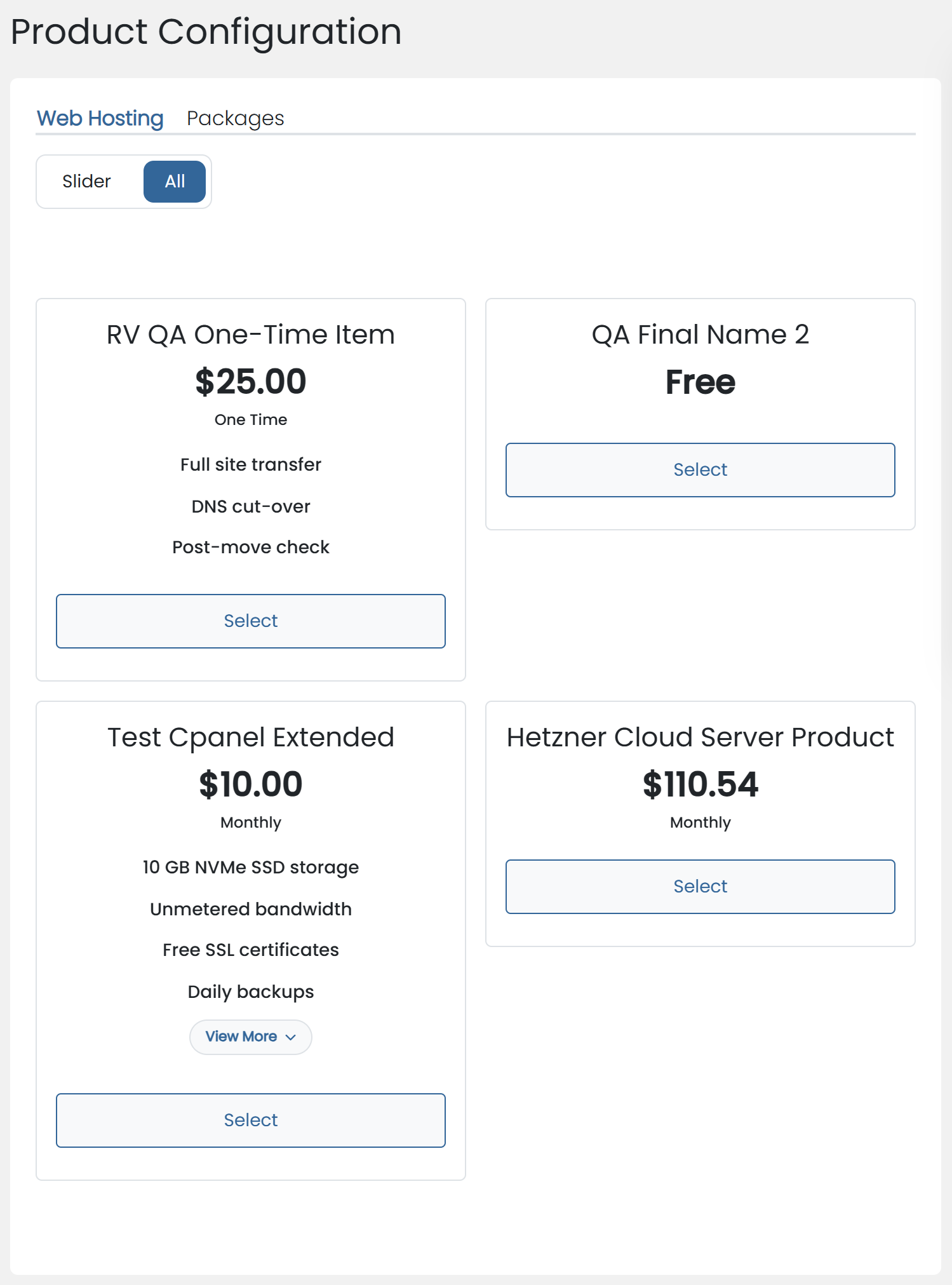
  • Plans As Slider Or Grid
  • Domain Registration And Transfer
  • Own Domain Or Subdomain
  • Live Domain Availability Check
  • Recommended Products Configured In Place
  • Product Bundles On One Page
  • Live Order Summary
  • Original Price Struck Through
  • Billing Cycle And Quantity In Summary
  • Promotion Codes On The Page
  • Upgrades And Downgrades In The Cart
  • Upgrade Credit And Amount Due
  • Messages From Other Modules' Cart Checks
  • Billing Details On Page Or Popup
  • Payment Gateway Logos
  • Service And Domain Renewals
  • Template Light And Dark Mode

What The Module Works With:

  • Payment Gateway Fees
  • Product Free Trial Manager
  • Email Verification Extended
  • Other Modules' Domain And Product Checks

Search for a WHMCS one page checkout, a one step checkout for WHMCS or a WHMCS single page order form, and this module answers. It is also the one page order form for WHMCS and the WHMCS order form template that puts the whole order on one page.

General Info:

  • WHMCS 8.x To 9.x
  • PHP 8.1, 8.2, 8.3 And 8.4
  • Six, Twenty-One, Lagom, Nexus And Nexum Themes
  • Requires ionCube Loader v13 Or Later
  • 5-Day Free Trial, Once Per Client

Available Pricing Models:

  • Monthly: $̵7̵.̵5̵ > $6
  • Annual: $̵4̵9̵ > $39.20
  • One-Time: $̵9̵9̵ > $79.20
  • Open Source: $̵2̵0̵9̵ > $167.20


There are no reviews yet!

Be the first to review One Step Order Form For WHMCS.

Version Compatibility


Compatible with WHMCS v9.0

Full Version Compatibility


  • All versions of WHMCS v9.0
  • All versions of WHMCS v8.13
  • All versions of WHMCS v8.12
  • All versions of WHMCS v8.11
  • Selected versions of WHMCS v8.10
        8.10.0
  • Selected versions of WHMCS v8.9
        8.9.0
  • Selected versions of WHMCS v8.8
        8.8.0
  • All versions of WHMCS v8.7
  • All versions of WHMCS v8.6
  • All versions of WHMCS v8.5
  • All versions of WHMCS v8.4
  • All versions of WHMCS v8.3
  • All versions of WHMCS v8.2
  • All versions of WHMCS v8.1
  • All versions of WHMCS v8.0

Support for this product

The best place to start if you need help with a specific product is to contact the developer. All WHMCS Marketplace developers have both a website and support URL listed.

Developed By Provonic

Changelog

v1.1.4 Released November 1st, 2026

Latest Version


  • Added support for other modules' cart checks, so their domain, subdomain, product and upgrade rules are shown clearly on the order form before the order is placed.
  • Added upgrades and downgrades to the order form, with the new plan, its credit and the amount due shown in the order summary.
  • Fixed a few display issues on the domain step and in dark mode, and the order form now ships its own icons for every template.


Previous Versions


v1.1.3 Released October 24th, 2026

View/hide detailed changelog

  • Improved the domain availability check: .ng, .gr and .es domains (including .com.ng, .com.gr and .com.es) are now checked with their registries' own lookups.
  • Domain searches now ignore a pasted "https://", "www." or page path.


v1.1.2 Released October 20th, 2026

View/hide detailed changelog

  • Fixed card payments with Stripe and Stripe Dynamic so they always charge the total shown on the page, including after the order is changed on the page and with a payment gateway fee.
  • Fixed the billing cycle shown in Choose Billing Cycle and in the order summary not always matching, on the first page load and after switching plans.
  • Fixed long configurable option names and other content running outside their sections; a row now holds fewer cards when they would be too narrow.
  • Improved the layout on tablets: the order summary sits below the form with the total kept at the top of the screen, as on phones.


v1.1.1 Released October 15th, 2026

View/hide detailed changelog

  • Added product bundles to the order form, with every item of a bundle configured on the page and the bundle price shown against the normal price.
  • Added configurable options, addons and custom fields for recommended products, and a plan summary for customers who arrive with a plan already chosen.
  • Added quantity and billing cycle controls to the order summary, and payment gateway logos beside each payment method.
  • Improved the order summary: promotion, bundle and special prices are shown against the original price, the total due today is shown in larger type, and the list scrolls while the total and Complete Order button stay in view.
  • Improved compatibility with the Six, Twenty-One, Nexus, Nexum and Lagom templates in light and dark mode (including Lagom's Futuristic style), and with Payment Gateway Fees, Free Trial and Email Verification Extended.


See also

FraudLabs Pro Fraud Prevention

Protect your business from fraud, chargebacks, and high-risk transactions

Free
Order Notes

Staff need to make a note

Commercial
WHMCS Order Assistant

Order Assistant helps you to automate order management process. It can automatically accept Pending Orders; send an email or open a ticket with client; and cancel the order if no payment is made still.


Commercial
Product Limiter

Allows you to limit the purchase of an products/services for each client

Commercial
IPQS Fraud Prevention & Order Validation

Accurate risk analysis for orders & users to prevent fraud and minimize chargebacks.

Free