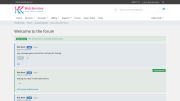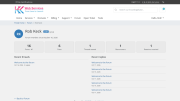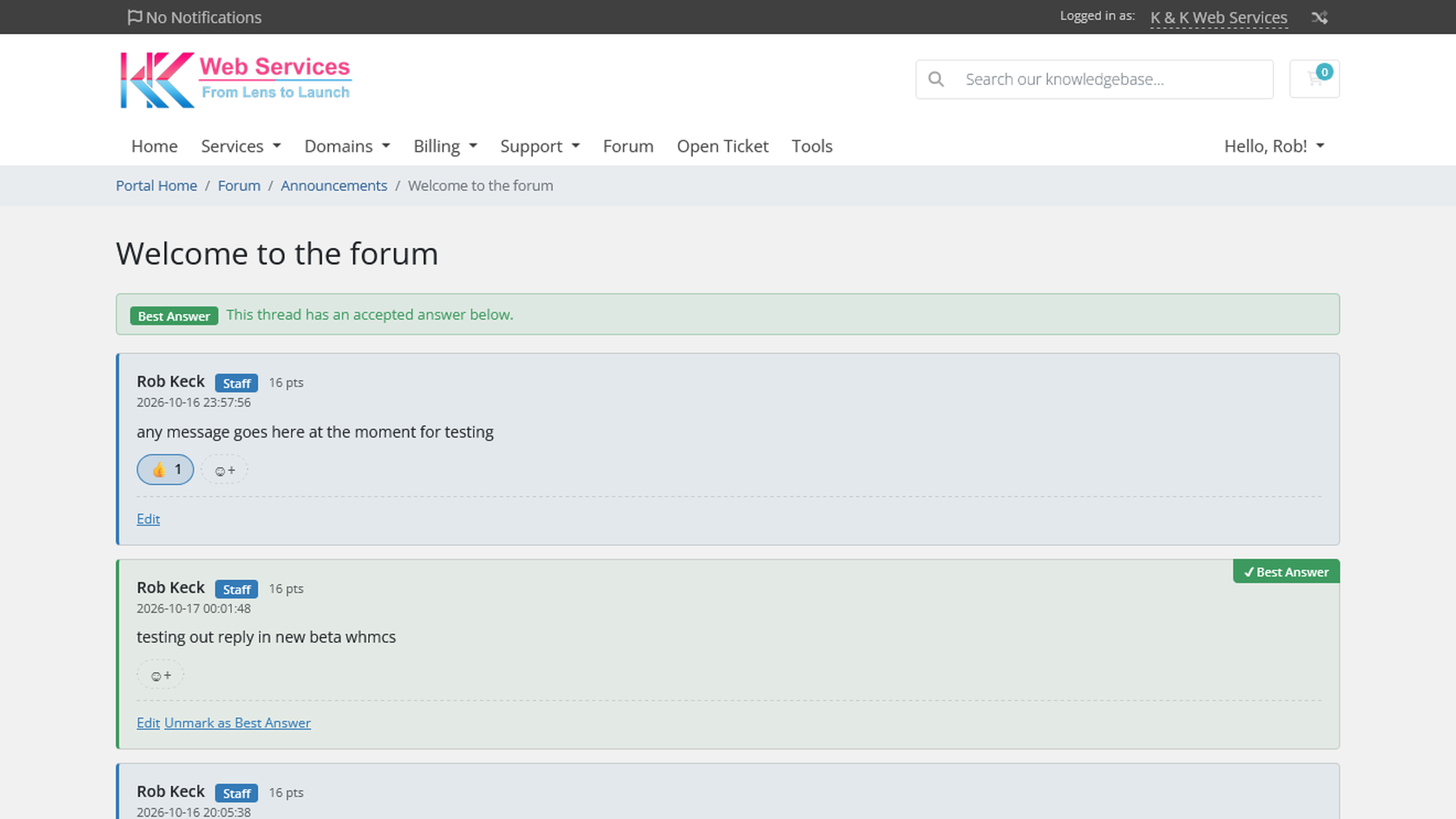
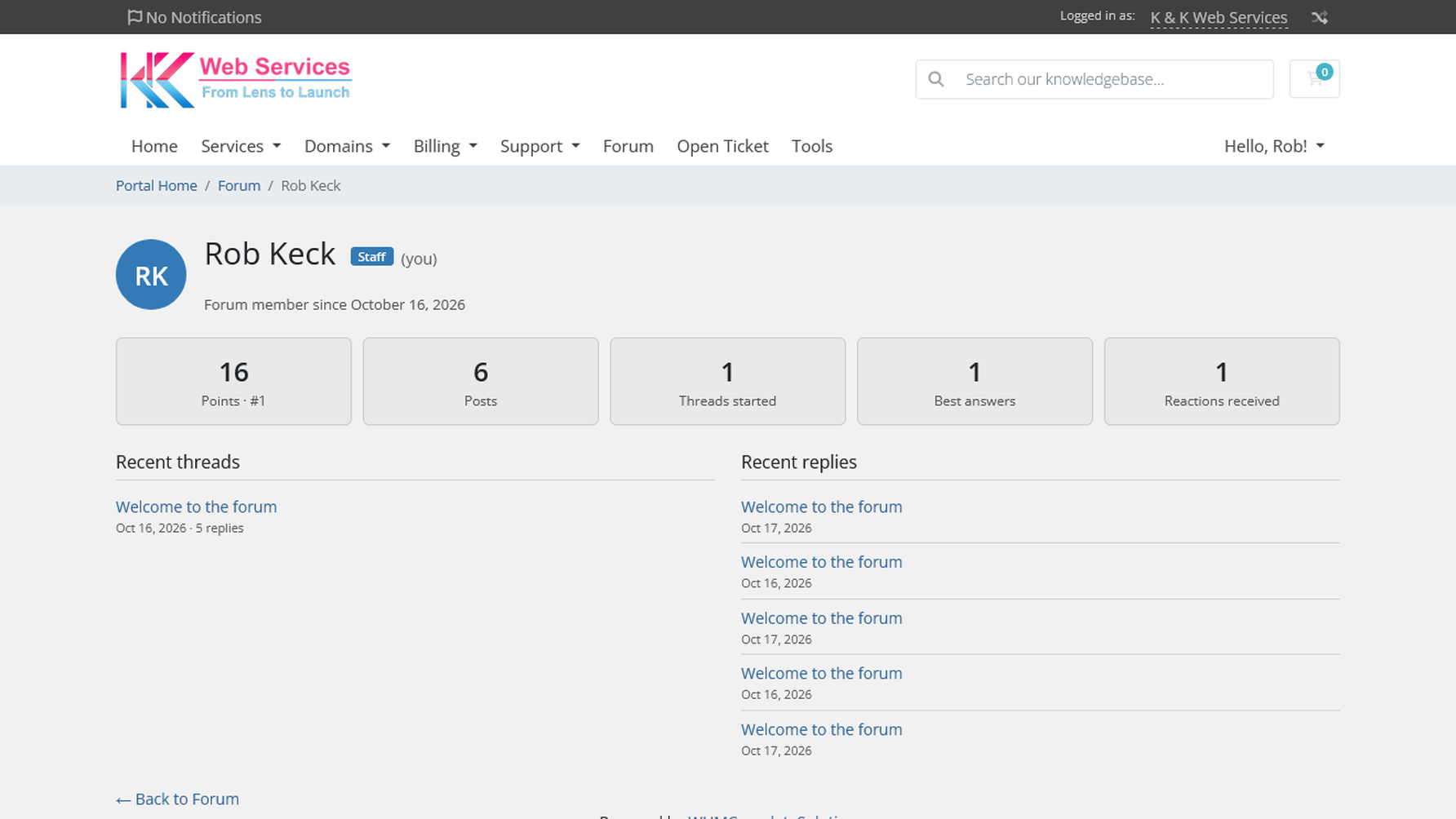
Client Forum Pro adds a complete support forum to your WHMCS client area. Clients sign in with the account they already have, so there is no separate registration, no extra passwords, and no third-party forum software to keep in sync.
Boards can be open to every client or restricted to clients who own specific products, so your VPS customers get their own space and your reseller customers get theirs.
Client Forum Pro is a standard WHMCS addon module. Once activated, the forum appears in the client area at index.php?m=clientforum, using your active client area theme. All management happens under Addons > Client Forum in the admin area, and staff posts made while logged in as an admin are automatically marked with a Staff badge.
Do clients need to create a separate account? No. The forum uses each client's existing WHMCS login.
Can I restrict a board to certain customers? Yes. Any board can be limited to clients with an active or suspended service for the products you choose.
Does it work with my theme? The forum inherits your client area theme and adapts to both light and dark themes.
What happens when I upgrade? Upload the new files over your existing install. WHMCS runs any database changes automatically and your forum content is preserved.
Is there a free version? Yes. Client Forum (free) includes the core features listed above and can be upgraded to Pro at any time without losing content.
What is included with my purchase? A one-time license with 12 months of updates and direct developer support.
Be the first to review Client Forum Pro.
The best place to start if you need help with a specific product is to contact the developer. All WHMCS Marketplace developers have both a website and support URL listed.
Stronger license protection: the main module file is now encoded as well. No changes to features, settings or your data. New PHP 8.4 build alongside the PHP 8.3 one.
New in 2.6.0:
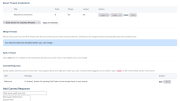
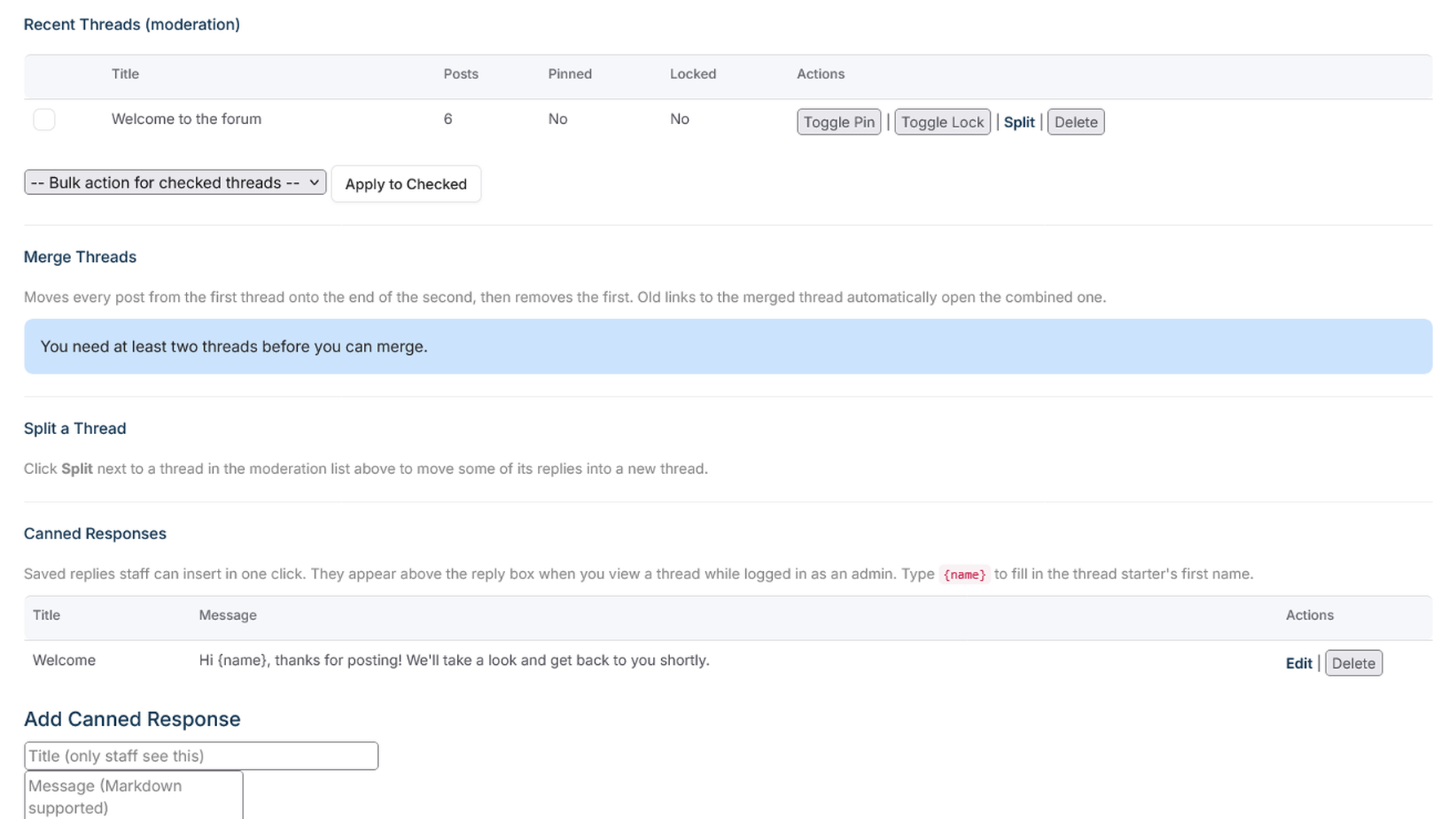
Promote to Ticket: staff can move a forum thread into a private support ticket for the thread starter, with a choice of department, priority, and whether to lock the thread or leave it open. The ticket gets the opening post and a link back to the thread, and WHMCS emails the client as usual. Threads are tagged “Moved to Ticket #…”. The thread starter gets a direct link to their ticket. Post the answer back: once the ticket is solved, staff can post the solution to the thread as a staff reply (pre-filled from the latest staff reply on the ticket), optionally marking it as the best answer and unlocking the thread. Staff can delete individual replies. Points, best-answer bonus, attachments and reply counts are adjusted automatically. All new actions are recorded in the audit log.
Upgrading: upload the files over your existing install and open the addon once. The upgrade runs automatically and keeps all forum data.


Chat and Engage with Your Customers to Increase Conversions!

Customer service platform with live chat and customer engagement capabilities

PreMadeKB - Readymade Knowlegebase Articles for WHMCS - With Images and 431+ Articles on cPanel, Plesk, DA, Softaculous, etc.