AI agent for WHMCS tickets and live chat
HostingSupport.ai is an AI support agent built for hosting companies. Its WHMCS addon module connects your WHMCS installation to the HostingSupport.ai service, so the AI can answer support tickets, run live chat in your client area, and diagnose and fix common hosting problems on your cPanel, Plesk and DirectAdmin servers.
What it does
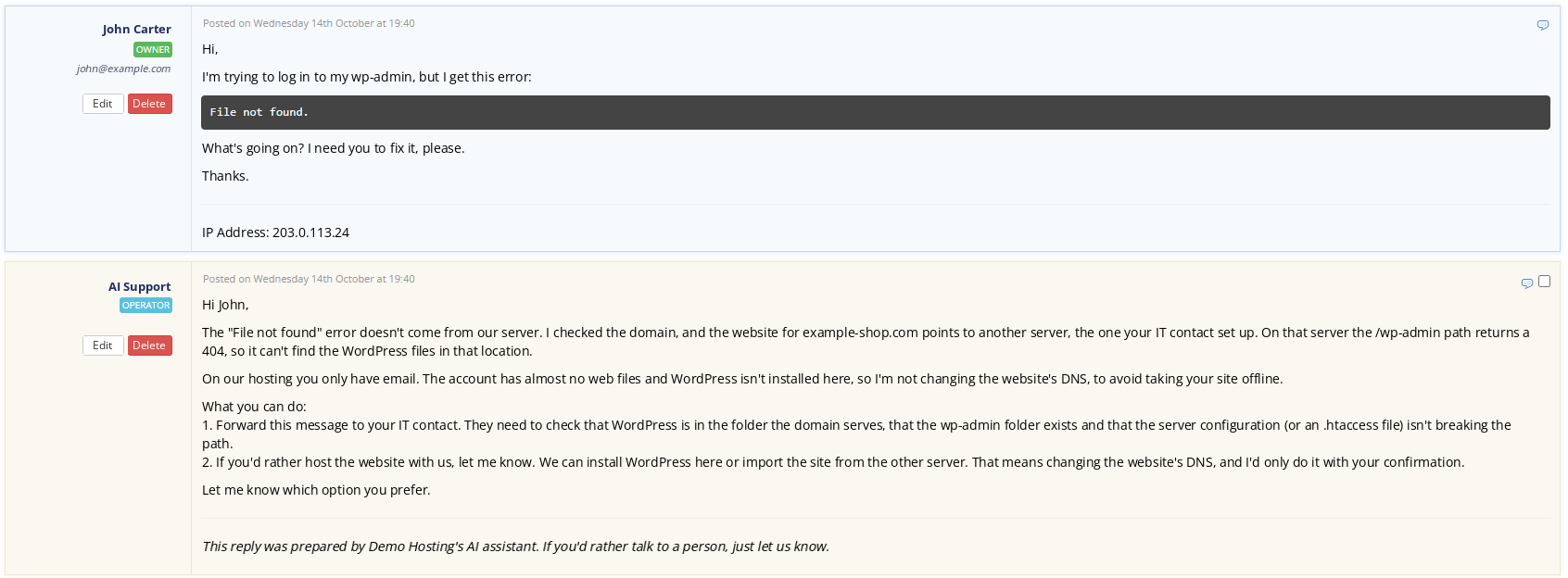
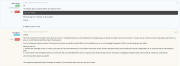
- Answers WHMCS tickets in your customer's language, using their invoices, services and domains from WHMCS.
- Works per department: internal note only, draft for staff approval, or automatic reply, with schedules per department. A technician can take over at any time.
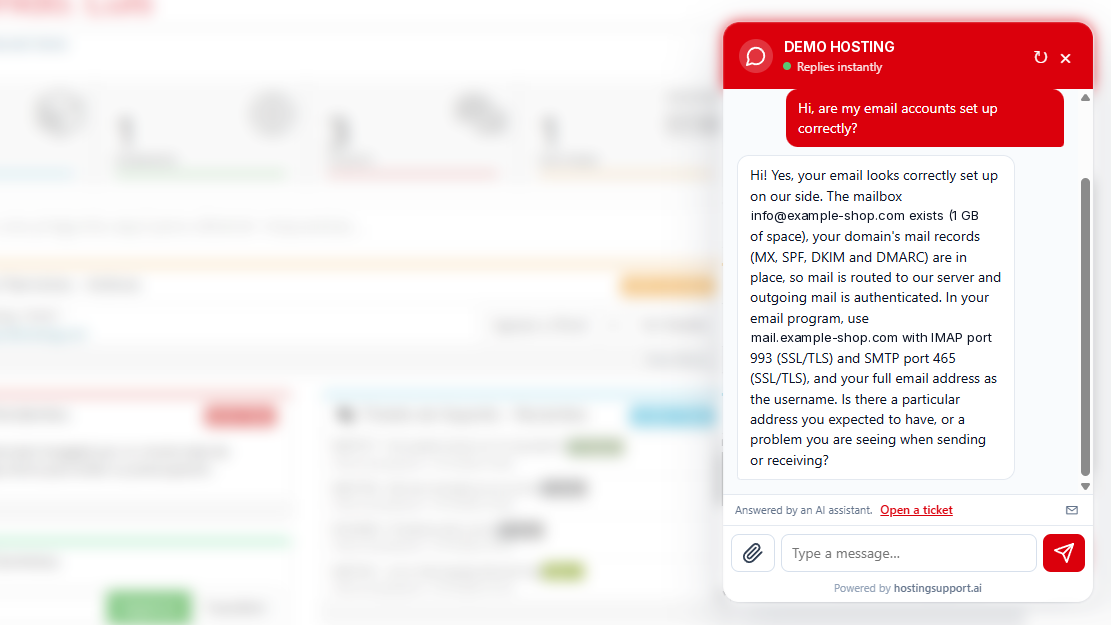
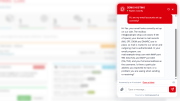
- Live chat in the WHMCS client area for logged-in customers, with handover to a human. Chats nobody answers become tickets.
- WhatsApp channel, including voice note transcription.
- Diagnoses DNS, SSL, HTTP 500 and 508 errors, full disks, resource limits, blocked IPs and malware.
- WordPress and PrestaShop: turns on debug mode for a few seconds, reads the error and turns it off again.
- Email: hourly checks for blacklists, PTR, compromised mailboxes, script spam, mail queue and full mailboxes. Fixes SPF, DKIM and DMARC after the customer agrees.
- Control panel tasks: creates mailboxes, databases, FTP accounts, DNS records and cron jobs. Passwords are delivered in the WHMCS client area.
- Changes the PHP version a site needs, checks the site and rolls back automatically if it breaks.
- JetBackup: finds the right backup and prepares the restore. A technician confirms it with one click.
- Groups tickets caused by the same server problem into a single incident and updates every affected customer.
Control and security
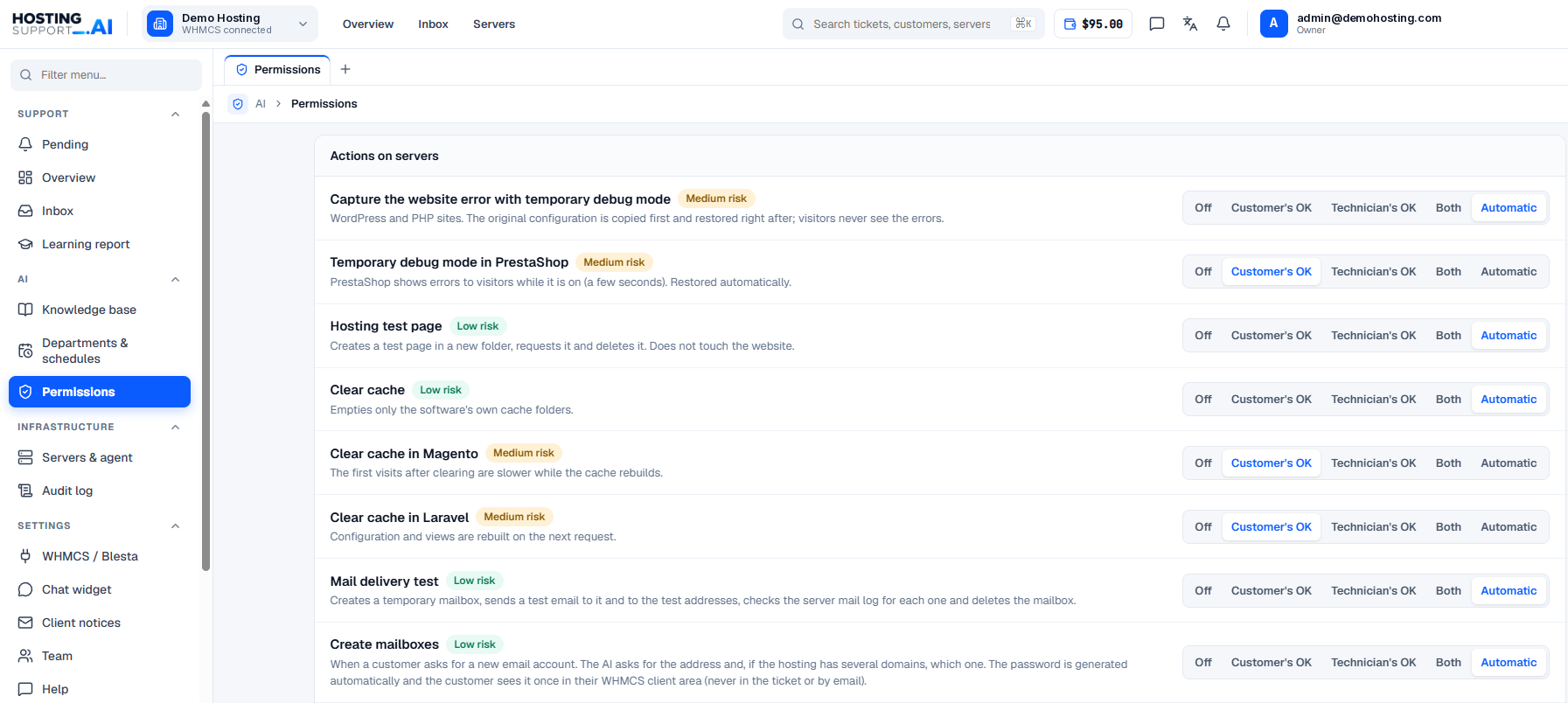
- Permissions per action: off, automatic, or requires approval.
- No root password needed. Connect each server with a lightweight agent (its own user, fixed IPs, closed list of actions) or with a control panel API token only.
- A backup is taken before every change, and changes can be undone.
- Audit log of every action, kept for 6 years.
- Personal data is anonymised. Hosted in the EU, GDPR compliant, data processing agreement available.
Integrations
- Control panels: cPanel/WHM, Plesk, DirectAdmin, CloudLinux.
- Backups: JetBackup.
- Software it diagnoses: WordPress, WooCommerce, PrestaShop, Joomla, Drupal, Magento, Moodle, Laravel and any PHP website.
Requirements
- WHMCS 8.8 or later.
- PHP 8.1 or later.
- Outbound HTTPS from your WHMCS server to app.hostingsupport.ai.
- A HostingSupport.ai account.
Installation
- Create your HostingSupport.ai account and enable two-factor authentication.
- In your HostingSupport.ai panel, go to the WHMCS settings and download the addon module. Upload the hostingsupport folder to modules/addons/ in your WHMCS.
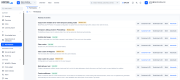
- In WHMCS, go to System Settings > Addon Modules, activate HOSTINGSUPPORT.AI and give access to the admin roles that will use it.
- In the HostingSupport.ai panel, create a WHMCS connection key. In WHMCS, open Addons > HOSTINGSUPPORT.AI, paste the key and click Connect.
- During the initial review (up to 72 hours), the AI learns from your past tickets and only writes drafts. All departments start switched off until you enable them.
Pricing
The addon module is included with your HostingSupport.ai account. The service is prepaid and billed per reply, with no per-agent fees. You get $5 of free credit when you sign up, no card required.
- Reply from your knowledge base or with WHMCS data: $0.15
- Server diagnosis: $0.15
- Fix on a server, checked afterwards: $2
- Optional monthly plans: Starter $9.99 (5 servers), Pro $39 (20 servers, live chat included), Business $99 (60 servers)
Prices in USD, excluding VAT. Replies marked as wrong within 48 hours are refunded.
FAQ
Does the AI reply to customers without my approval?
Only if you allow it. Each department can be set to internal notes, drafts for approval or automatic replies.
Do you need root access to my servers?
No. The agent runs as its own user with a closed list of actions, or you can connect with a control panel API token only.
Which languages does it support?
It replies in the language your customer writes in.
Can I undo a change made by the AI?
Yes. A backup is taken before every change, and every action is recorded in the audit log.