Connects WHMCS to Konrado.AI, your 24/7 AI support teammate. Automatically answers routine support tickets, prepares replies for your team and helps customers with billing and service questions.
The module is the bridge: it keeps your tickets and account data in sync with Konrado.AI, and writes AI replies back into your WHMCS ticket threads under a dedicated support agent. Your staff keep working inside WHMCS.
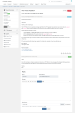
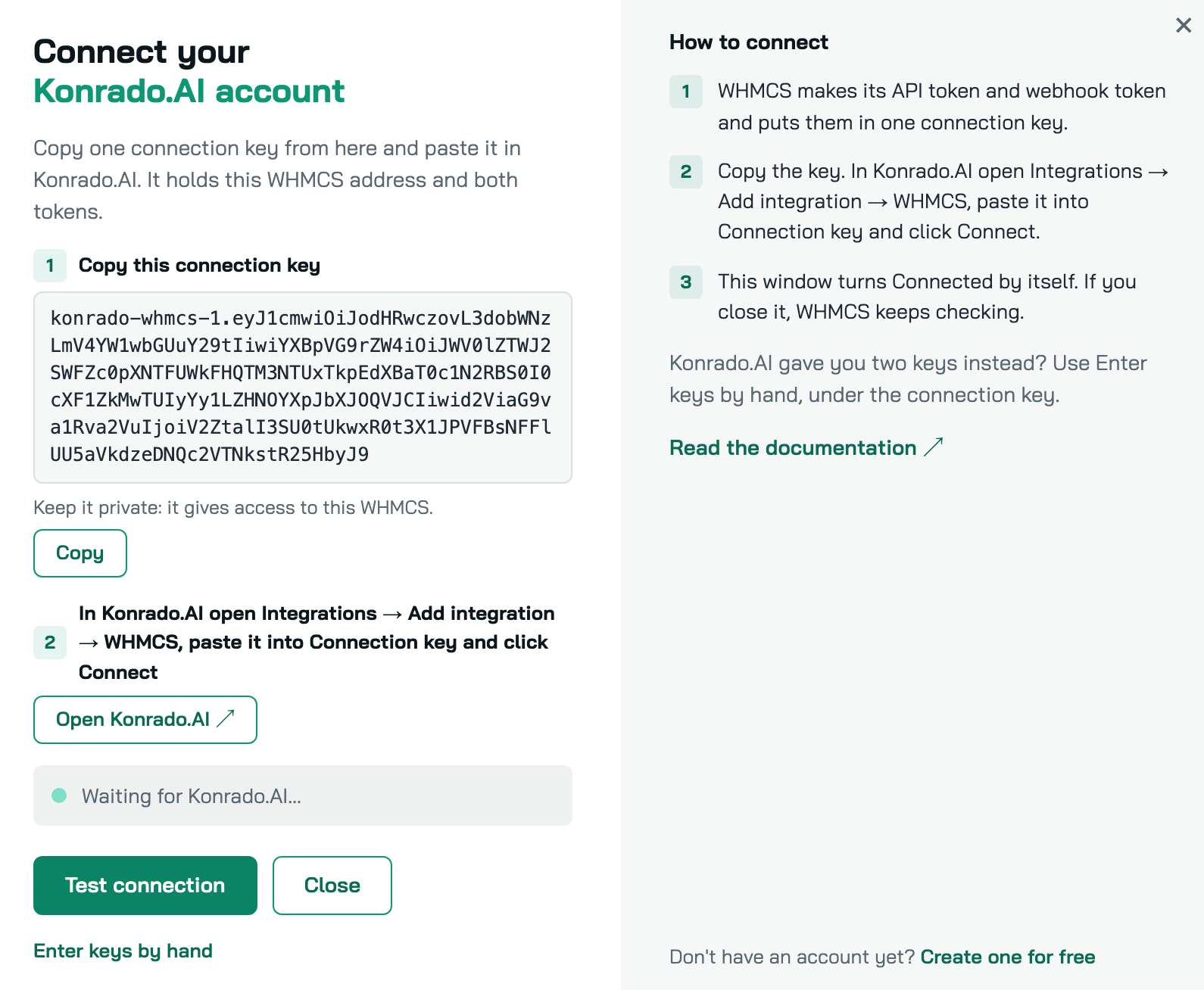
Guided setup with one connection key. After you activate the module, its page offers two paths: create a free Konrado.AI account, or connect the one you already have. Connect account makes the two keys in WHMCS and shows one connection key. You paste it in Konrado.AI, and the WHMCS page turns Connected by itself. Two keys from Konrado.AI still work too: Enter keys by hand takes them and tests the connection before you leave the page.
Test connection from WHMCS. The module page shows whether Konrado.AI is connected, with your Konrado.AI organization and the time of the last check. Test connection checks both directions on demand: WHMCS reaches Konrado.AI, and Konrado.AI reaches your WHMCS. When something is wrong it says what, in plain words. Until Konrado.AI knows the keys, the page shows Waiting for Konrado.AI and sends no tickets. The system cron re-checks every hour in the background, so the page never waits for Konrado.AI.
Ticket sync. Thirteen ticket hooks push ticket activity as it happens: ticket opened by a client, ticket opened from the admin area, client reply, staff reply, staff note, reply deleted, ticket closed, subject changed, status changed, department changed, ticket split, tickets merged and ticket deleted. The payload carries the ticket's messages and replies, the contact, the client record, the related service, ticket tags, internal notes and the department - the context an agent would read before answering.
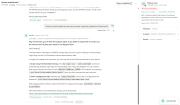
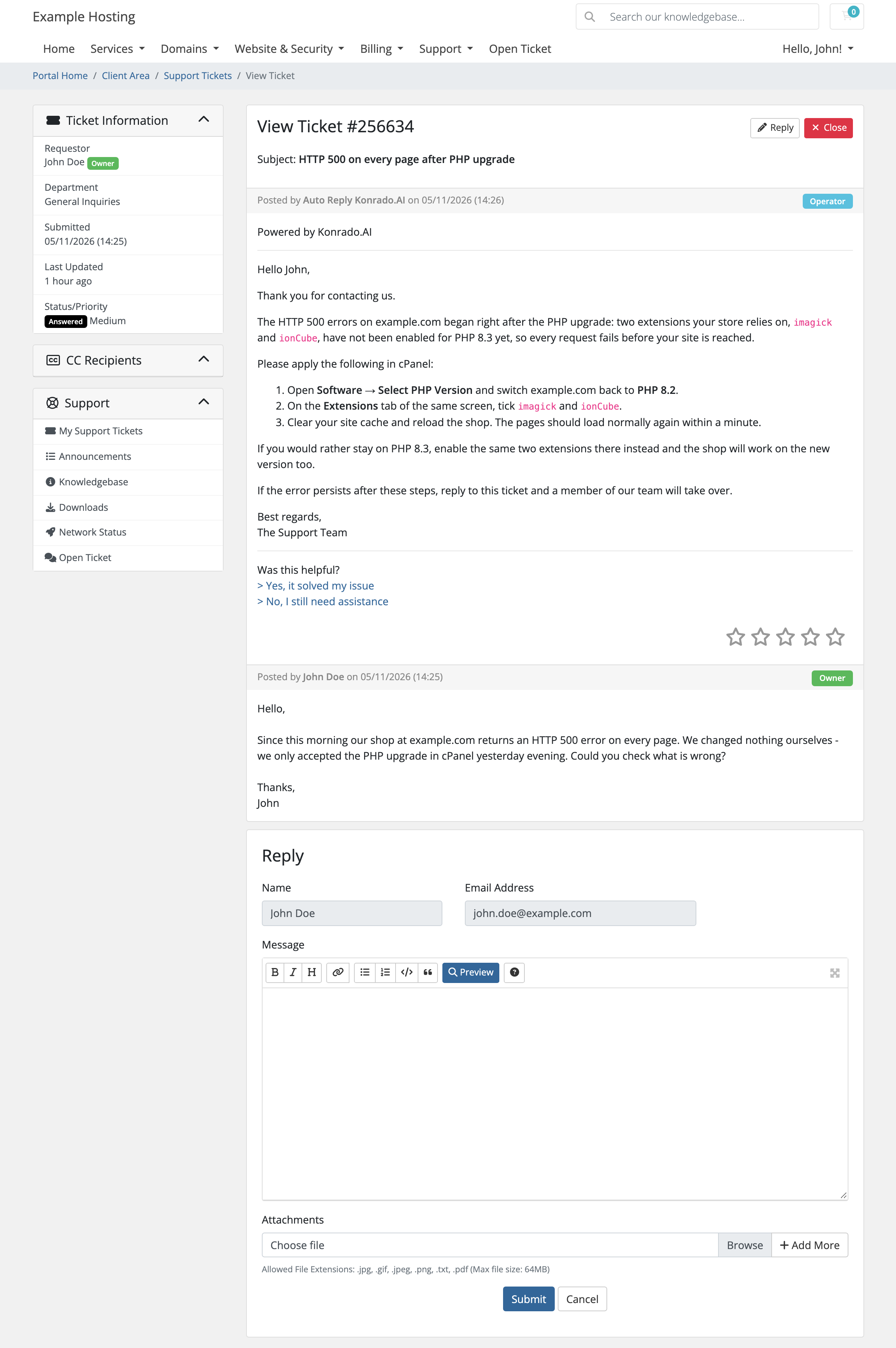
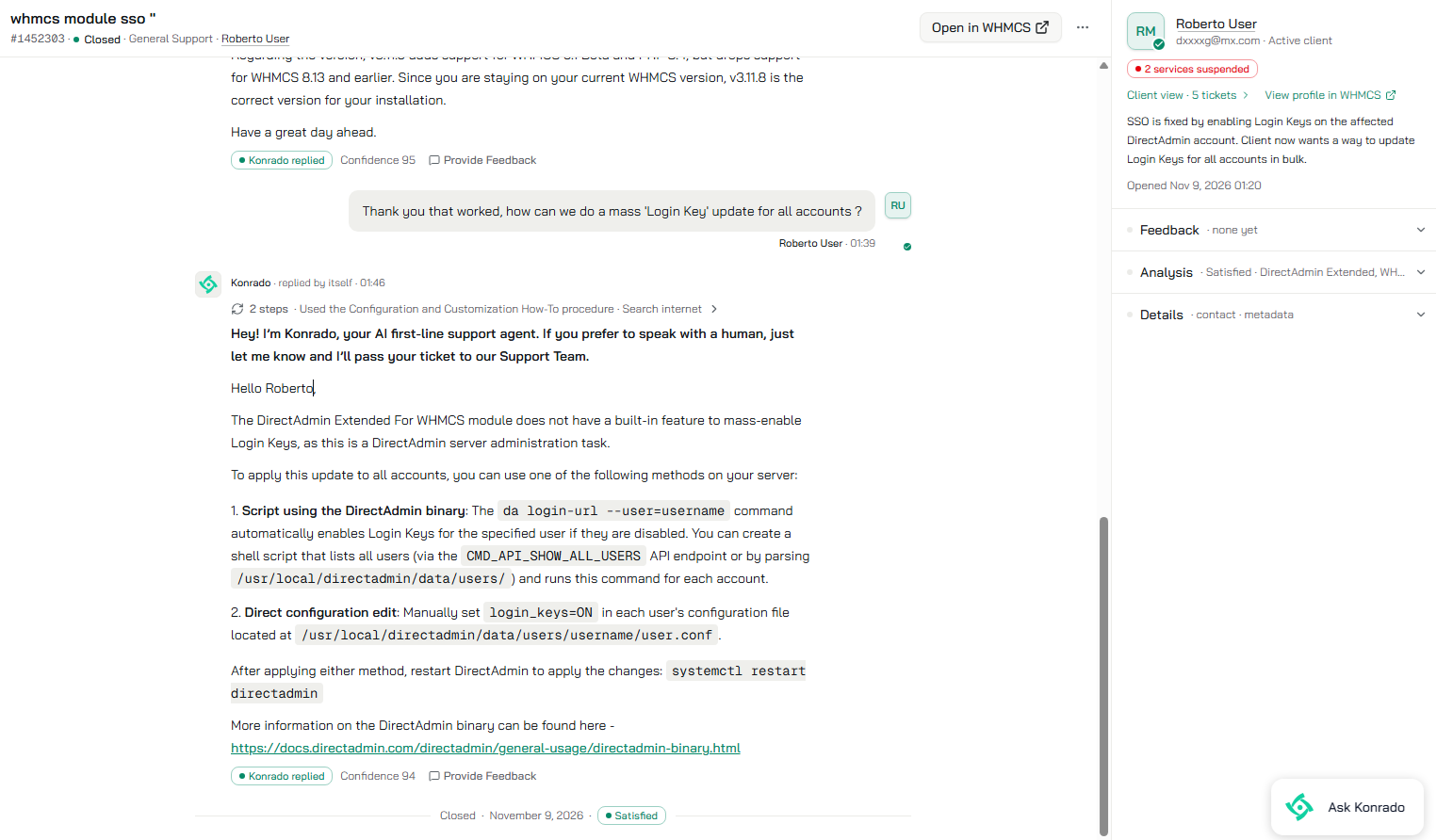
AI replies posted into the ticket. Replies arrive as Markdown in the ticket thread, attributed to a dedicated admin rather than appearing from nowhere. A reply can optionally set the ticket status and assign the ticket at the same time.
Client feedback on AI replies. Each AI reply can link to a lightweight feedback page where the client marks the answer helpful or not and adds an optional comment. Its three templates - form, success and error - can be overridden from the module's overrides/templates/client/ directory, so you can restyle the page without editing module files.
Per-field client anonymization. Eleven client fields - first name, last name, email, company name, address line 1, address line 2, city, state, postcode, country and phone number - can be blanked before any data leaves your server. Blanked means blanked: the field is sent empty, not pseudonymized. It is opt-in, off by default, and covers the client record, the ticket's contact and the names on client messages, also on a ticket opened by staff. Staff names and email addresses on staff messages are sent as they are.
Account context for better answers. Beyond tickets, the module exposes read access to clients and their contacts, services, products and product addons, invoices, orders, transactions, client email history, promotions, TLD pricing and domain availability, support departments, ticket statuses, admin agents, payment methods, announcements, network issues, and single-sign-on links into a service's control panel where its server module supports them. This is what lets a reply reference the customer's actual plan, invoice or domain instead of answering generically.
Attachments on demand. Attachments are not pushed with ticket events. They are fetched only when an answer needs them, and capped - 7 MB per file, 20 MB per request - so a large attachment cannot stall your ticket pipeline.
Optional environment metadata. Five extensions can report PHP version, module version, WHMCS version, ionCube version, and Confidential Data Box status. All five ship off and stay off until you switch them on.
Creates no database tables. Bundles no dependencies. The module reads your existing WHMCS tables and adds none of its own; its settings live in WHMCS's own addon settings. The shipped vendor directory contains the Composer autoloader and nothing else - no HTTP client, no framework, no third-party libraries - so there is no possibility of a version clash with WHMCS's own dependency tree. If you have ever had two addons fight over the same library, this is the difference.
The two version floors are linked. The module needs PHP 7.4, and WHMCS 8.0 is the first release that supports PHP 7.4 - WHMCS 7.10 and earlier top out at PHP 7.3. So WHMCS 8.0 is the floor. Activation checks the PHP version and refuses with a clear message rather than failing later.
modules folder into your WHMCS main directory, so that modules/addons/KonradoAI/ exists.On the next admin page a welcome window offers Create free account and Configure now. Activation also creates a dedicated WHMCS admin used to post AI replies. See the FAQ below for exactly what it creates.
Have two keys from Konrado.AI instead? Click Enter keys by hand under the connection key, paste both keys and click Connect.
The page header then keeps the status, with Test connection to check again, Show connection key while it waits, and Edit keys to paste new keys.
To choose which client fields are anonymized, go to Addons → Konrado.AI, click a field and use the arrows to move it into the anonymized column. Each move saves immediately.
modules/addons/KonradoAI/ directory.modules folder over your WHMCS main directory. Do not delete the old module first - anything you put in overrides/ is preserved by an overwrite and lost by a delete.Your tokens and anonymization settings live in the WHMCS database, so they survive the upgrade. The tokens are stored encrypted with your WHMCS encryption key. To roll back, restore your backup; an older version cannot read the encrypted tokens, so afterwards clear both token fields under Configure, click Save Changes, and connect again from Addons → Konrado.AI.
The module itself is free. Konrado.AI has a Free plan with 50 credits a month, and paid plans billed separately on the Konrado.AI platform. There is no one-time purchase price for the module.
What data leaves my server?
Ticket content - messages, replies, internal notes, tags - together with the associated contact and client record, and the related service where one exists. It is sent to Konrado.AI's platform at app.konrado.ai. Per-field anonymization is the control for structured client data: switch on any of the eleven fields and they are blanked before transmission. It does not rewrite message bodies, so anything a customer typed into the ticket text itself is sent as written.
Does it create anything in my WHMCS?
Yes, one thing. Activation creates a WHMCS admin with the username konrado_support, the display name "Auto Reply Konrado.AI", an email of konrado.ai@ plus your domain (your system email's, or your WHMCS address's when the system email is on another domain; example.com, which receives no mail, when your WHMCS address is an IP or has no dot), and a random password that is never displayed or stored anywhere you could read it. AI replies are posted as this admin so they are attributed to a named agent instead of appearing anonymously. It is created with no administrator role and no department assignments - a posting identity nobody is meant to sign in with. It is not removed when you deactivate the module; delete it manually if you no longer want it.
Can I self-host it, or choose a data region?
No. The module talks to Konrado.AI's platform at fixed endpoints under app.konrado.ai. There is no self-hosted build and no region selection.
What happens if a token is wrong or missing? Test connection on the module page tells you which side refused and what to do next. If Konrado.AI does not know the keys yet, the page shows Waiting for Konrado.AI and sends no tickets until it does: paste the connection key in Konrado.AI. If the webhook token is not set, WHMCS carries on working normally - tickets simply stop syncing, and nothing is written to your Activity Log until a token is saved. If the API token is wrong, requests from Konrado.AI are rejected with a 401 before anything is read from your database.
Replies are not arriving. What should I check?
Start with Test connection on Addons → Konrado.AI: it checks both directions and names the one that fails. Then look at the Activity Log and filter for KonradoAI. A common cause is the hosting environment stripping the Authorization header from incoming requests; the module also accepts the same credential in an AuthorizationX header, which works around that, including behind HTTP basic auth. Otherwise confirm the module endpoint is reachable from outside your network and that both tokens match on both sides.
Does it slow down my ticket system? Each ticket event fires one outbound request (two for a split or a merge) with a 3-second timeout, and a failure is logged rather than raised - a Konrado.AI outage cannot stop a customer submitting a ticket. Attachments are never part of that request. The connection check runs when you click Test connection or Connect, and from the system cron at most once an hour. While the module waits for Konrado.AI to learn its keys, the open module page checks every 5 seconds for up to 10 minutes, and the cron checks on every run for the first 24 hours, then once an hour. Opening the module page never waits for Konrado.AI, and the module adds nothing to client-area pages.
How do I uninstall it?
Deactivate the module under System Settings → Addon Modules, delete the modules/addons/KonradoAI/ directory, and remove the konrado_support admin. Deactivating removes the module's saved settings and keys. No database tables were created, so nothing else is left behind.
Be the first to review Konrado.AI For WHMCS.
The best place to start if you need help with a specific product is to contact the developer. All WHMCS Marketplace developers have both a website and support URL listed.


Chat and Engage with Your Customers to Increase Conversions!

Customer service platform with live chat and customer engagement capabilities

PreMadeKB - Readymade Knowlegebase Articles for WHMCS - With Images and 431+ Articles on cPanel, Plesk, DA, Softaculous, etc.