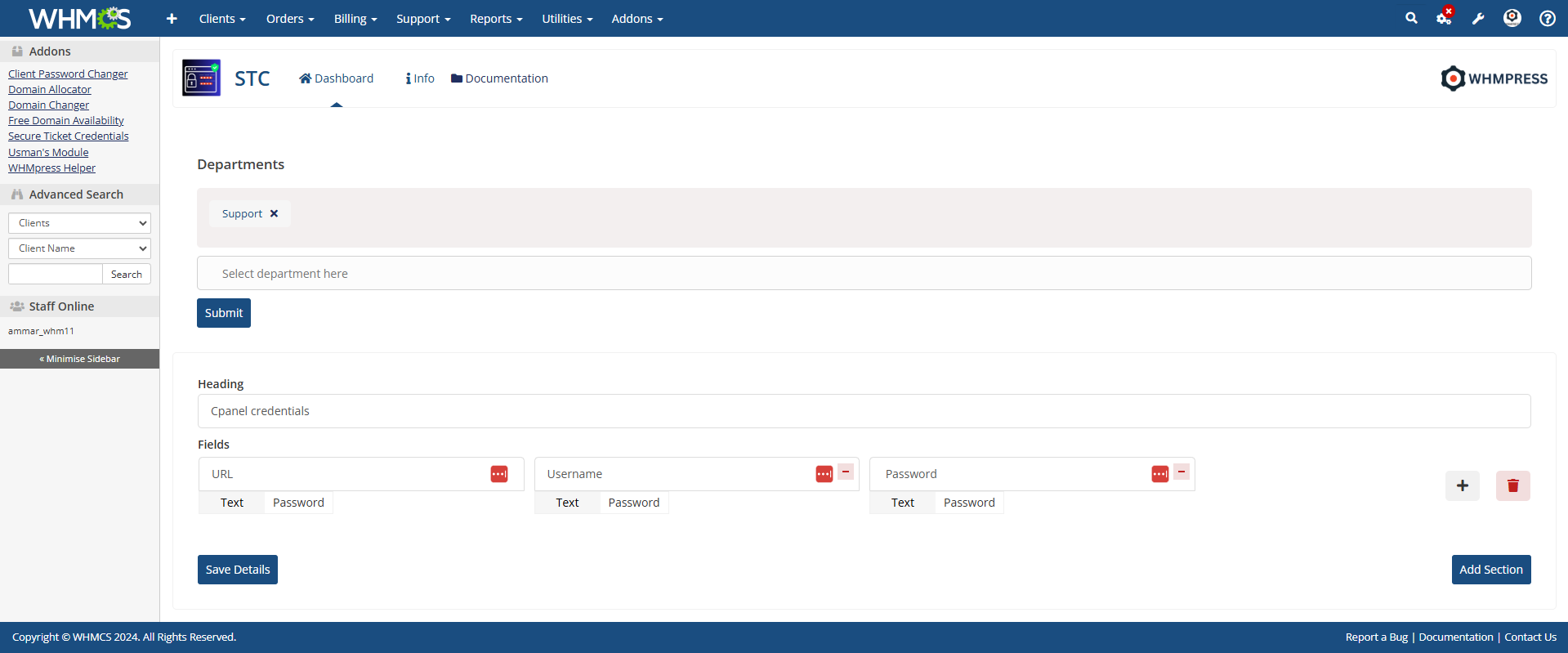
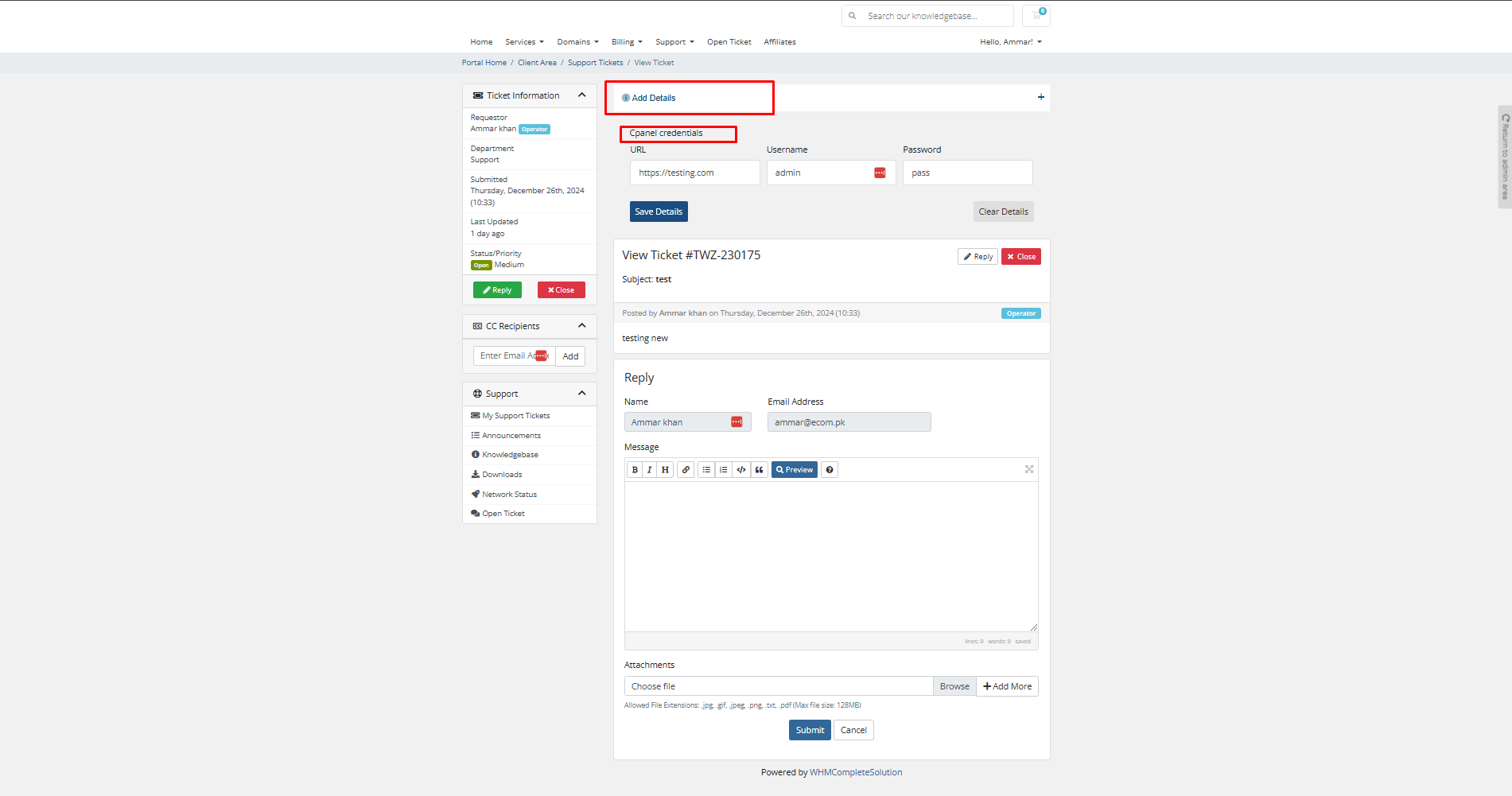
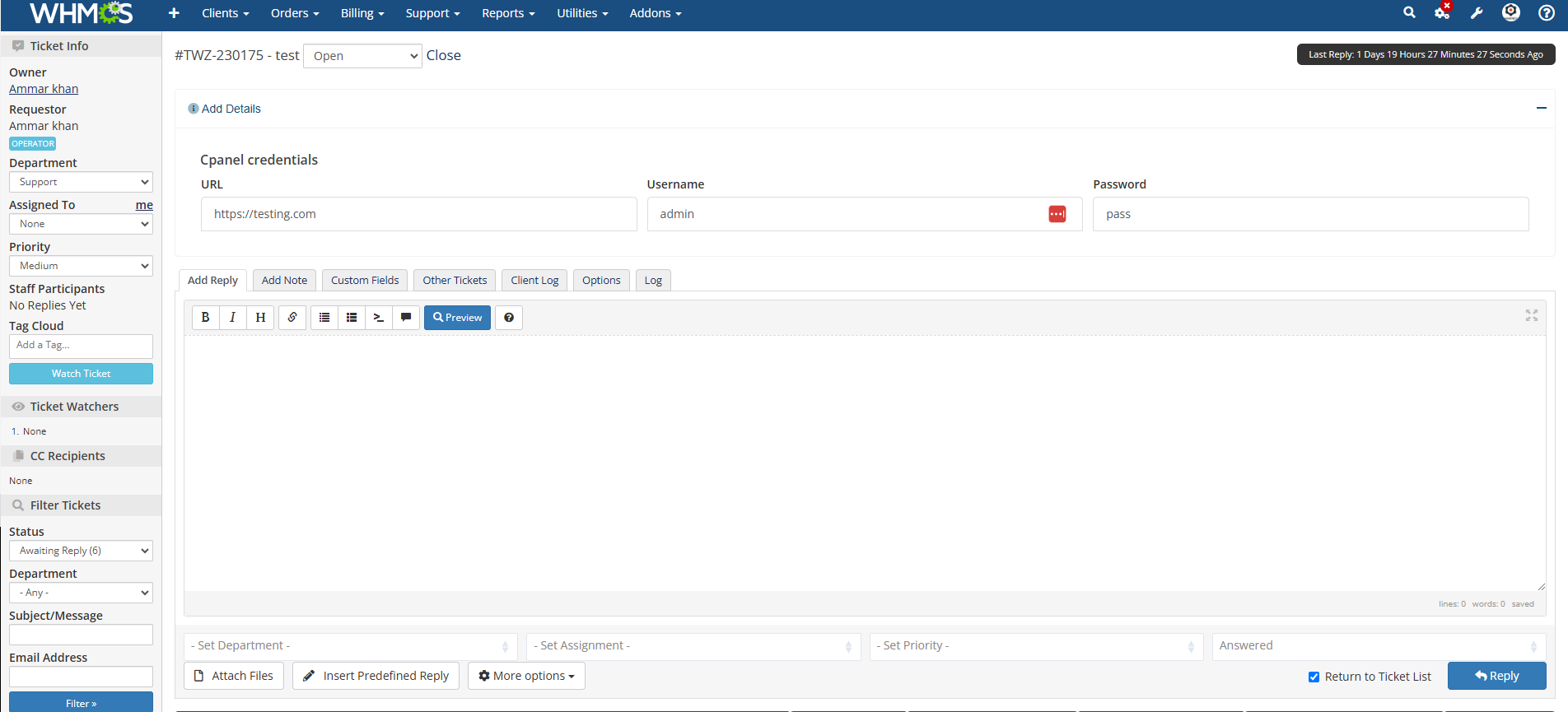
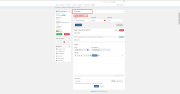
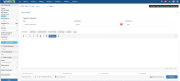
Provonic Secure Ticket Credentials adds an encrypted credentials box to WHMCS support tickets, so clients can share credentials securely instead of pasting them into plain text replies or email. It turns every support ticket into a secure support ticket: clients enter login credentials, cPanel logins, the cPanel password, FTP credentials, SSH credentials, a root password, database credentials or a WordPress admin login in an encrypted ticket field, and only the staff members you authorize can decrypt and read them. It is Secure Ticket Credentials for WHMCS: a WHMCS secure ticket add-on that keeps passwords in tickets out of sight.
Built for secure password sharing between hosting companies, managed service providers and IT support teams and their clients, it lets clients share passwords, share login details and send passwords securely. Everything is saved as encrypted credentials using AES encryption, as encrypted passwords attached to the ticket rather than inside the message. That gives you ticket encryption and support ticket encryption for exactly the sensitive data and sensitive information that needs it (access details, server credentials, an FTP login, an SSH login, a database password or an admin password), and encrypted tickets, encrypted ticket fields and encrypted support tickets never change how the rest of the ticket works. Each ticket password stays hidden until an authorized staff member opens it, so you hide passwords, protect passwords and protect credentials, and confidential data, confidential information and private data never end up as a password in ticket replies again.
When the ticket is closed, the module can auto delete credentials, so old ticket passwords do not sit in your database. You decide which staff members have permission to view credentials, which department each submission goes to, whether clients see an extra textarea field, and the custom title and description shown on the ticket page. If the Provonic Password Manager module is active, credentials saved from the client area sync into a dedicated Clients folder there.
Stop Sharing Passwords In Plain Text
Client Area Features:
Admin Area Features:
Works With:
Whether you search for WHMCS ticket credentials, WHMCS secure ticket credentials, WHMCS credentials, credentials for WHMCS, credentials in tickets, credentials in support tickets, credentials in WHMCS tickets, WHMCS password sharing, secure credentials, secure tickets, secure support tickets or secure ticket data, this module keeps client passwords encrypted and staff-only, with no email back-and-forth.
General Info:
Available Pricing Models:
The best place to start if you need help with a specific product is to contact the developer. All WHMCS Marketplace developers have both a website and support URL listed.
If the Password Manager module is active, client ticket credentials saved from the client area are automatically synced into a dedicated "Clients" folder, allowing admins to easily view and manage them.
Date: December 28, 2024


Chat and Engage with Your Customers to Increase Conversions!

Customer service platform with live chat and customer engagement capabilities

PreMadeKB - Readymade Knowlegebase Articles for WHMCS - With Images and 431+ Articles on cPanel, Plesk, DA, Softaculous, etc.



Alex Brow @alex8730
Secures sensitive client data in support tickets. Credentials are encrypted and admin-only. No more risky email exchanges. GDPR compliant. Essential for hosting support
Joseph tom @joseph4131
Very useful module for handling sensitive client credentials securely within WHMCS. Easy to use, well integrated, and it adds an extra layer of privacy and security to support tickets.
Denilson @denilson4577
The module is designed with security in mind, allowing clients to provide their credentials in an efficient and secure manner. I am very pleased with how well this module performs!
Shane @shane3805
This module is extremely helpful for my clients, allowing them to securely submit their information and sensitive data to us.